
-
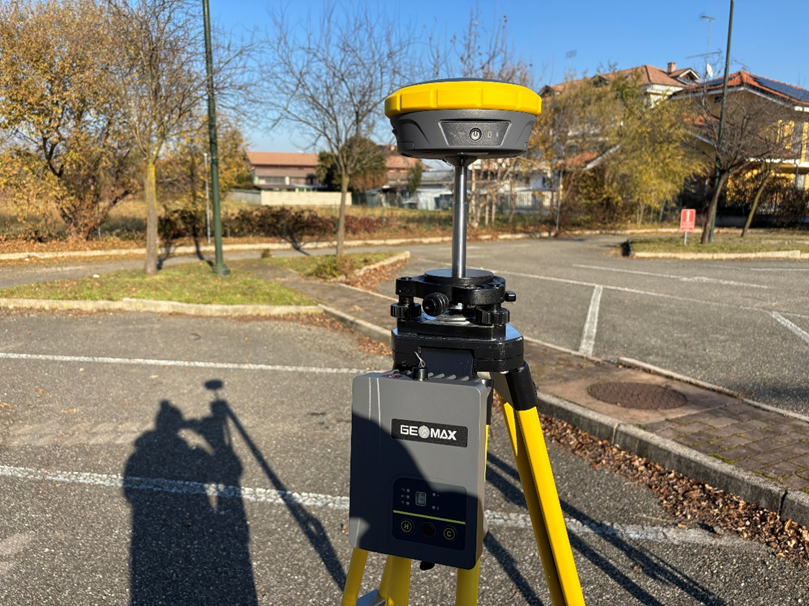
Setup the GNSS base receiver and the TRU35 on a tripod.
-
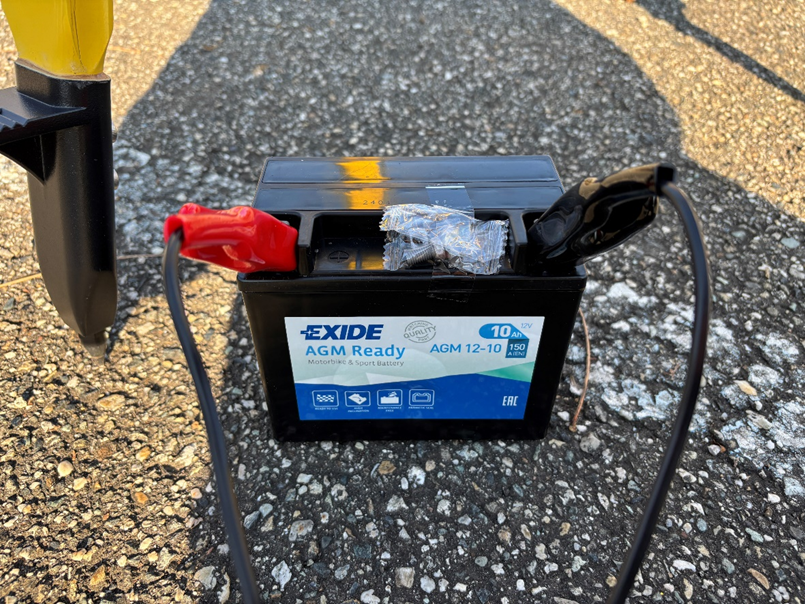
Connect the crocodile clamps to the external battery.
-
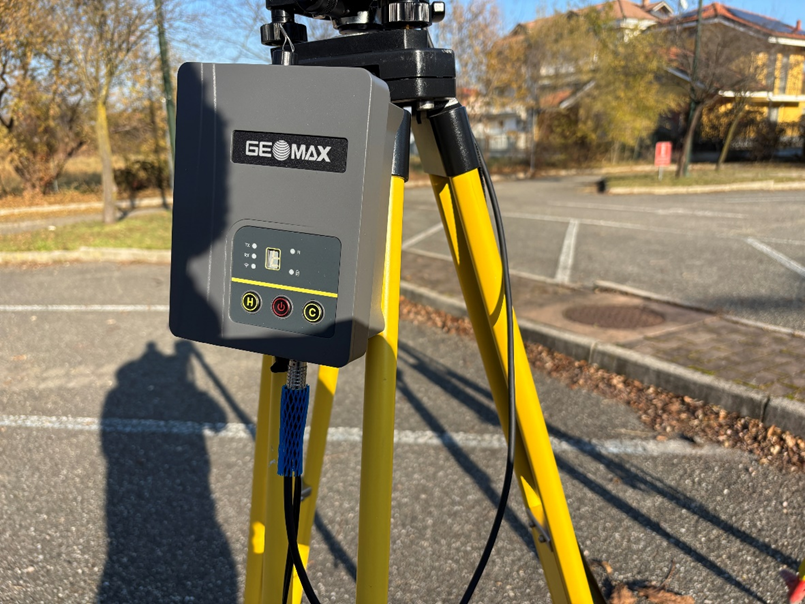
Connect the cable from the external battery to the TRU35 Port 1.
-
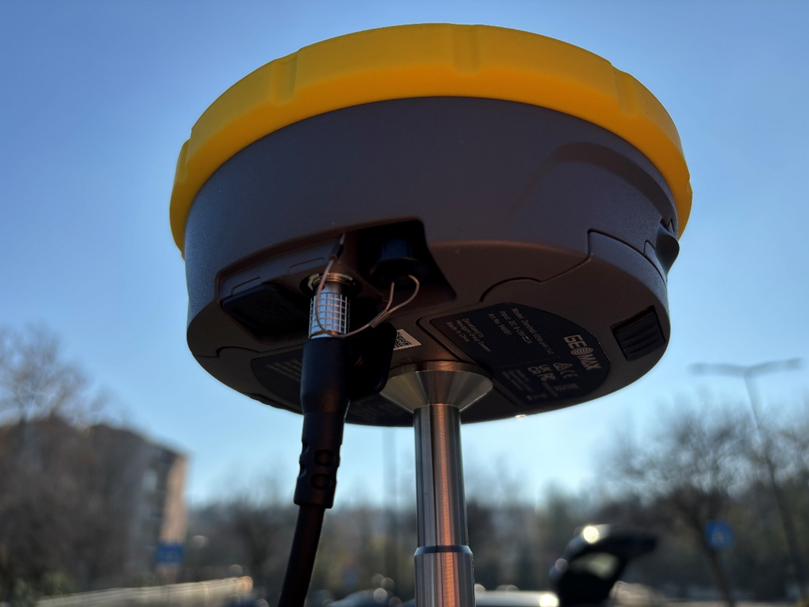
Connect the other connector of the cable to the GNSS receiver. If a Zenith15/25/40 is used, connect the adaptor.
-
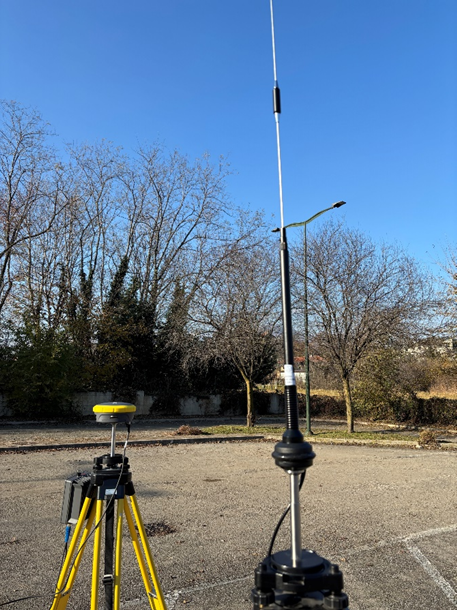
Setup the UHF radio antenna on a tripod or on a GNSS pole.
-
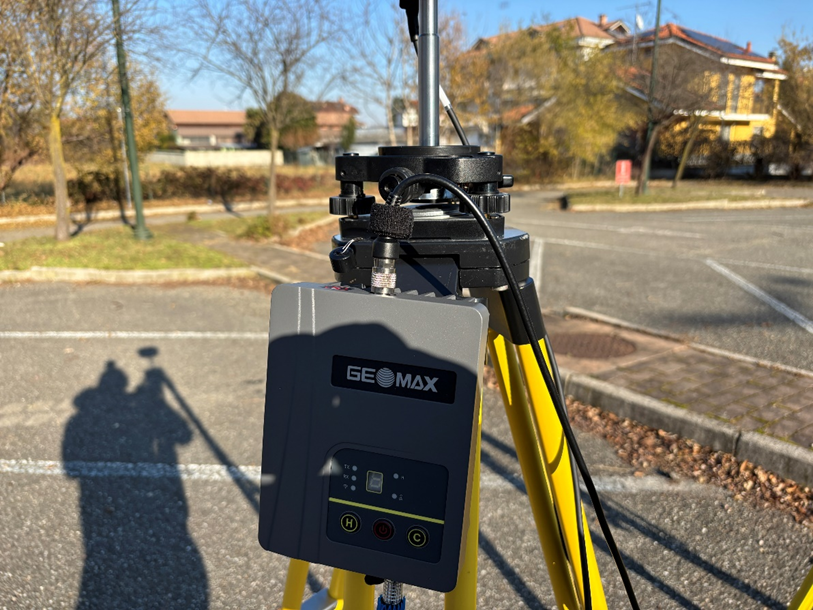
Connect the UHF antenna cable to the TRU35 radio to Port 2.
-
Turn on the GNSS receiver base and the TRU35.
-
Configure the TRU35 radio with Android Zenith Manager application.
-
Configure and start the GNSS base using X-PAD.
-
TRU35 starts to transmit RTK corrections.
-
Configure and connect the GNSS rover to receive RTK corrections.