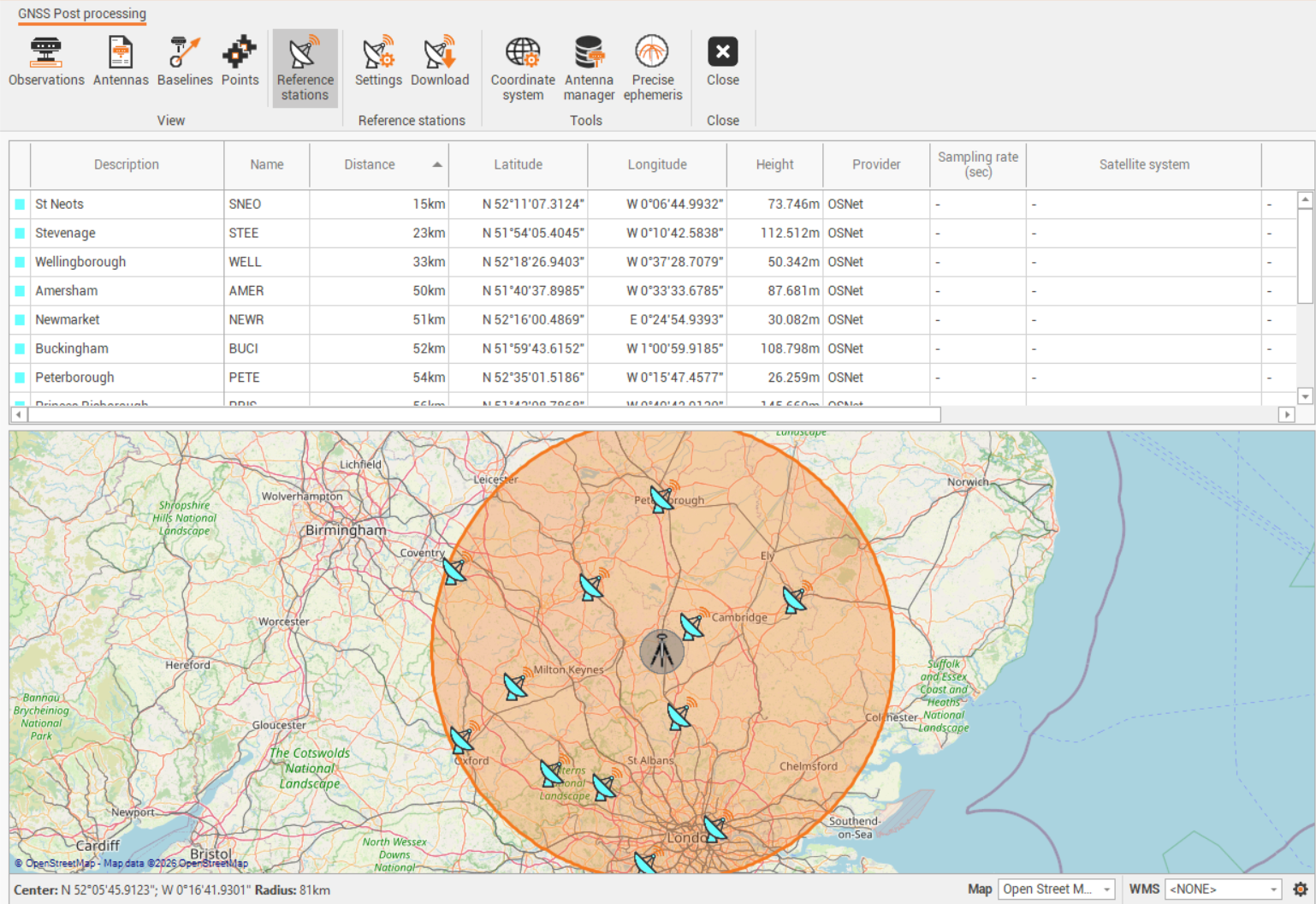
Download reference station data from Ordnance Survey network
Fusion allows to connect and download data from Ordnance Survey network.
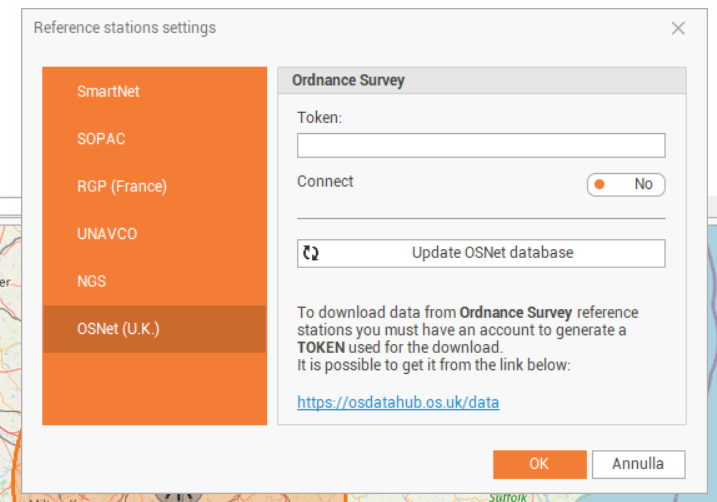
This requires to generate a token on Ordnance Survey website.
Create an account and login.
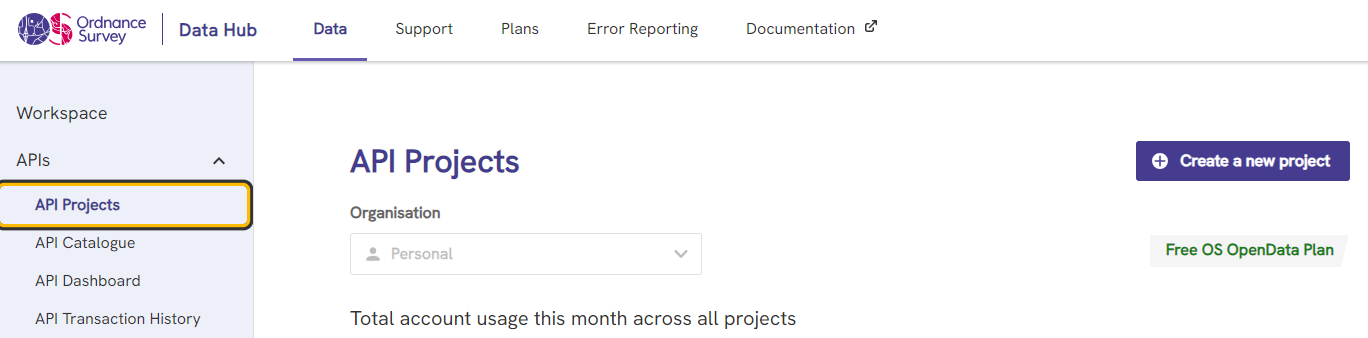
Click API Projects and click Create a new project.
Enter a name for the project.
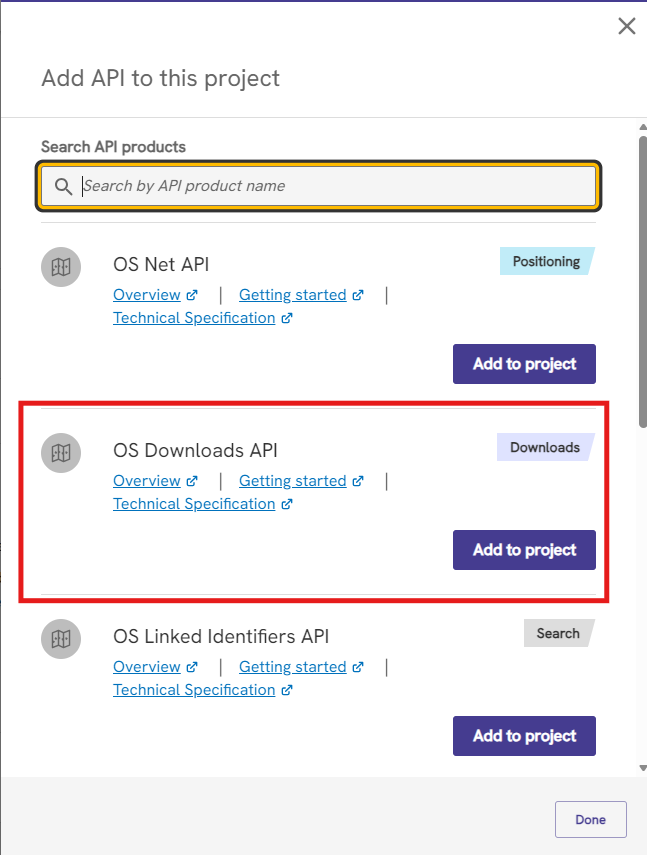
Select the created project and click Add API.
From the list select OS Downloads API, click Add to project.
Copy the Project API Key and paste it in Fusion in Token field.
It is now possible to download Rinex data from OSNet.