
Volume reports
Volume reports allows to generate a report of calculated volumes.
Click File.
Click Reports.
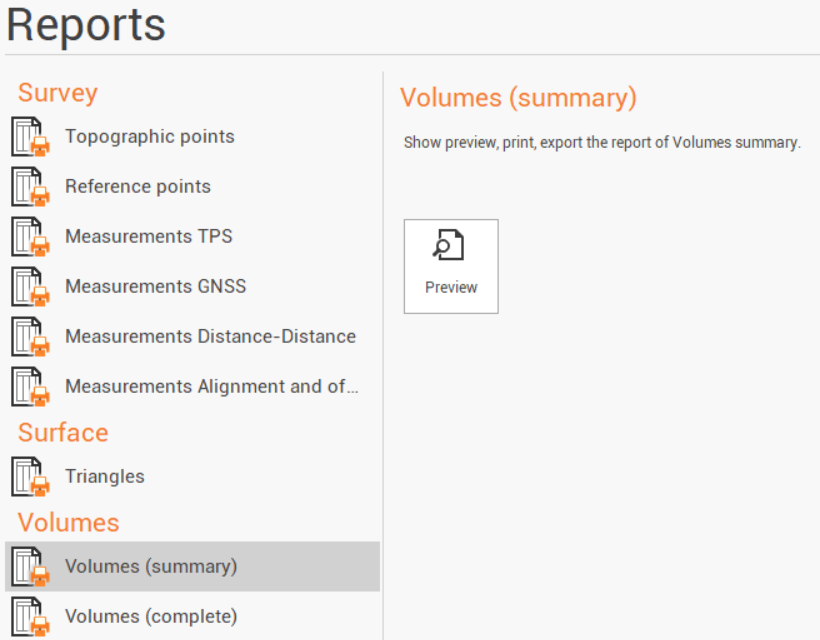
The available reports are:
Volumes (summary): a report listing the main information regarding a volume calculation.
Volumes (complete): a report listing the main information regarding a volume calculation including the details for the calculation.
Click Preview.
Select the volume calculation for which to generate the report.
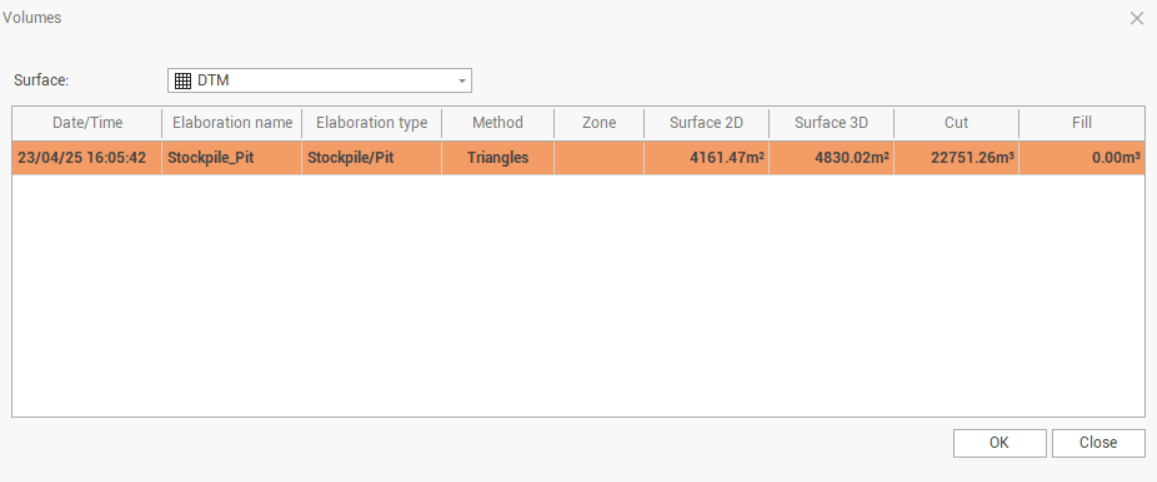
Click OK to open the Report Manager to customize, save or print the final report.