
X-PHOTO session report
X- PHOTO session report allows to generate a report of X-PHOTO sessions (see Aerial and terrestrial photo processing).
Click File.
Click Reports.
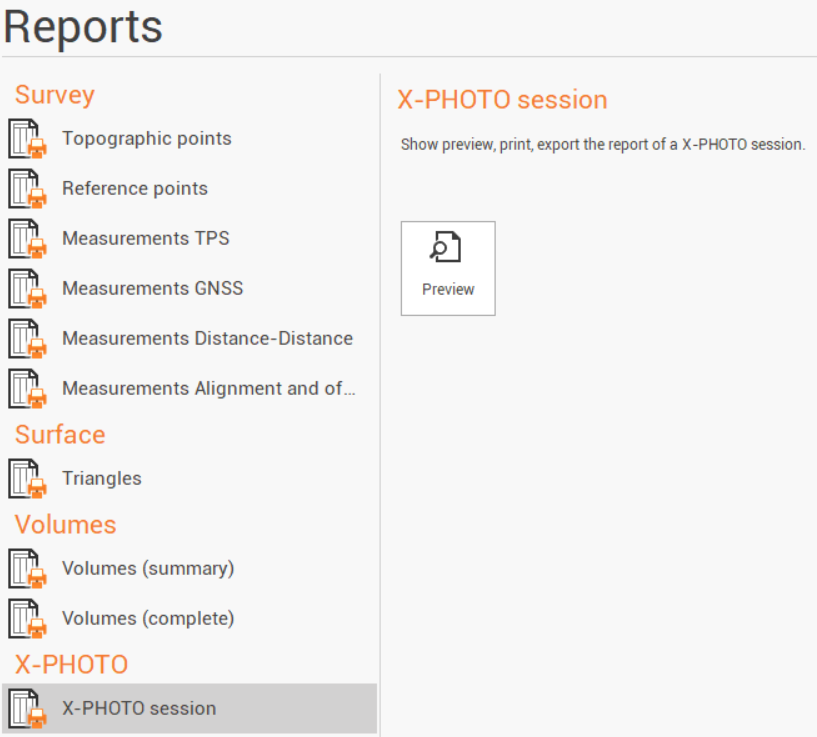
Select X-PHOTO session.
Click Preview.
Select the session and the elaboration for which to generate the report.
Click OK to open the Report Manager to customize, save or print the final report.