
Aerial photo processing

Aerial photos requires the module X-PHOTO AERIAL.
The software function allows to process aerial photos to produce different outputs such as orthophotos, point clouds and DSM.
To open a new Aerial session.
Click Imaging.
Click Aerial Photos.

You can also start a new session directly the Project Manager with a right-click on Flight sessions, then +New.
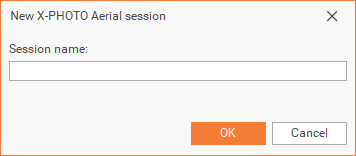
Choose a name for the session.
As a result, a new X-Photo Processing manager window, will open:
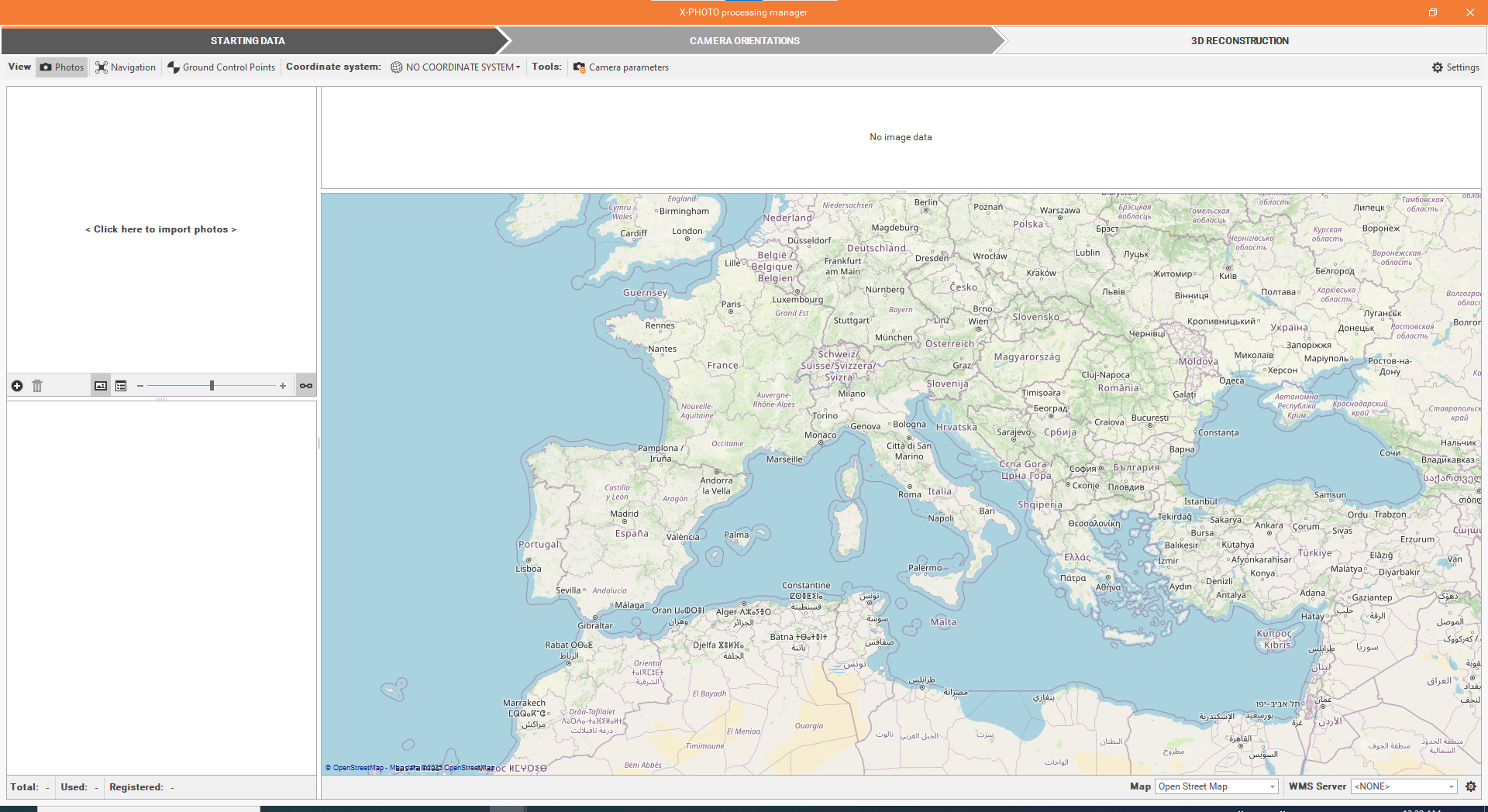
The X-Photo Processing manager has 5 main menus: Starting data, Camera orientations, Ground Control Points definition, Orientation optimization and 3D reconstruction.
The Ground Control Points definition and Orientation optimization can be skipped if the RTK Full Auto new function is used.