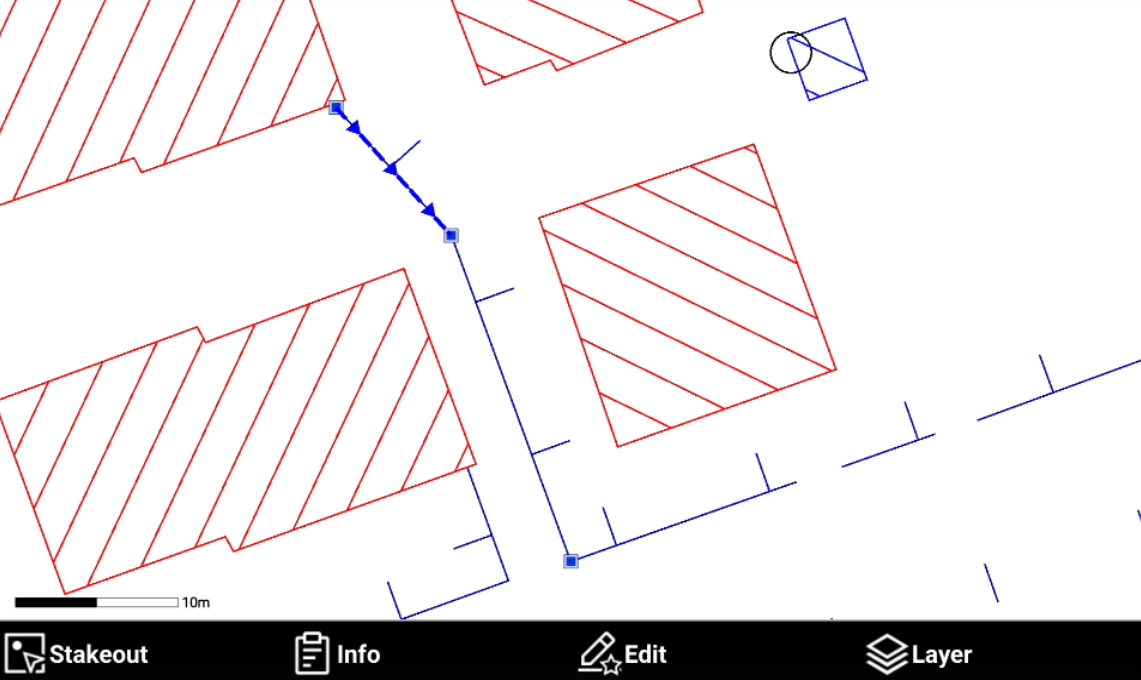
Explode
 |
| 
Explode transform selected polylines such as lines and circles into the base elements composing it.
Click Edit.
Select Explode.
Select the object in CAD.
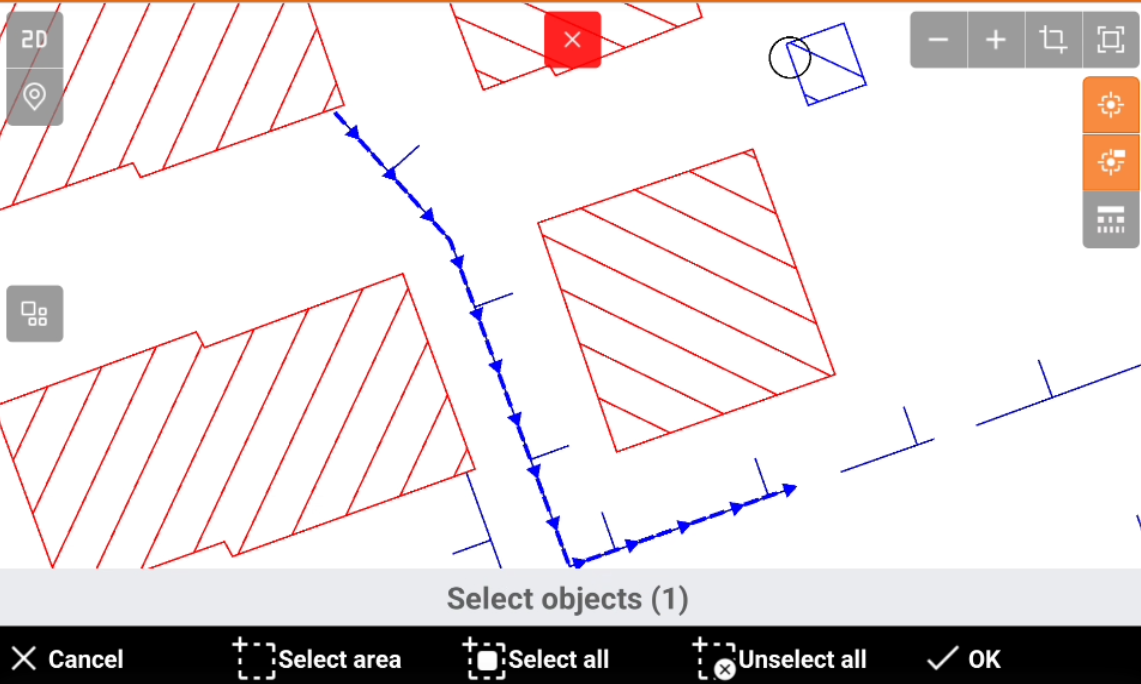
Cancel: cancel the current operation.
Select area: select all objects inside the defined area.
Select all: select all CAD objects.
More options: after object are selected, click here to access additional options:
Select all: select all CAD objects.
Unselect all: unselect all CAD objects that have been selected.
Invert selection: inverts the selection. Selected elements become unselected, and unselected elements become selected.
OK: confirms the selection.
The selected objects are exploded.