
Export a surface
 + SURFACE&VOLUME |
  + SURFACE&VOLUME |
  + SURFACE&VOLUME
The command exports a file that contains the selected surface.
Use this option to share the surfaces with other teams and software tools in the field (like excavators).
To export the surface triangles from the Surface and Volumes click Surfaces.

Surfaces can also be exported in Export data functions.
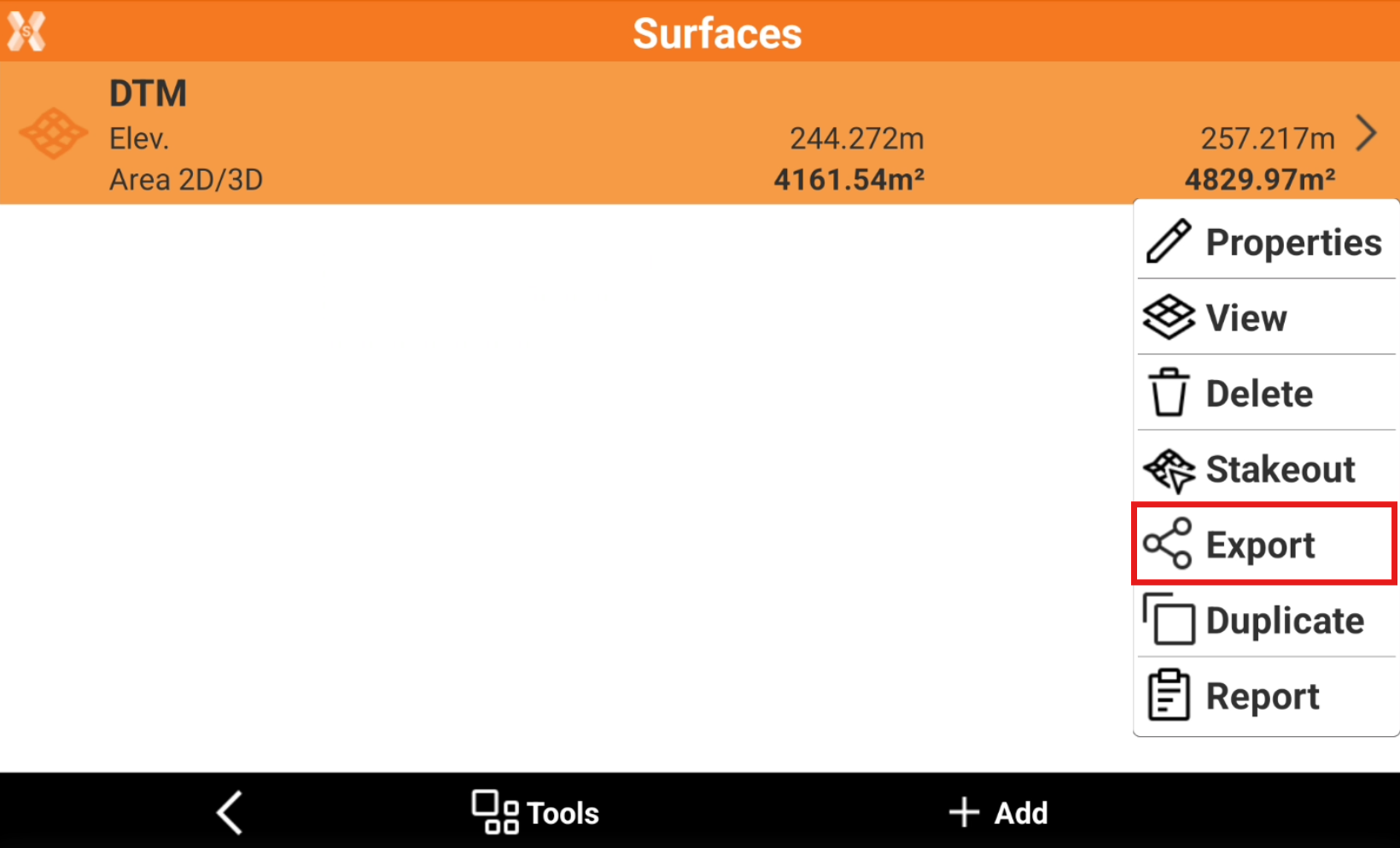
Select the surface to export and click Export.
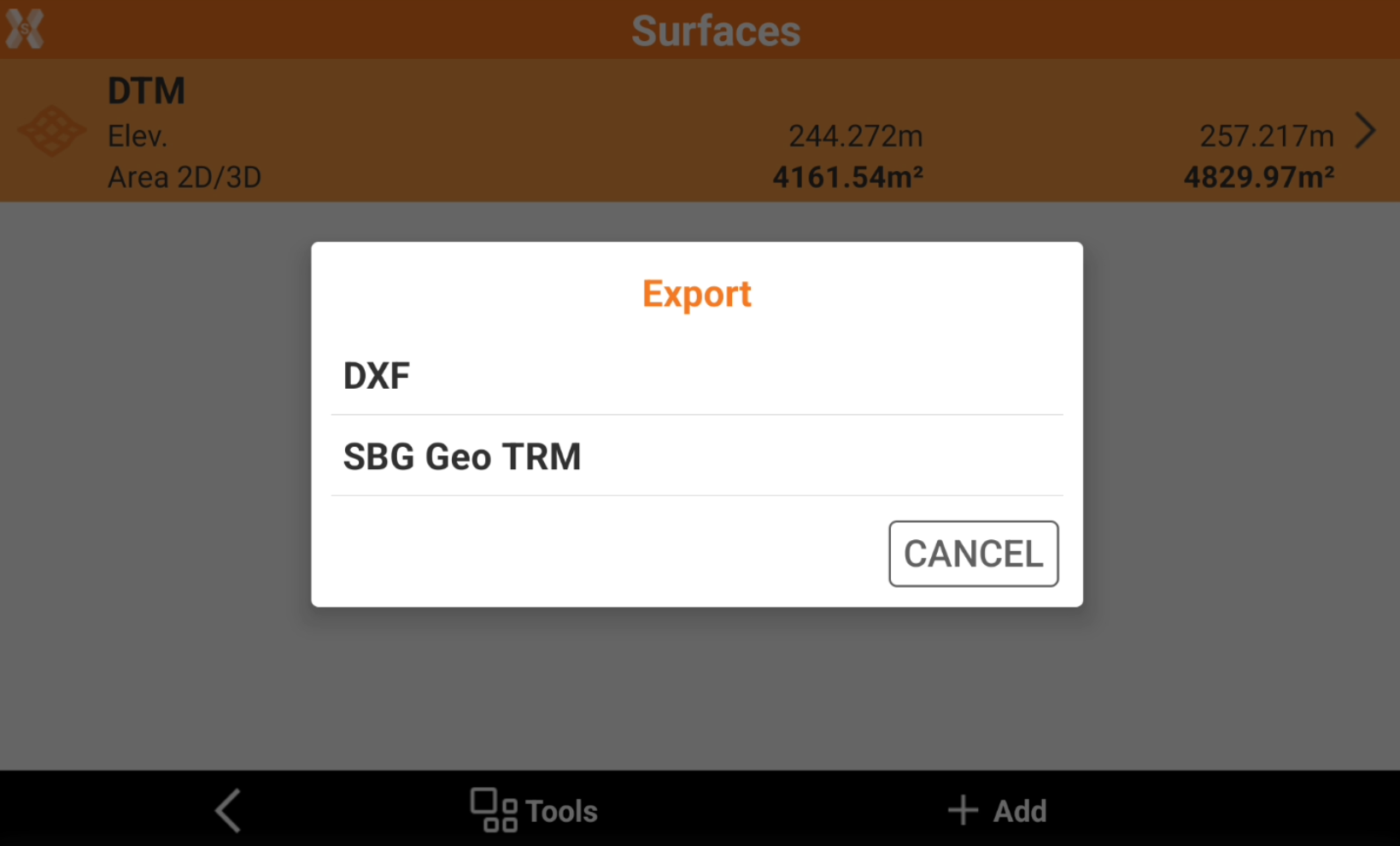
Select the format to export.
Select the export location.