Game mode

The software, when working with a robotic total station, offers the possibility to configure the total station in a stakeout game mode to be used during exhibitions.
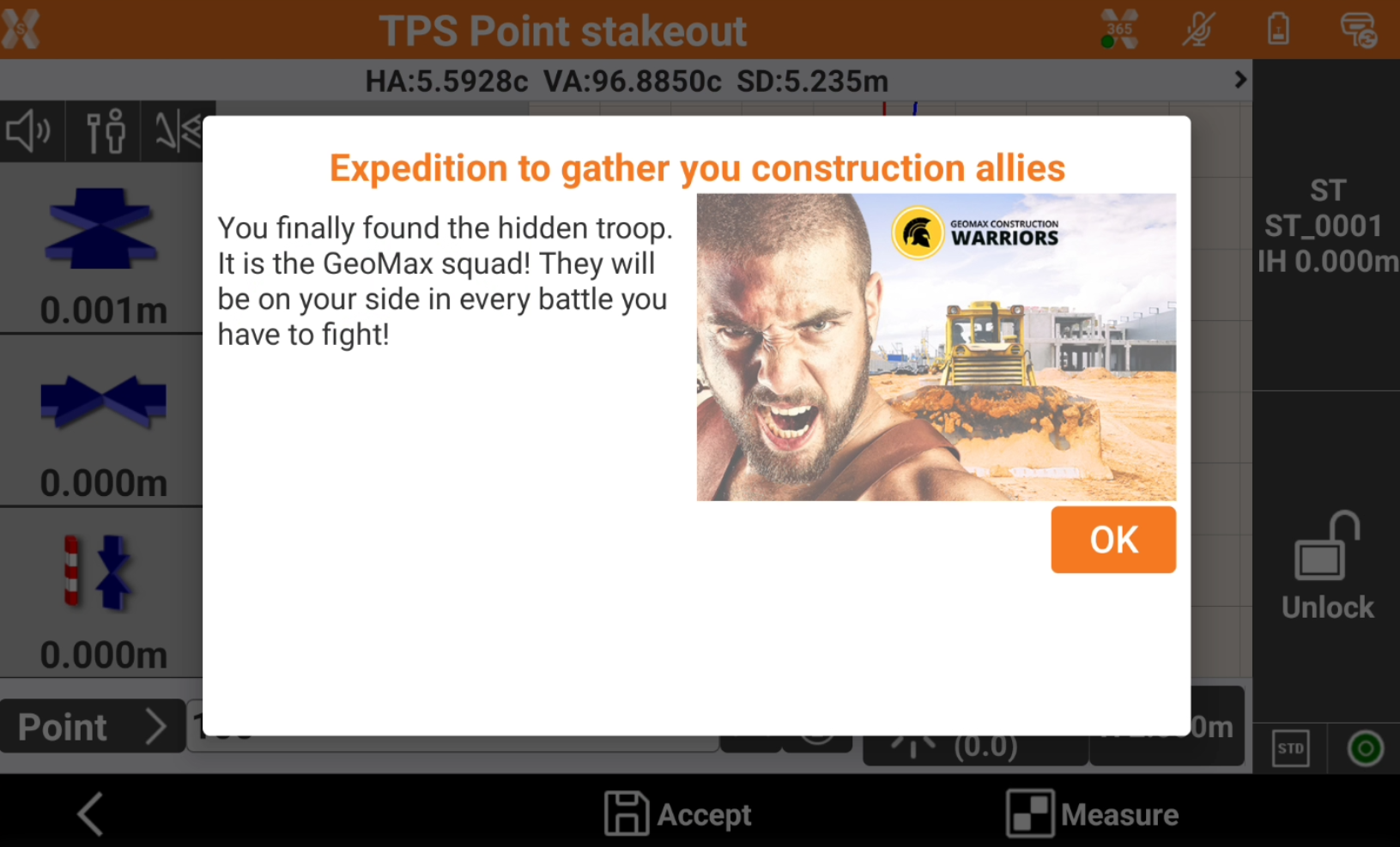
The goal of the game is to stakeout four points. Each time a point is measured an image is visualized.
To enable the game mode, unzip and copy the StakeoutGame folder with the images and texts in folder X-PAD/_Data folder on controller.
It is possible to edit the game texts in the StakeoutGame_Strings.txt file and replace the images, keeping same name.
Crete a new job. The job name must contain words “Stakeout” and “Game”.
Check that these 4 requirements are satisfied.
Job Name must contain words “Stakeout” and “Game”,
A TPS profile set as current instrument,
The job must have at least 4 points.
StakeoutGame folder has been copied in X-PAD\_Data folder.
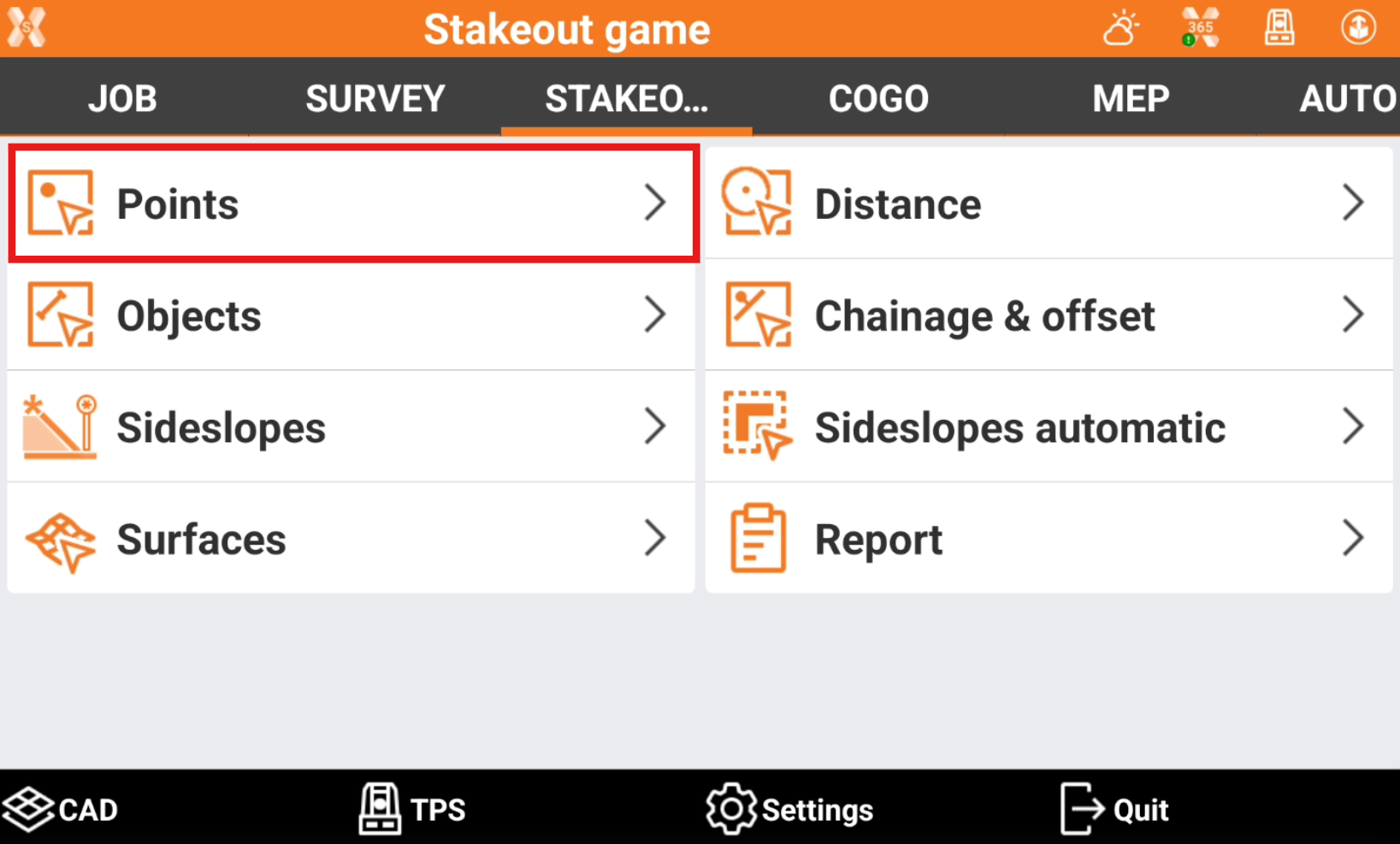
Select Stakeout and Stakeoue points page.
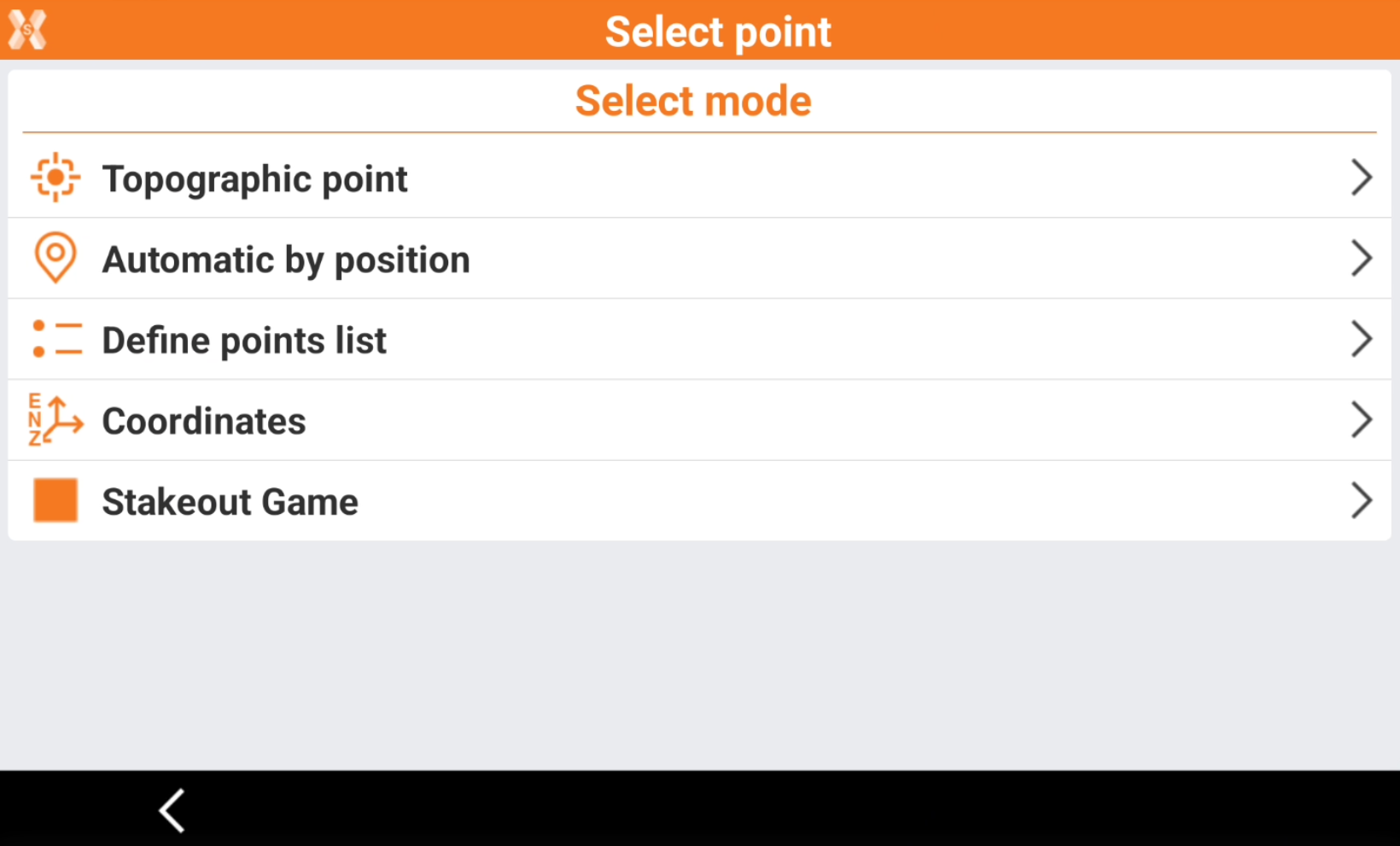
Select Stakeout Game.
The game starts.
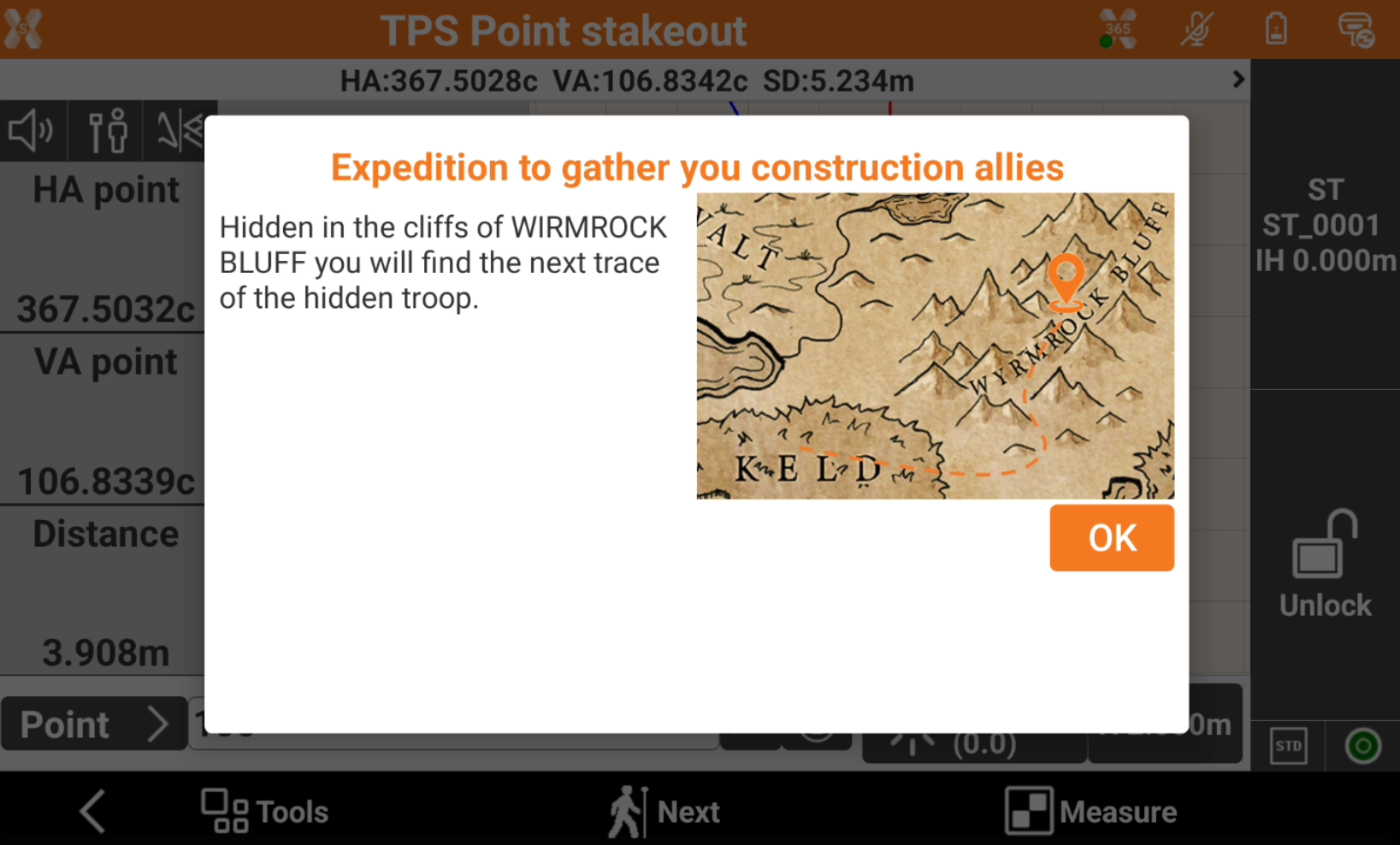
Stakeout the correct point to proceed with the game.
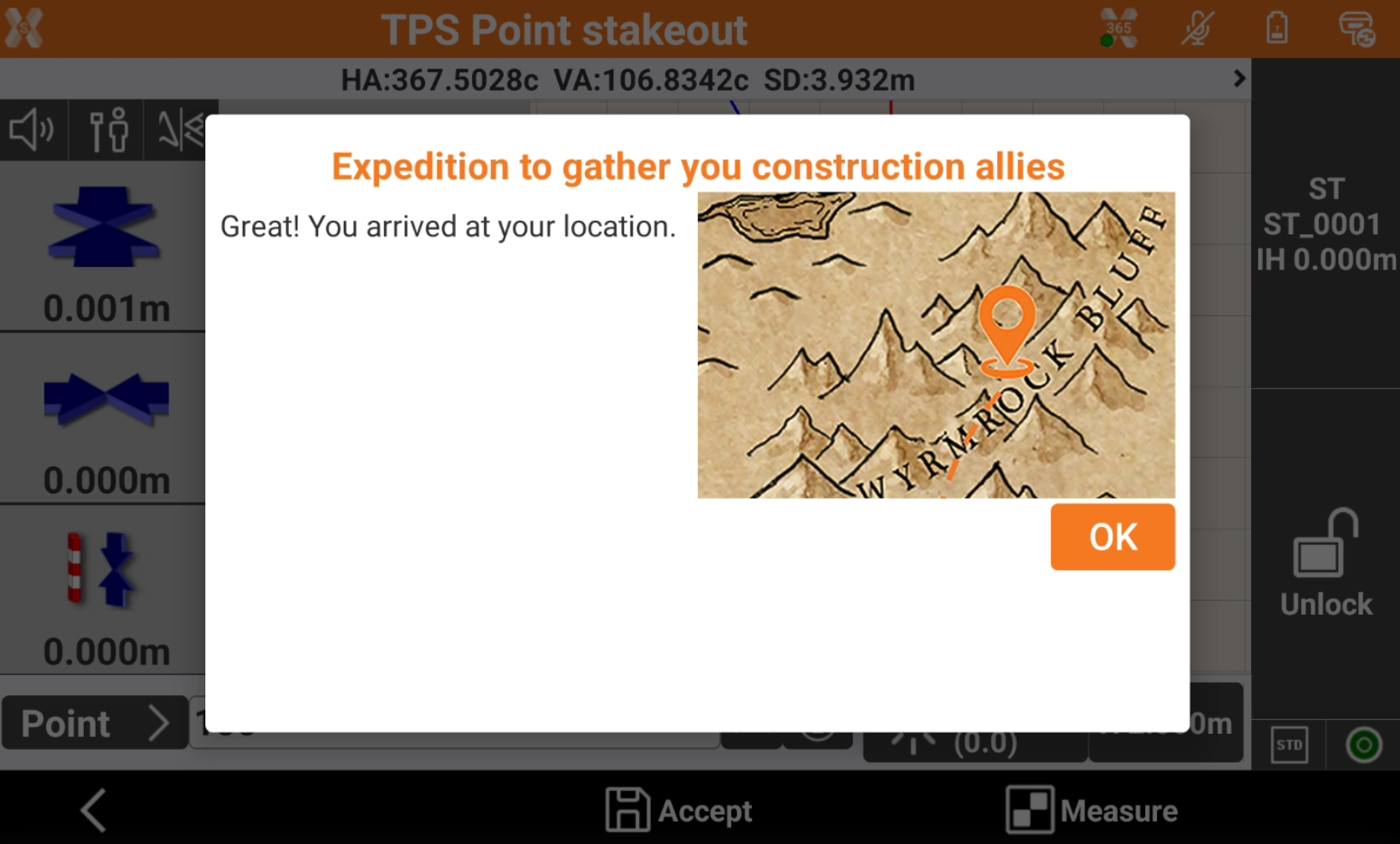
When all points available in point list have been measured, the game is concluded.