
Stakeout angle
 |
| 
Stakeout angle is used to determine a new position that creates a specific angle from a reference line.
After defining the reference direction, the software measures the internal angle of the current position.
Users can define the target angle and view the difference between the current position and the target. Angles can be defined in 2D or 3D.
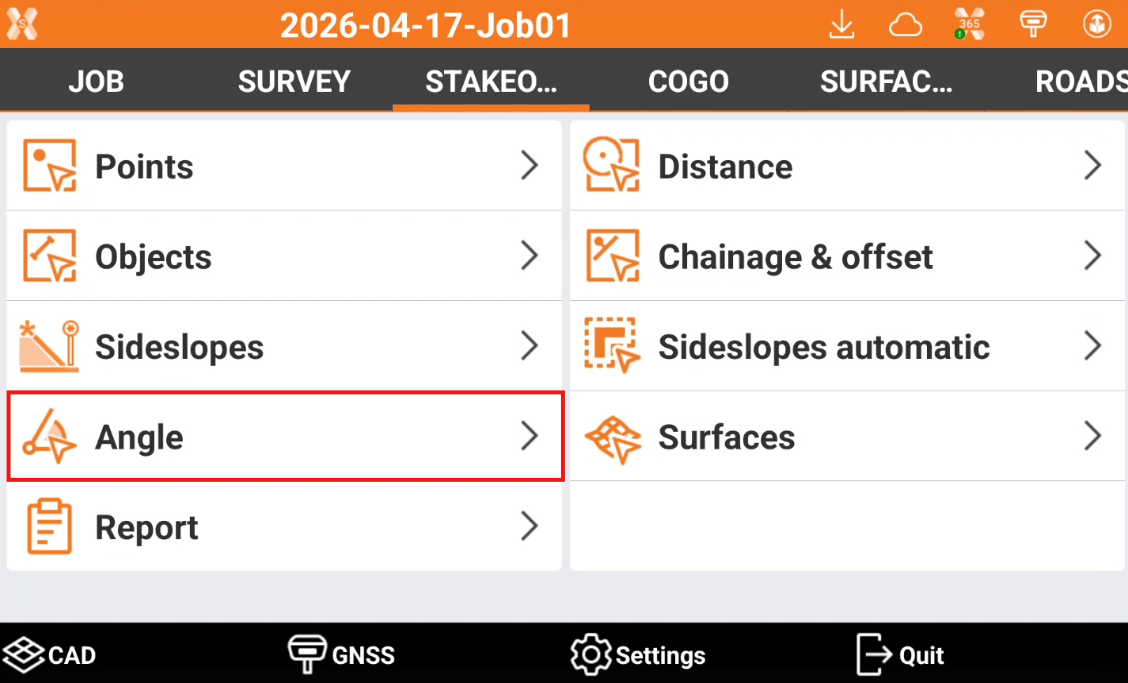
Click Stakeout.
Click Angle.
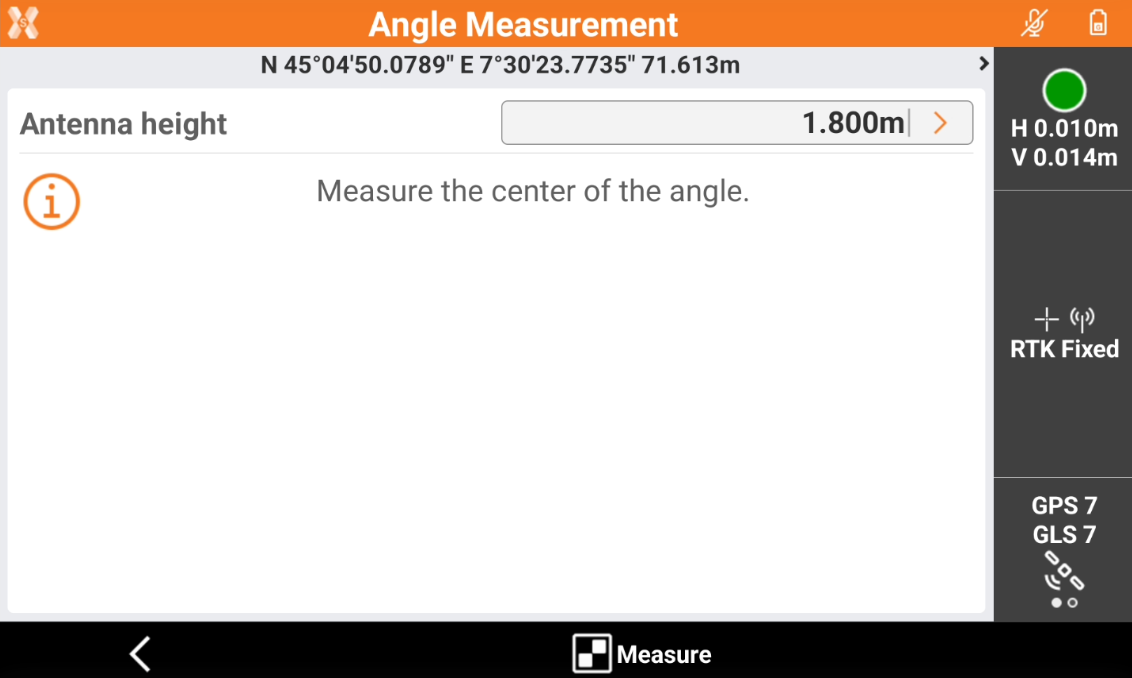
Measure the center of the angle with the current instrument. Press Measure.
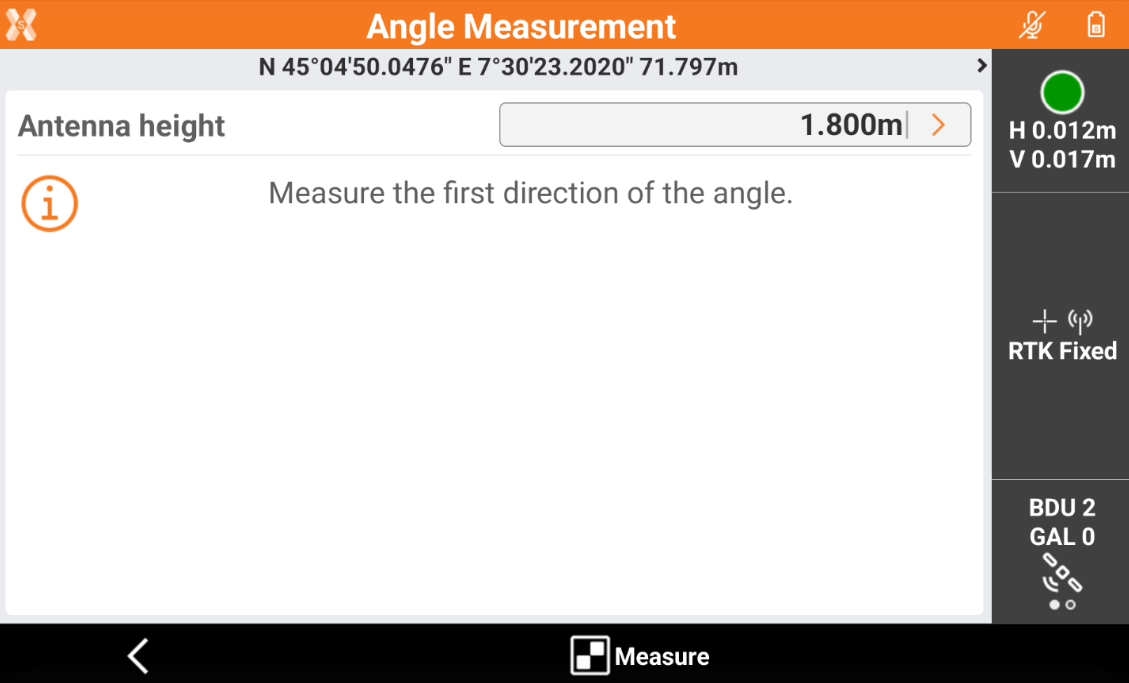
Measure the reference direction. Press Measure.
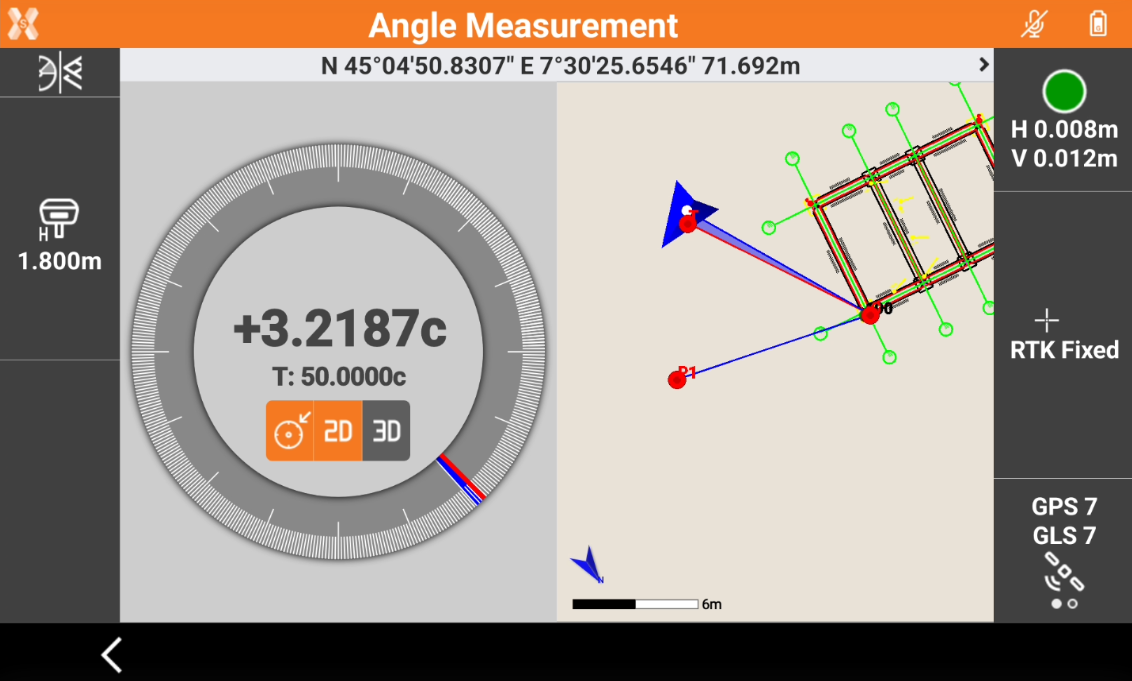
The software shows the reference direction and the current direction, with the angle between the two directions.
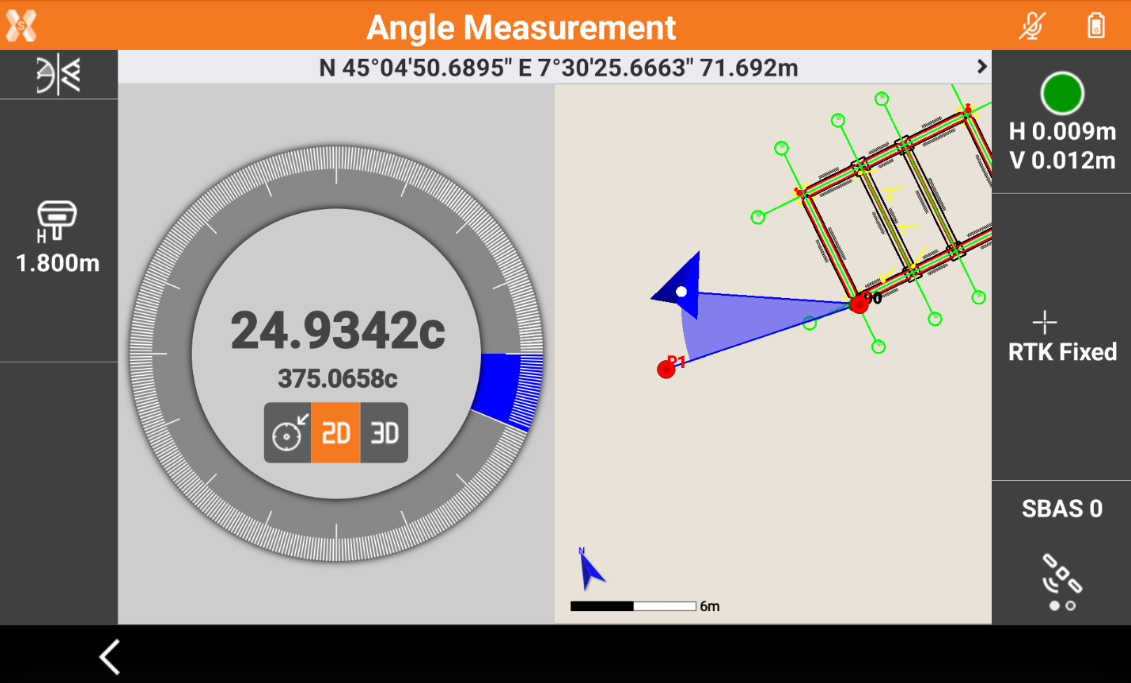
The angle panel shows the current angle between the reference direction and the current direction.
2D: shows the angle between the reference direction and the current direction projected on the 2D plane.
3D: shows the angle between the reference direction and the current direction on the slope plane defined by center of the angle, point measured to define the reference direction and current position.
Click
 icon to enter the Target angle.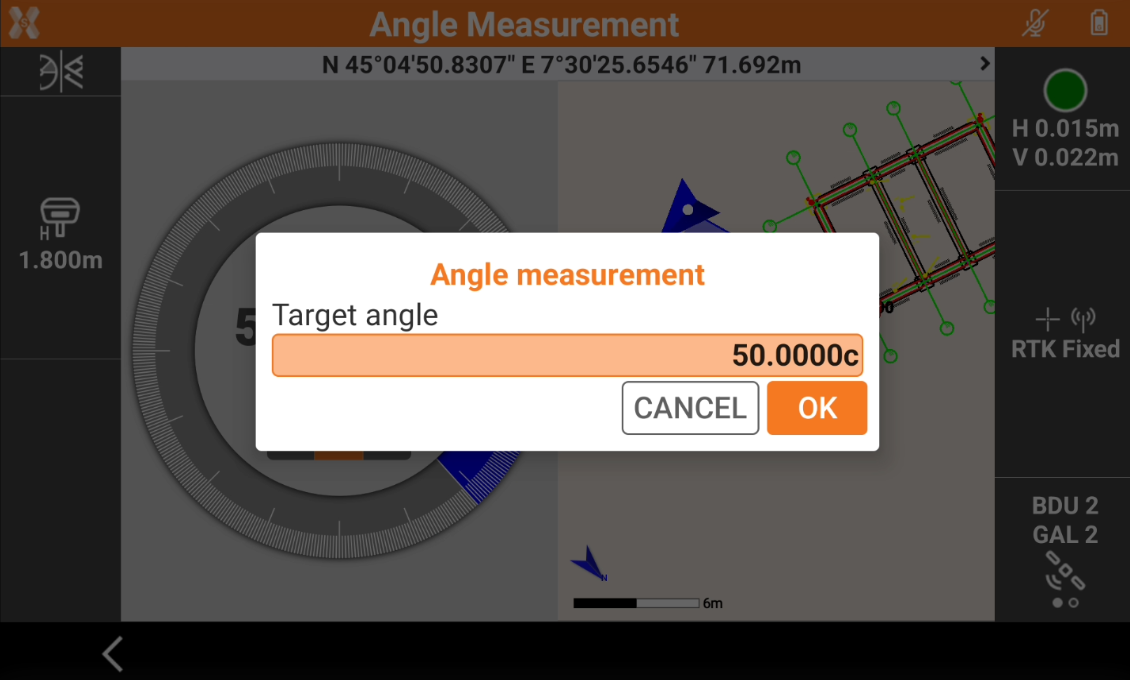
Entering a Target angle allows to stakeout a specific angle between the reference direction and the current position.
The software shows the difference between the current direction and the Target angle.
Click
 to change the view.
CAD and Angle: shows a split screen with CAD view and angle view. This is the default view.
CAD: shows only the CAD view.
Angle: shows only the angle view.