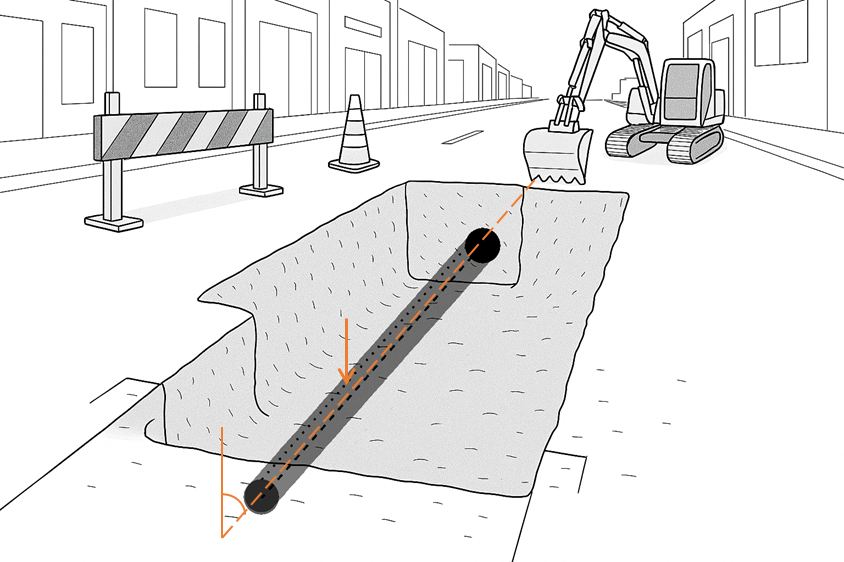
Stakeout pipe
 |
|  |
| 
The goal of this stakeout command is to guide the user in positioning a pipe (or any other element) along a predefined direction and with a specific slope.
After defining the origin and the direction of the reference line, the software provides clear graphical and analytical information on how to move the pipe to reach the correct position in terms of both direction and slope.

This stakeout method is only available for total stations.
Click Stakeout.
Click Pipe.
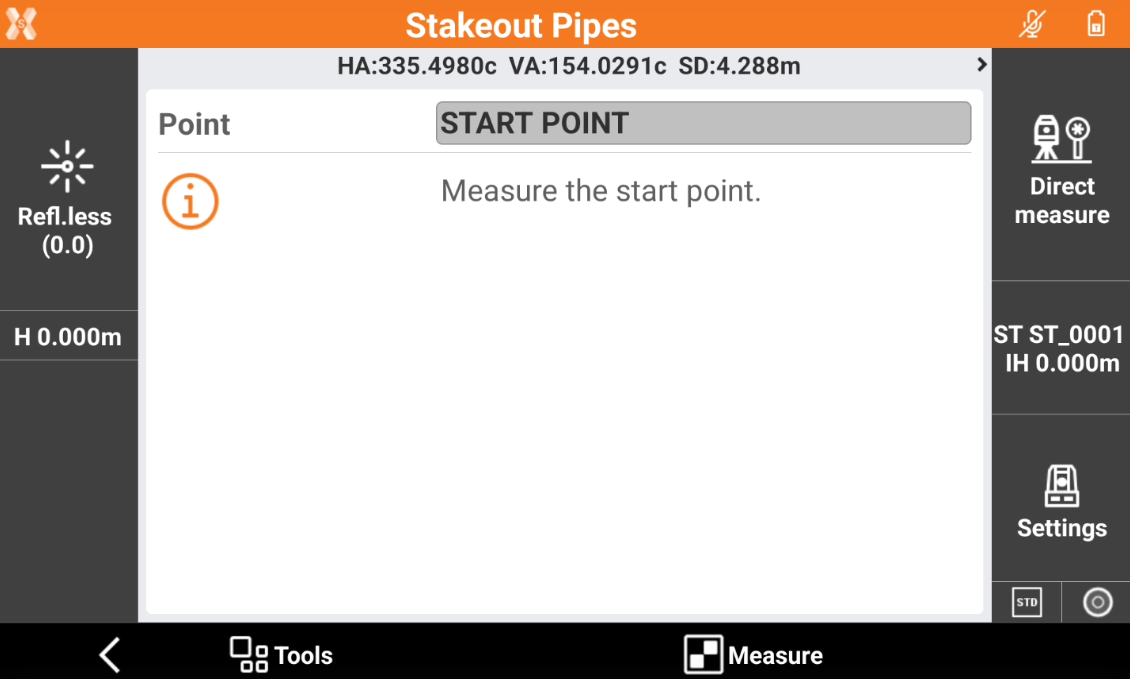
Click Measure to measure the starting point of the reference line where to position the element.
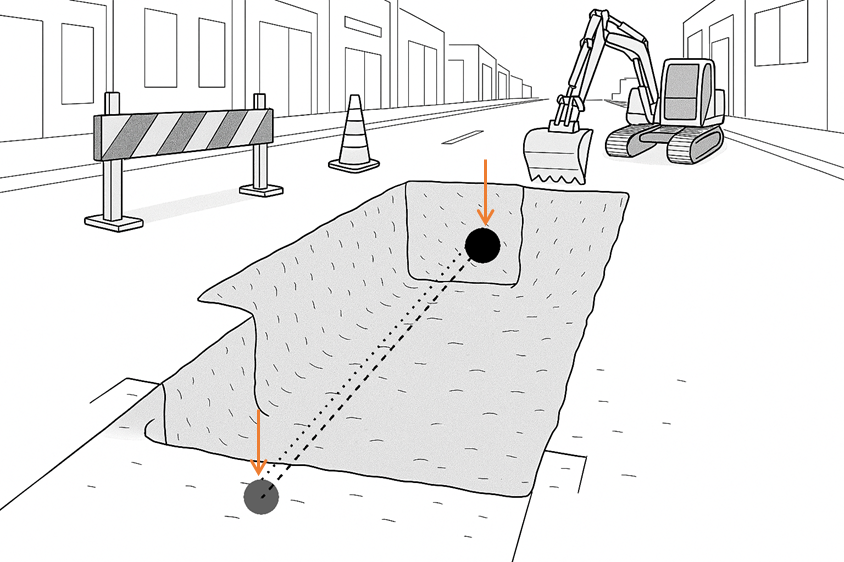
Click Measure again to measure the direction of the reference line.
The software opens the graphical view to stakeout the pipe.
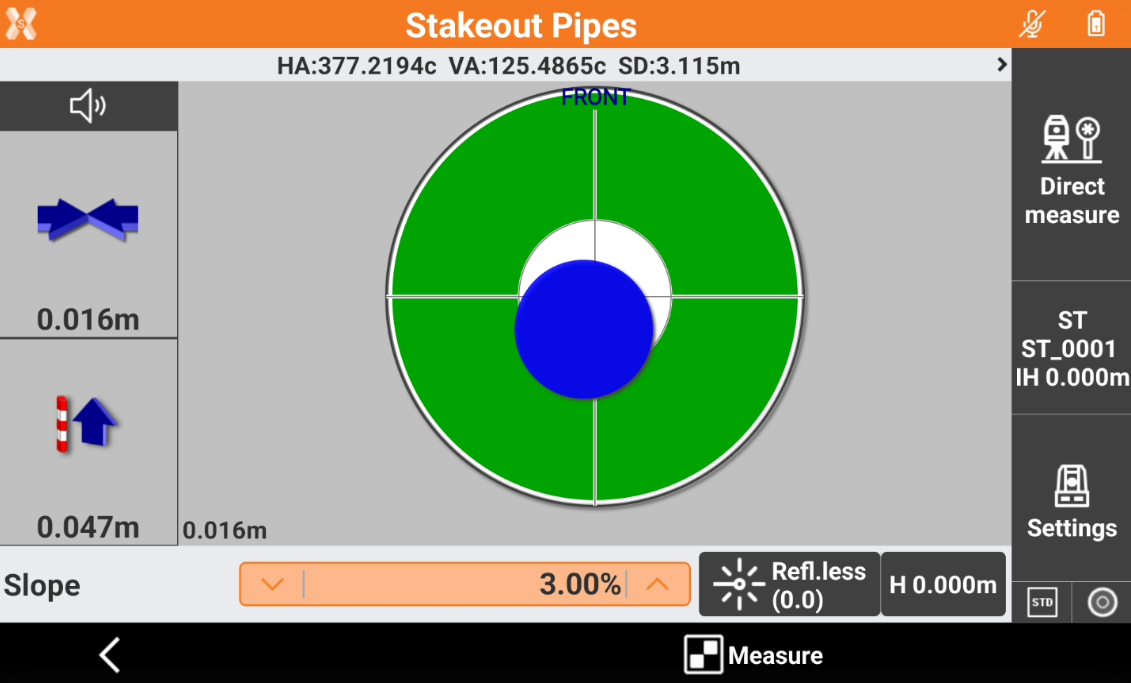
Horizontal offset: indicates the horizontal difference between the measured reference line and the measured position. This value can be used to align the element with the reference direction.
Vertical offset: indicates the vertical difference between the measured position and the element position, taking into account the entered Slope value. This value can be used to correct the element’s elevation and slope.
Slope: displays the current slope. This field can be edited to enter the design slope.
Press Measure to measure the target position and update the stakeout information.