My Account
-
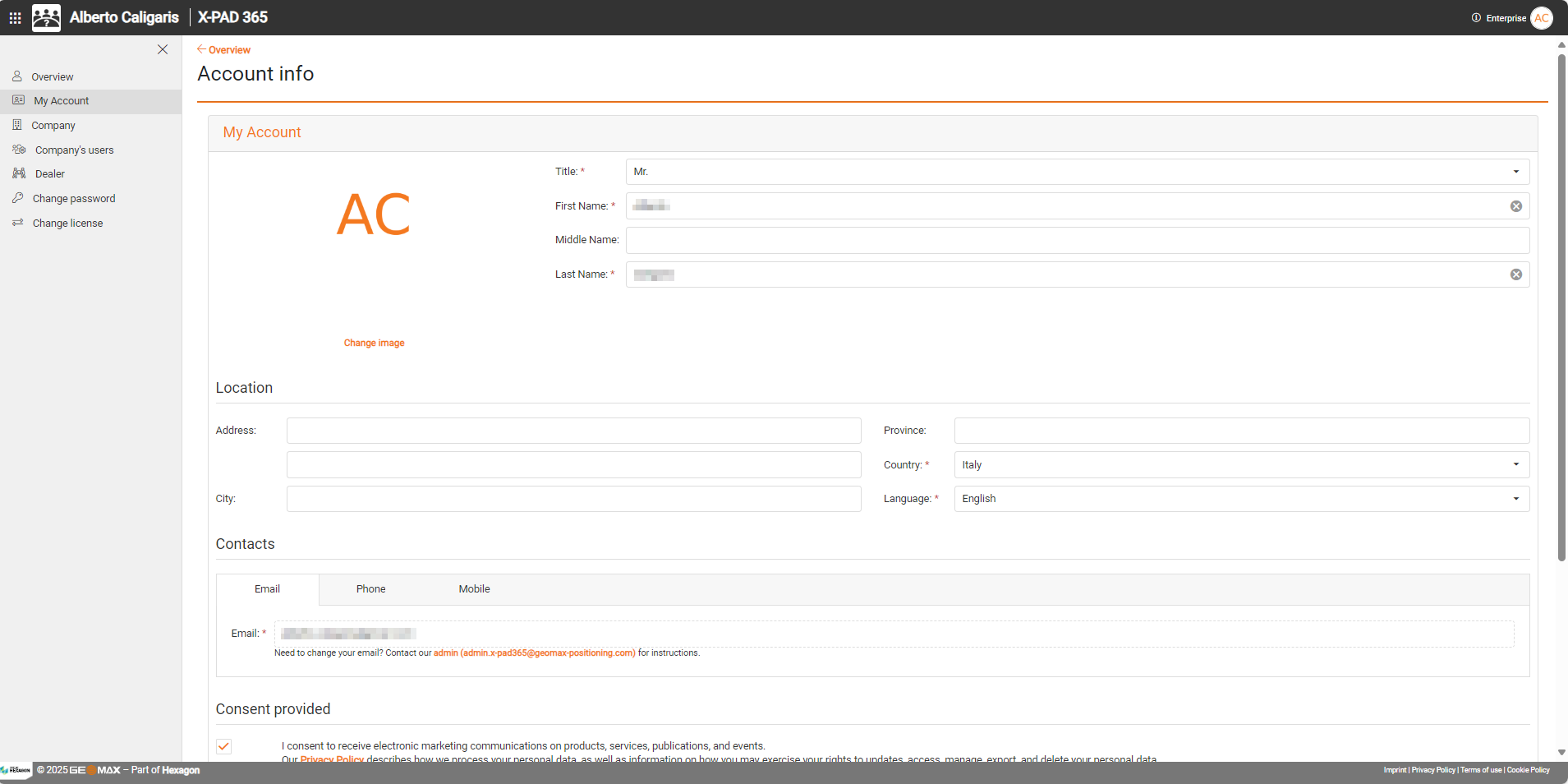
To edit the account information select My Account.
-
In the main window you can edit you username, location and contact details.
To change your email contact admin.x-pad365@geomax-positioning.com
-
To change the profile image, click Change image under the profile image.
-
You can also change your consents that was provided during the creation of the account.
-
Save the new settings clicking Save user settings.
Company
-
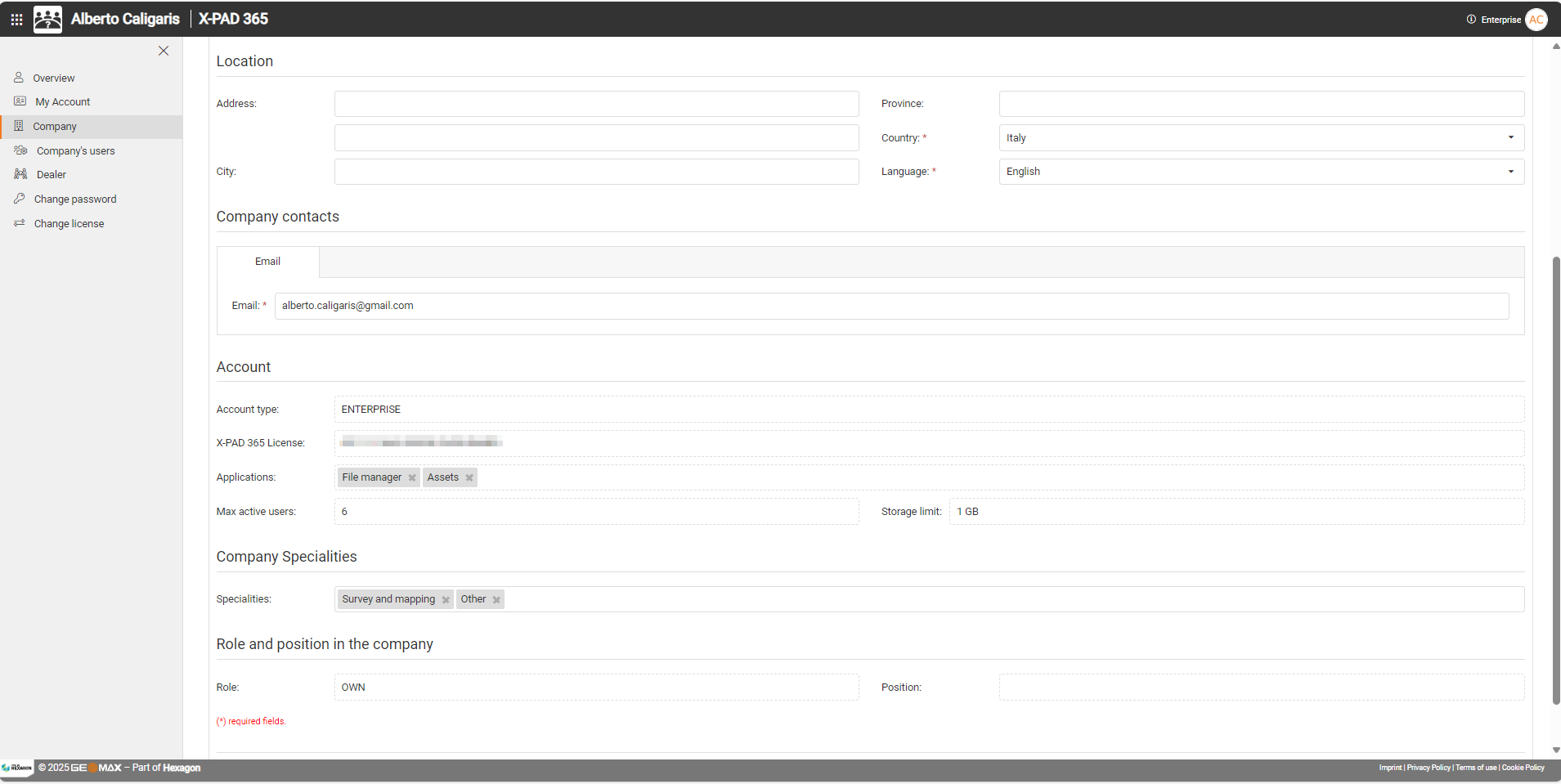
To change the information on the company click Company.
-
In the main window you can edit the company information and the contact details.
-
In the Account section it is possible to find information on the current activated license for the account.
-
Save the new settings clicking Save company settings.
Dealer
-
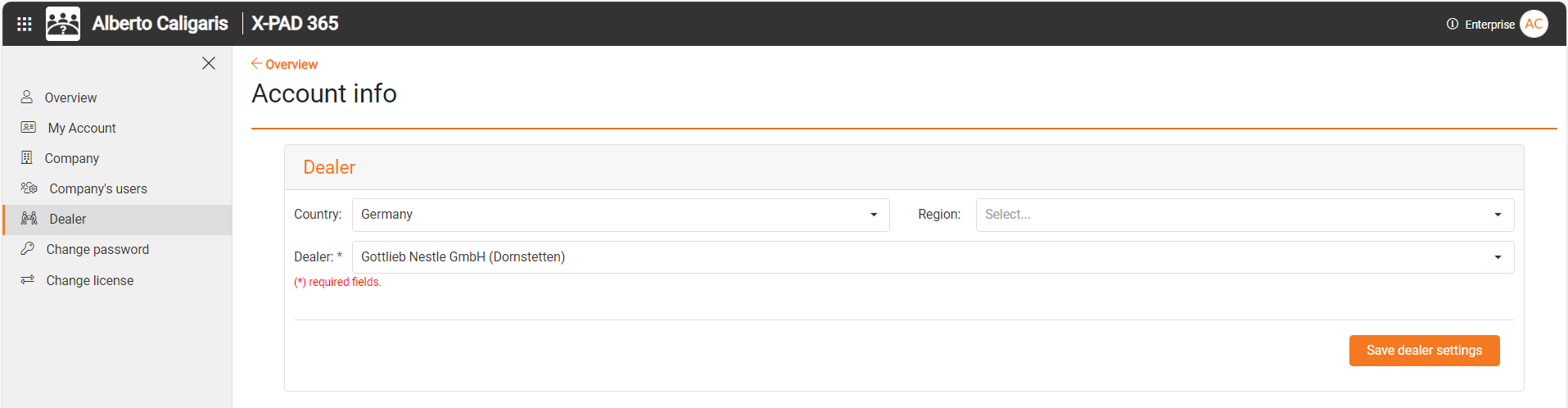
Click Dealer to open the dealer page and change the dealer that was selected during the account creation.