
X-Chat is integrated in the web platform.
X-Chat panel
-
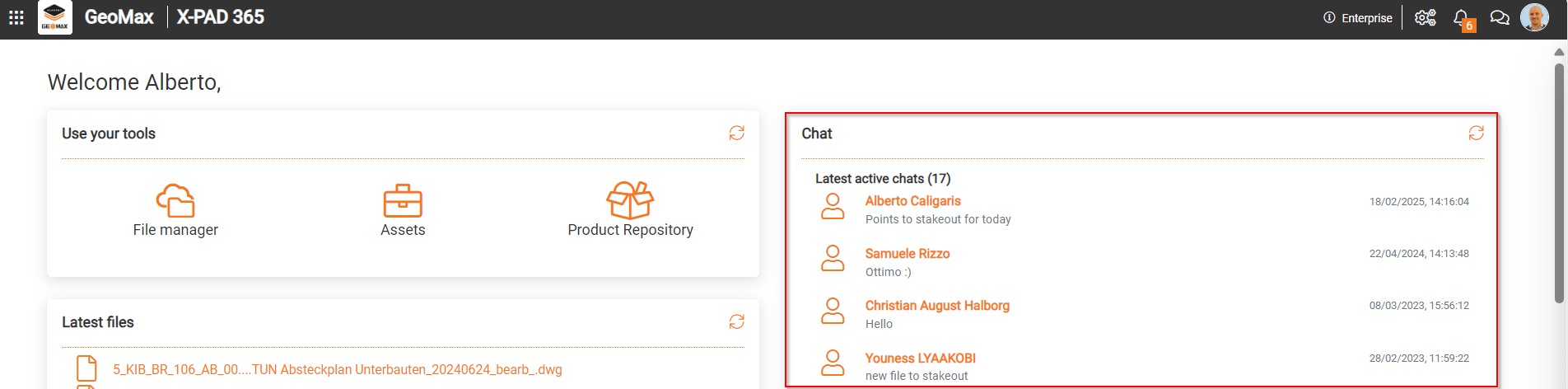
X- PAD365 web platform workspace shows in the homepage the list of the latest active chats. Latest active chat are the latest chat where messages or files has been exchanged.
-
Click on a chat to open the messages.
-
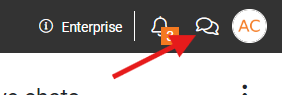
Click on X-Chat icon to open the chat panel with possibility to open the address book, sort all chat and sends new messages.
Create a new contact
-
To create a new contact open the X-CHAT panel clicking on chat icon.
-
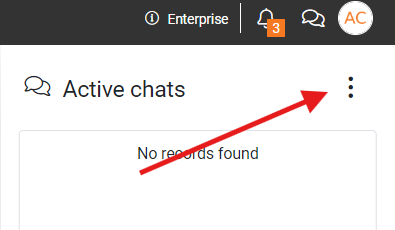
Click on this icon to open the address book.
-
The address book includes the account of the available sub-users and already created contacts.
-
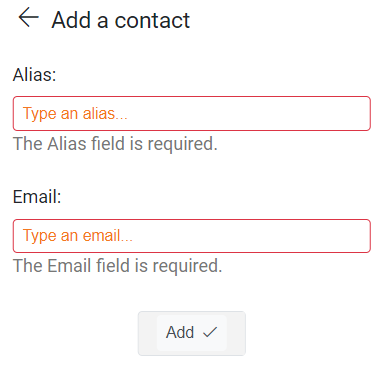
To add a contact click Add Contact

-
Alias: the display name of the user.
-
Email: enter here the registration email for the X-PAD365 user you would like to include in the address book as contact.
-
-
Click Add to create the contact.
Start a new chat
-
To start a new chat with a contact open the chat panel.
-
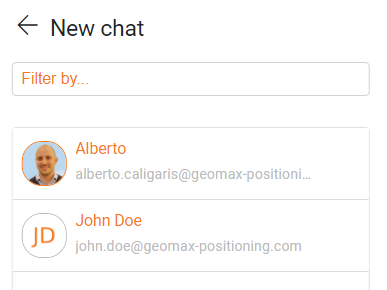
Select an existing chat to continue to message, or click New Chat

-
Select the user from the list to start the chat.
-
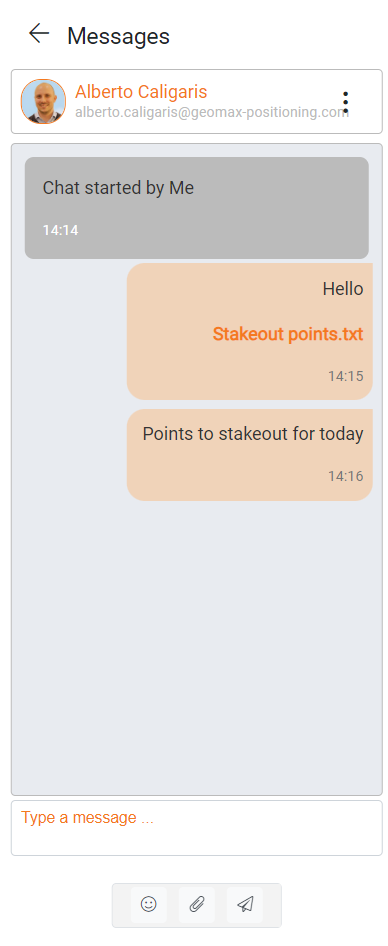
This opens the chat panel.
-
Emoticons

-
Attachment

-
Send

-