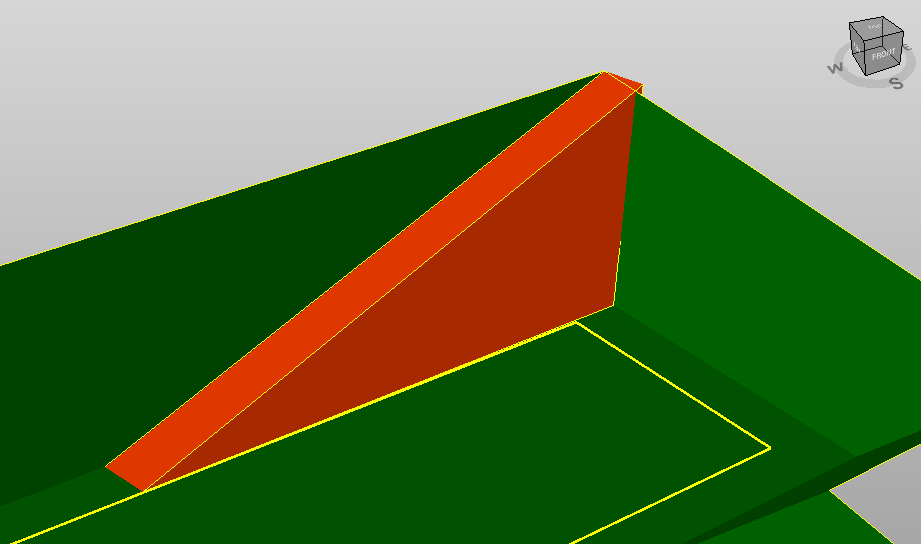
Add ramp
The function Add ramp creates a ramp surface to an excavation surface by selecting the polyline that defines the edge of the ramp
Click Design 3D.
Click Ramp.

The function opens a new panel on the right.
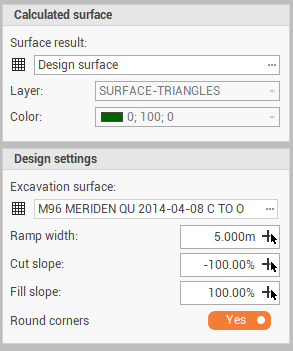
Surface result: the surface subproject where ramp surface is created. Can be a new surface or an existing surface.
Layer: the layer for the new surface.
Color: the color of the new surface.
Ground surface: the existing excavation surface.
Ramp width: the width of the ramp. Click
 to pick the distance from the CAD.
Cut slope: the slope of the ramp side sideslope, in case the of cut. Click
to pick the slope from the CAD.Fill slope: the slope of the ramp side sideslope, in case the of fill. Click
to pick the slope from the CAD.Round corners: to round the sideslope corners
Select the polyline that represents the edge of the ramp.
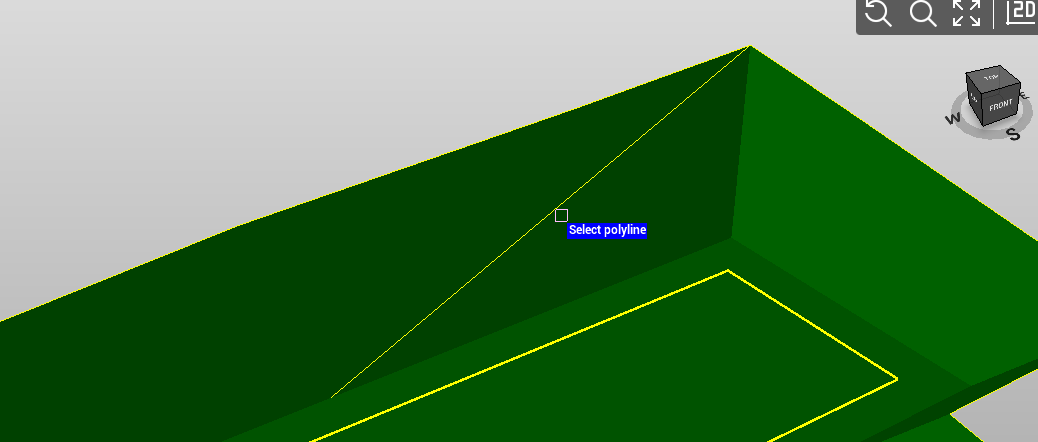
Specify the sideslope direction to generate the surface.