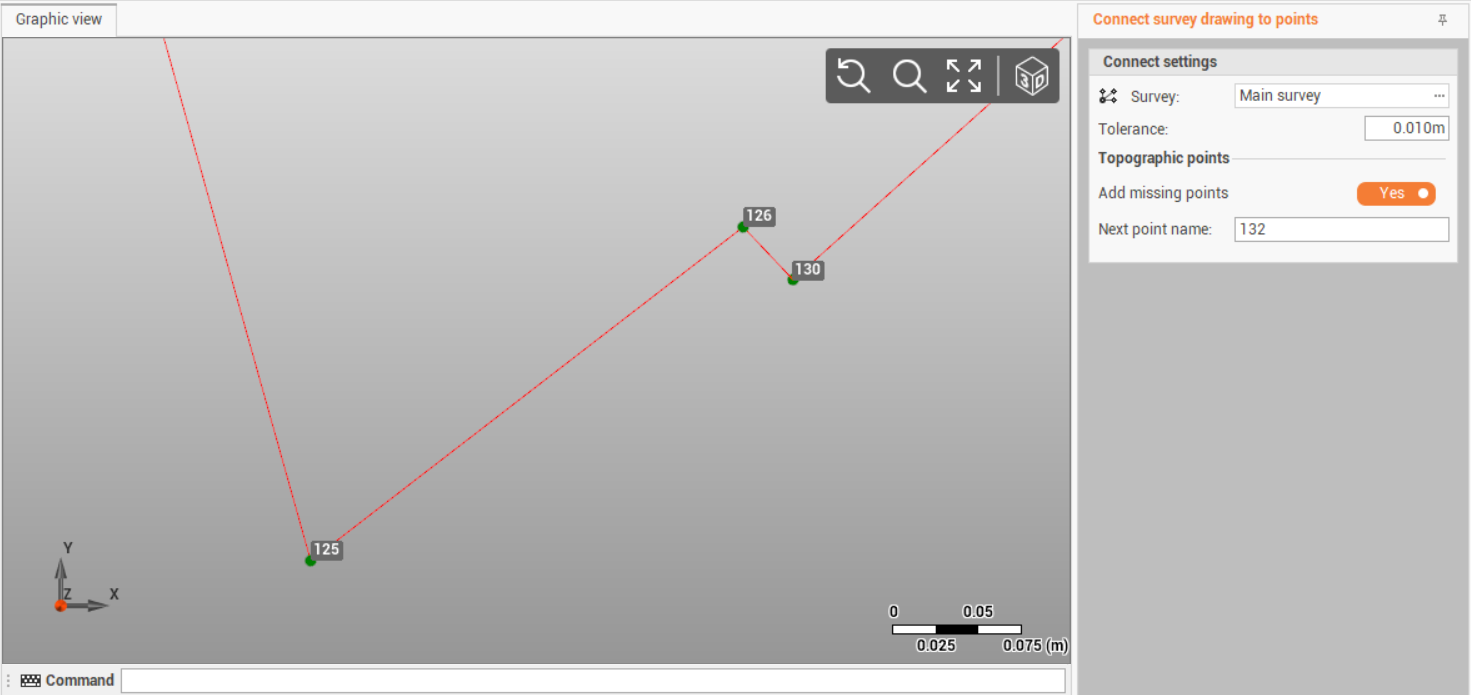
Connect drawing to points
The function Connect survey drawing to points allows to connect a survey drawing to existing topographic points and create the missing points.

The function connects a survey drawing to points. Check that the drawing is a survey drawing and not a drawing. A drawing can be converted to survey drawing with Transform drawing in survey function.
Click Survey.
Click Tools.
Select Connect survey drawing to points.
Enter in the right bar the parameters.
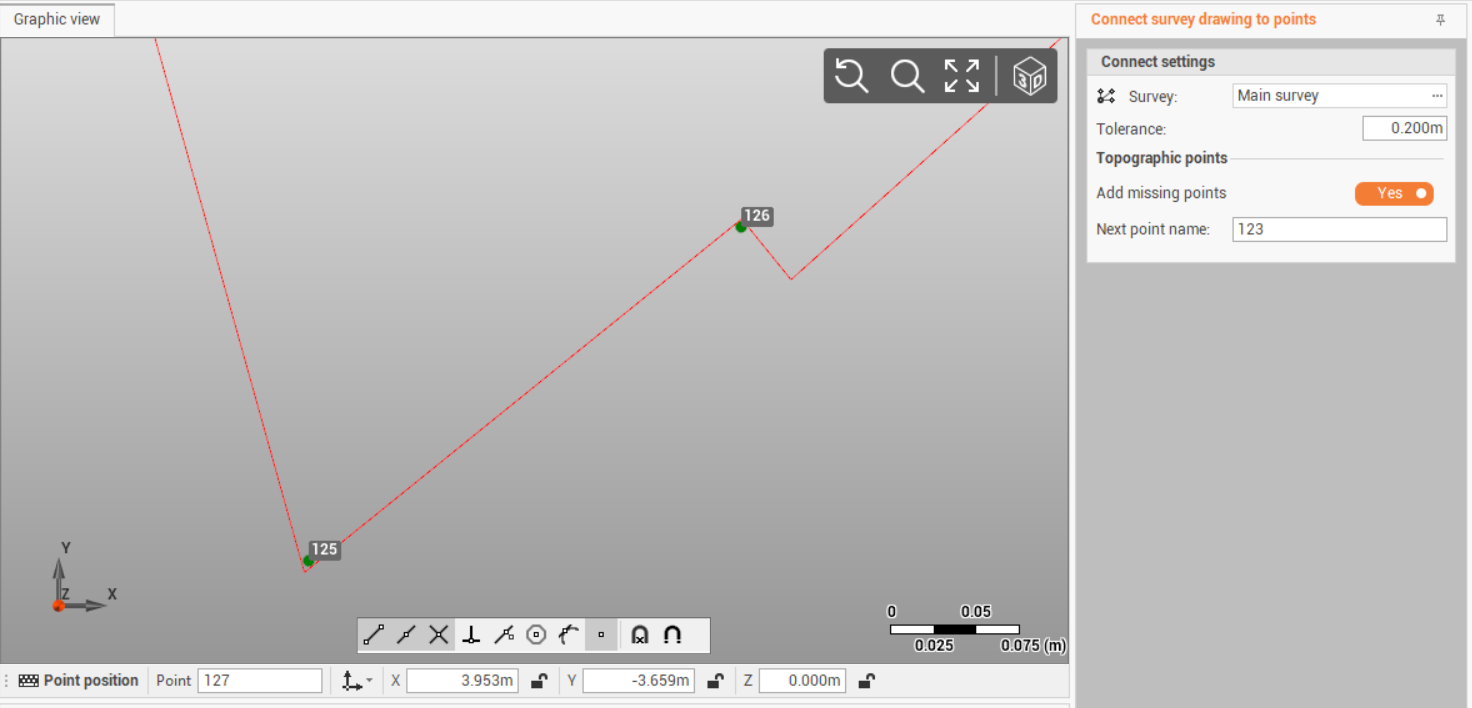
Survey: select the survey subproject where there are topographic points and survey drawing to connect.
Tolerance: survey drawing is connected to points if the distance is below this tolerance.
Add missing points: enables the creation of missing topogrpahic points on survey drawing main positions.
Next point name: if Add missing points is enabled, defines the name of the points that will be created.
Click Apply.