
Import from Zoom3D
X-PAD Office Fusion allows to import data in from Zoom3D software Masterplan and X-PAD 3D.
Click File.
Click Import from Zoom3D.

This command opens the following window where to select the file to import:
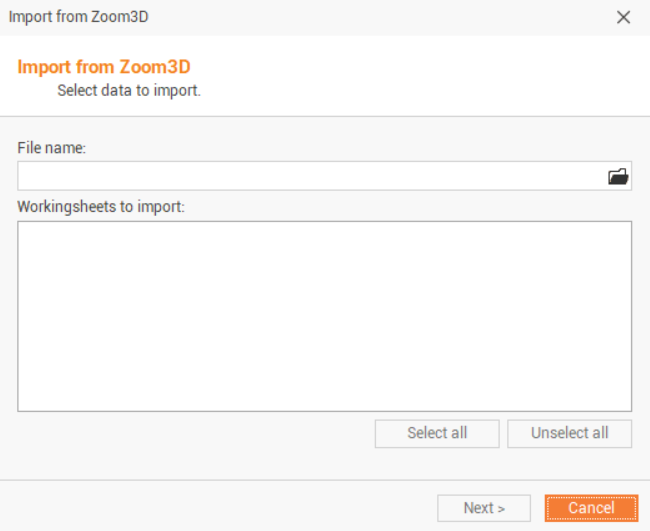
Select the file to import:
X-PAD for Zoom3D (*.z3d)
X-PAD MasterPlan (*.xmpl)