
Save elaborations [Aerial]
From main menu it’s possible select Save data in X-PAD Fusion with the outputs that has to be saved or create the X-Photo Report. This is a necessary step if we want further work on the output data in Fusion software.
From the sub-menu bar, click on Save in X-PAD Fusion

Select the 3D results you want to save.
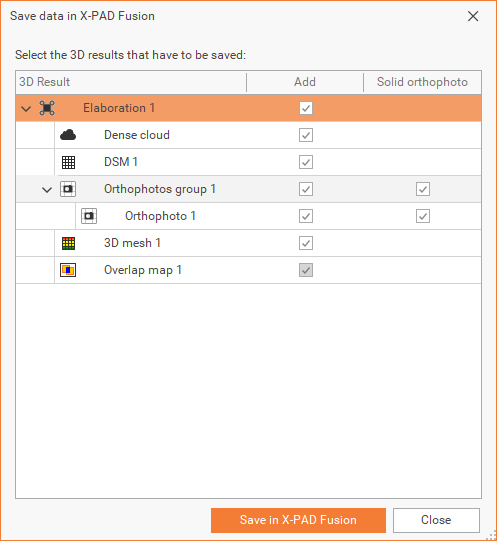
Click Save in X-PAD Fusion to save the selected 3D results.
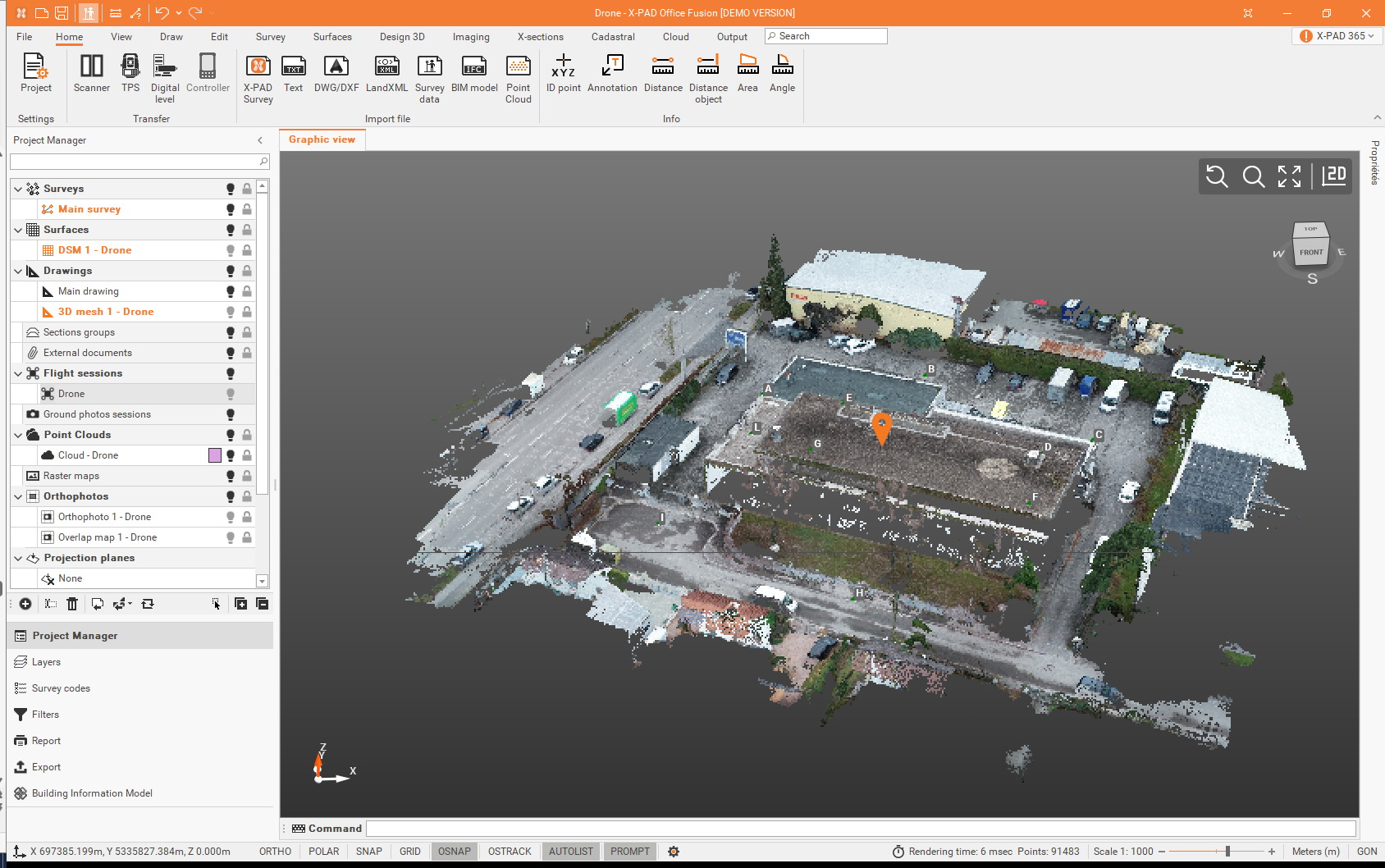

Orthophotos can be exported as solid orthophotos.