
Surface report
Surface reports allows to generate a report of available surfaces.
Click File.
Click Reports.
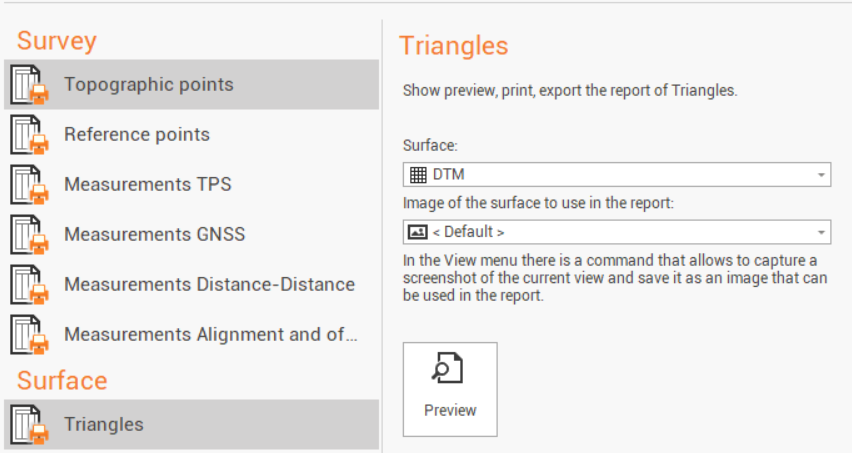
Select Triangles.
Select the Surface subproject to generate the report.
Select the image to be used in the report. The image can be the default image or it is possible to use a different image. As suggested by the software it is possible to use the function Screenshot to take a CAD screenshot to be used as image in the report.
Click Preview to open the Report Manager to customize, save or print the final report.