
Use the commands in projection plane to create a projection plane.
-
Horizontal.
-
Vertical.
-
By 3 points.
Horizontal
Use the command Horizontal to create an horizontal projection plane.
-
Click Draw.
-
Click Horizontal under projection plane menu.
-
Click on the graphic view to define the reference elevation of the projection plane.
-
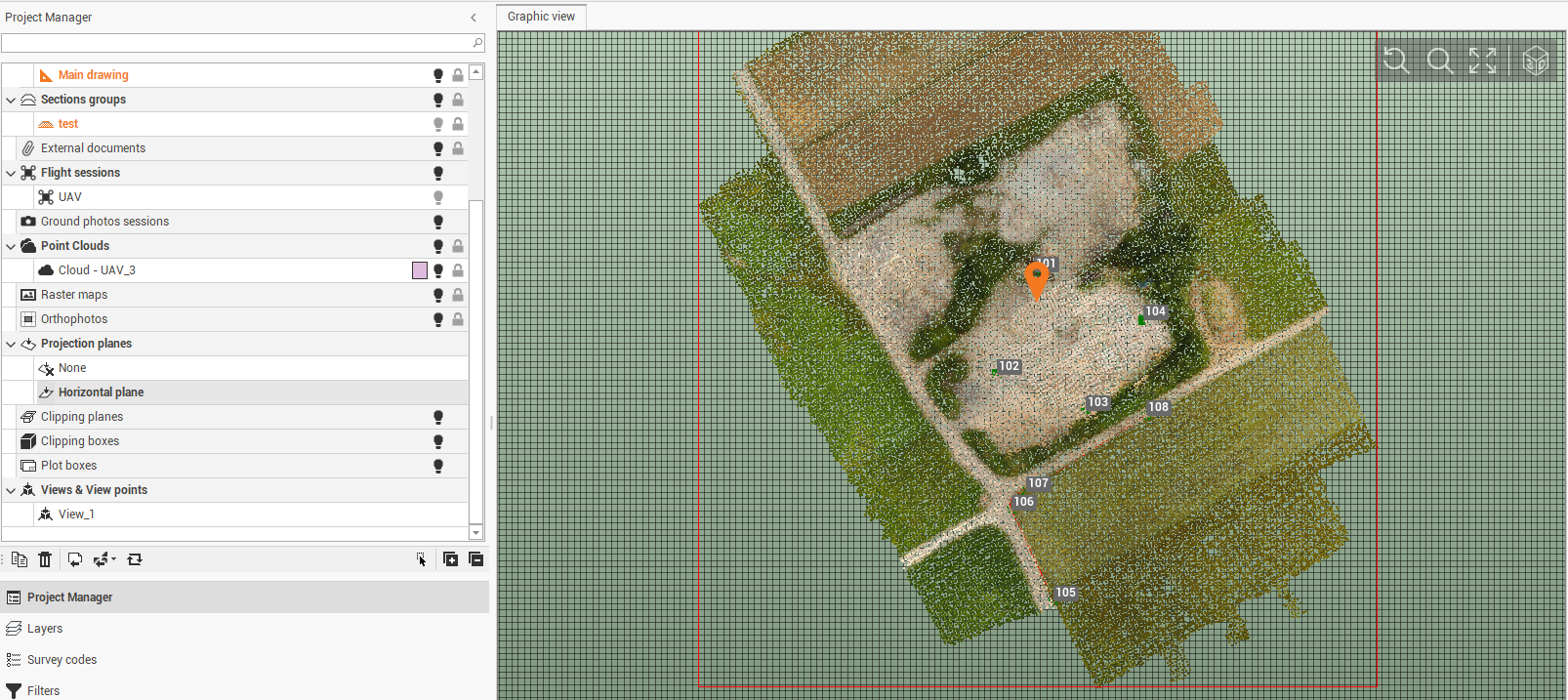
All created elements will be projected on the horizontal projection plane. All points are on the elevation of the projection plane.
Vertical
Use the command Vertical to create a vertical projection plane.
-
Click Draw.
-
Click Vertical under projection plane menu.
-
Click on the graphic view to define the direction of the vertical projection plane, identified by 2 points.
-
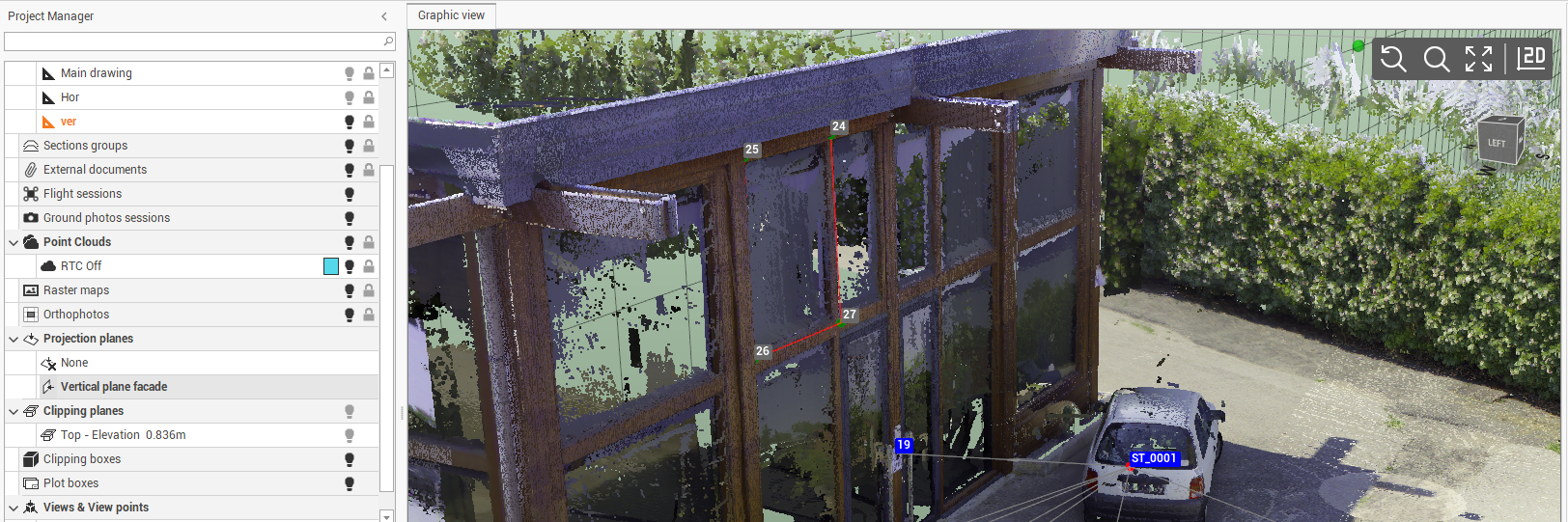
All created elements will be projected on the vertical projection plane.
By 3 points
Use the command By 3 points to create a sloped projection plane.
-
Click Draw.
-
Click By 3 points under projection plane menu.
-
Click on the graphic view to define the plane by selecting the 3 points that define the plane.
-
All created elements will be projected on the sloped projection plane.