
The command View parcels lists available parcels in a Survey subproject.
-
Click Cadastral.
-
Click Parcels.

-
Select the Survey subproject.
-
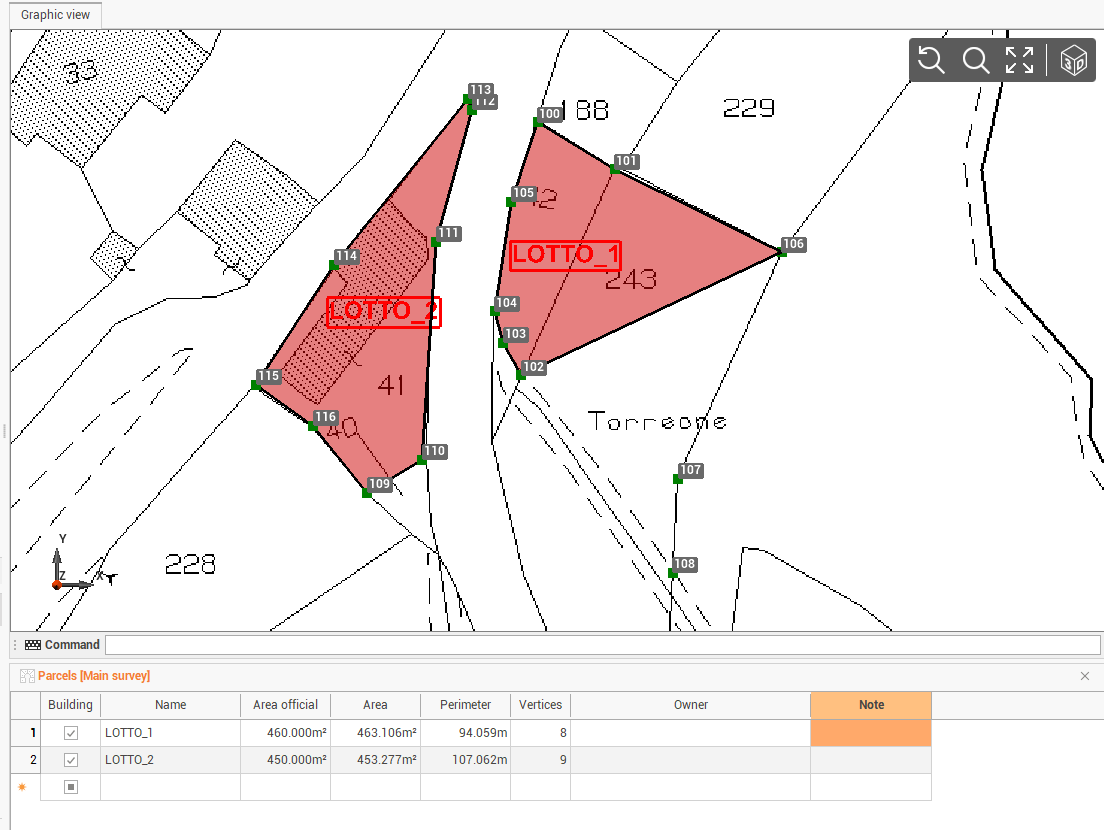
A new panel is opened with list of parcels and their information.
-
Building: a check to enable/disable field if a building is available in the parcel.
-
Area official: an editable field where to enter the legal area value.
-
Area: the calculated area of the parcel.
-
Perimeter: the calculated perimeter of the parcel.
-
Vertices: the number of vertices of the parcel.
-
Owner: owner information for the parcel.
-
Note: notes related to the parcel.
-