
Exports visible entities in WebGL format to be loaded and displayed with any web-browser.
-
Click File.
-
Click Create WebGL file.
-
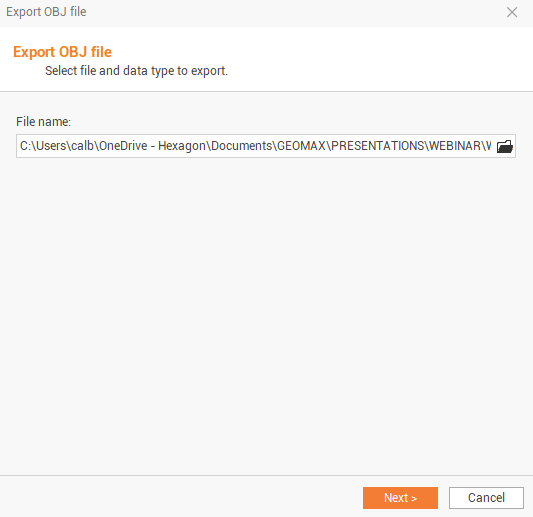
This opens a new window.
-
File name: allows to choose the name and the path where you want to save the file.
-
-
Click Next to define the subprojects to export and complete the export process.
-
Click Open WebGL file to open the exported file with default PC web-browser.