-
Activating additional purchased software options or software maintenance is referred to as Updating Licenses.
For this functionality, an internet connection is required to connect to the GeoMax License Server
-
To update your licenses, you can either open X-PAD Office Fusion or directly start the CLM - Client License Manager tool from: Start Menu > CLM License Manager.
-
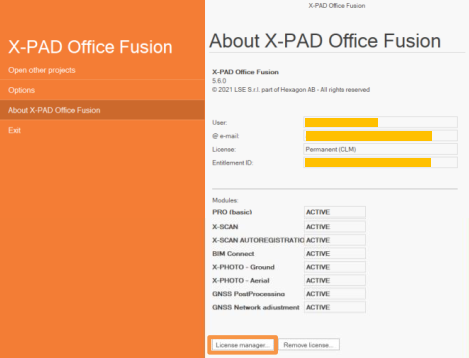
The license can be reloaded directly from X-PAD Office Fusion by open the About X-PAD Office Fusion page.
-
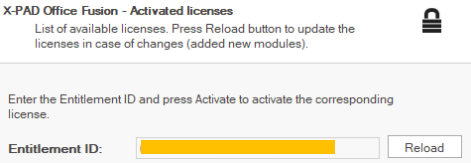
Click on License manager to reload the license.
-
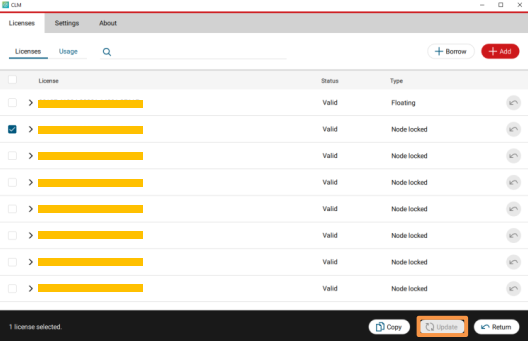
It is possible to update the license also from the CLM tool.
-
Select the existing Entitlement ID, where the new purchased options have been added, and click on Update.