
Cloud
 |
|  |
| 
Cloud allows to manage access to different could services.
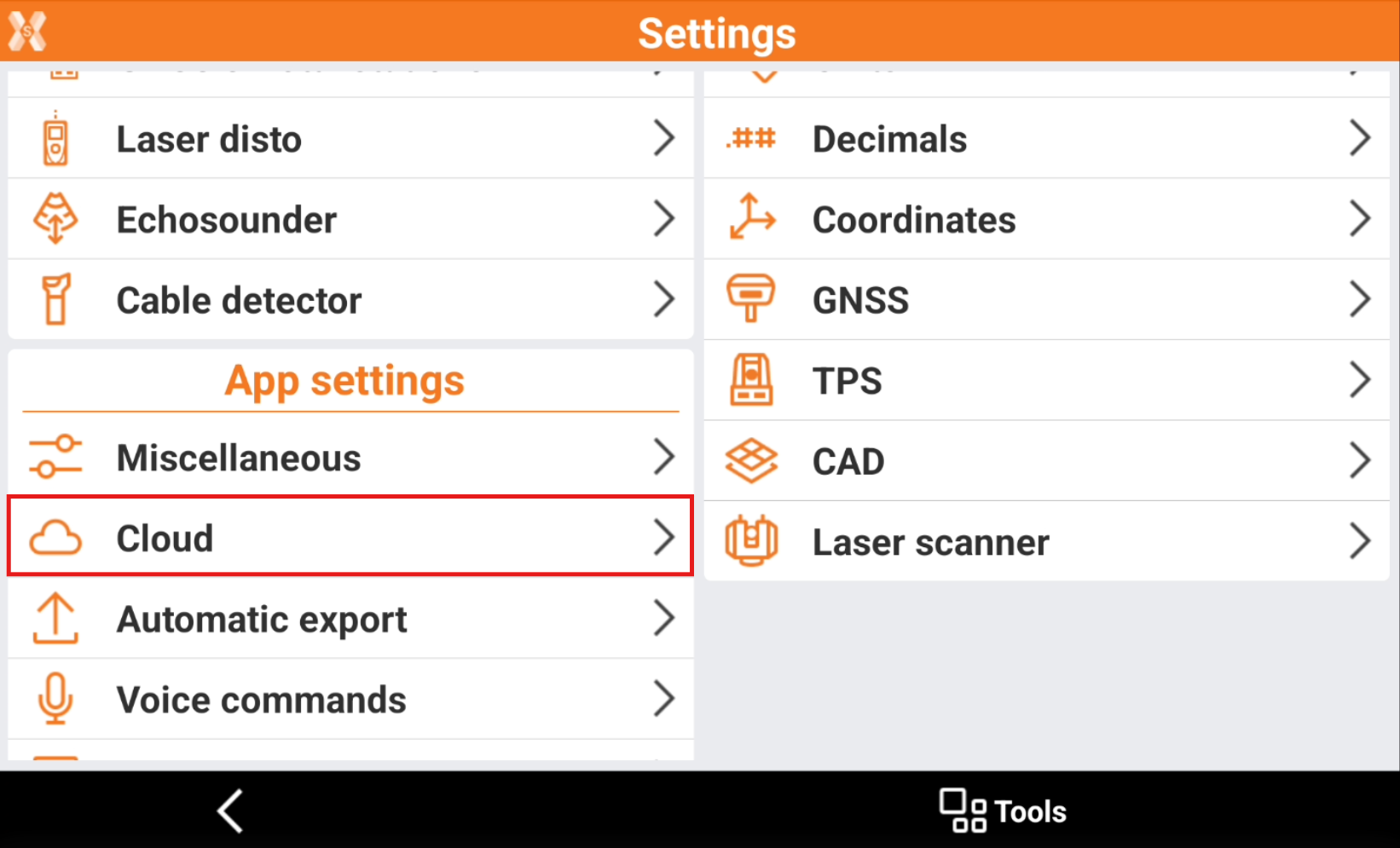
Click Settings.
Click Cloud.
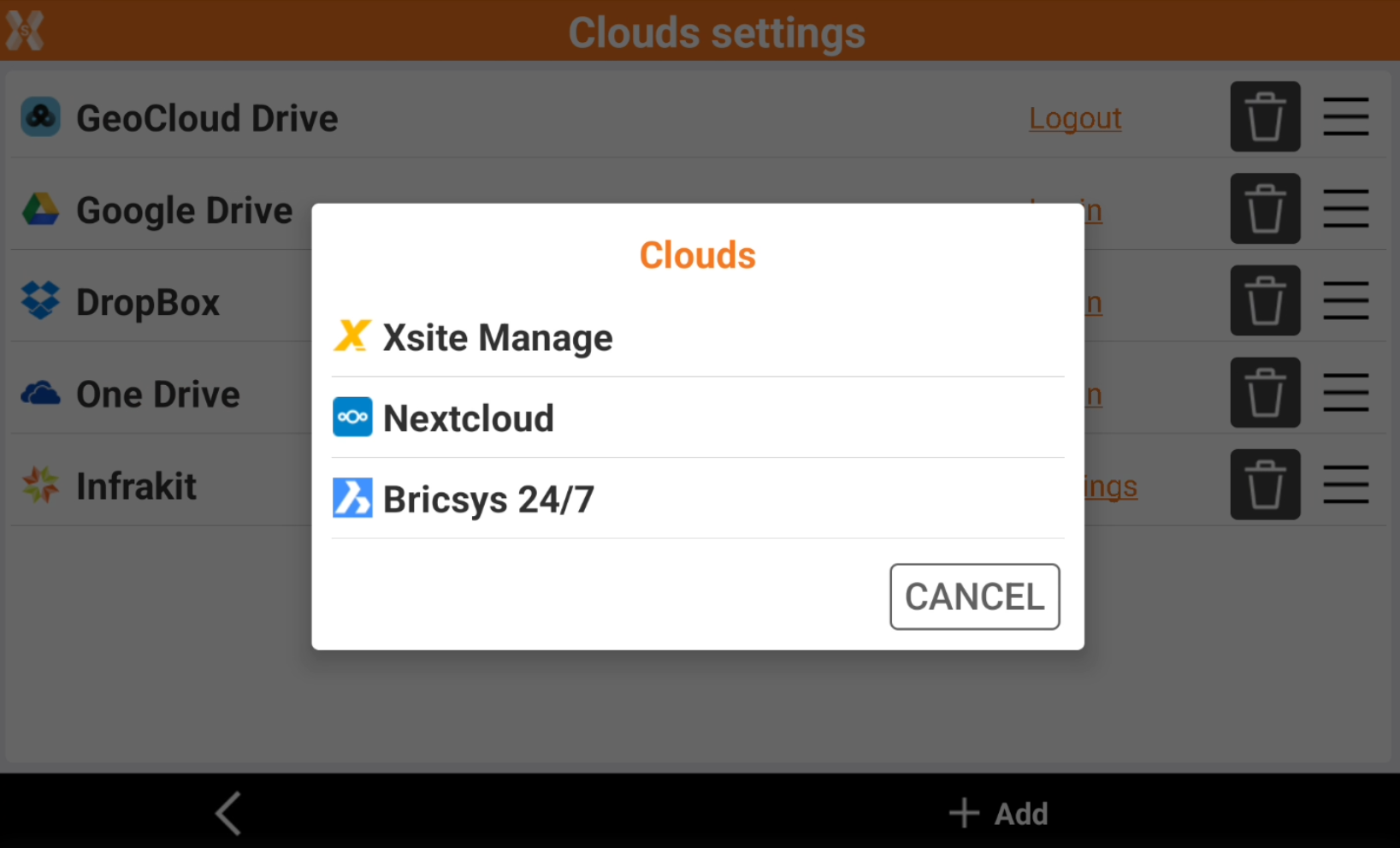
The page shows the list of cloud services.
Click Add to add new clouds to be used.
Click
 to remove a cloud service from the list.
Click and drag
 to change the order.
Click Login to perform a login to a specific cloud service. The authorization after the first login is maintained also in different X-PAD Ultimate sessions; the same authorization is maintained for the time established by the server and it not required at each X-PAD session