
Data extraction from volume calculation
 + SURFACE&VOLUME |
  + SURFACE&VOLUME |
  + SURFACE&VOLUME
From volume calculations it is possible to extract data to be exported or used for stakeout operations.
Open the Calculated volumes page.
The Details page list the result of the elaboration.
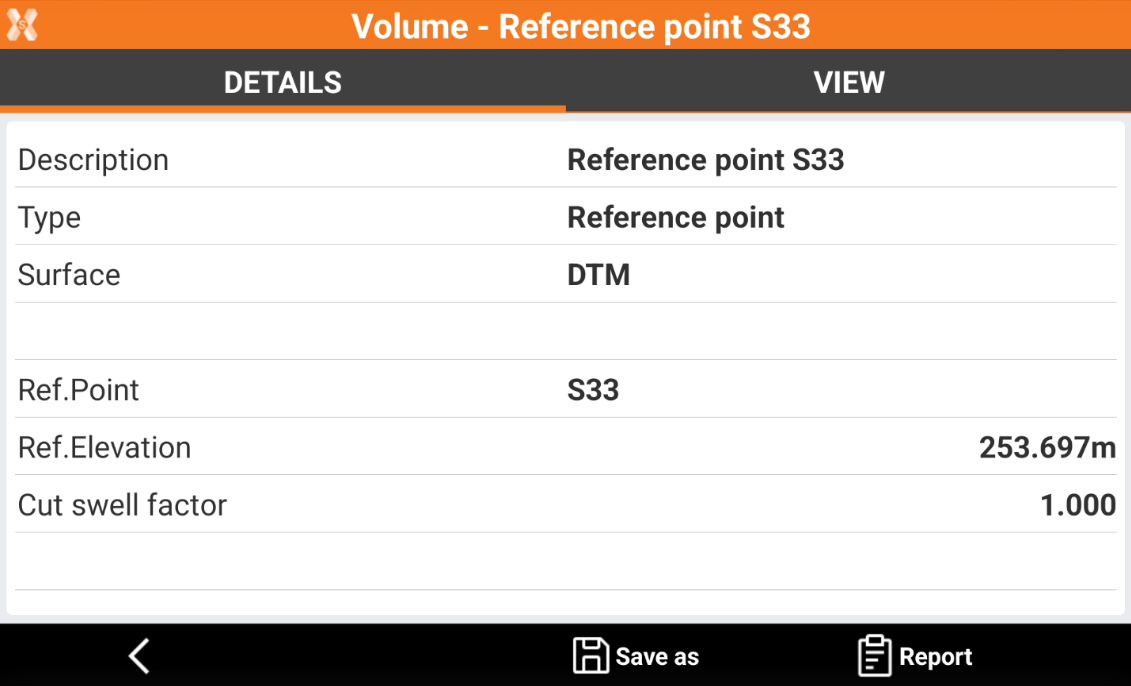
Click Save as to extract data from the volume calculation.
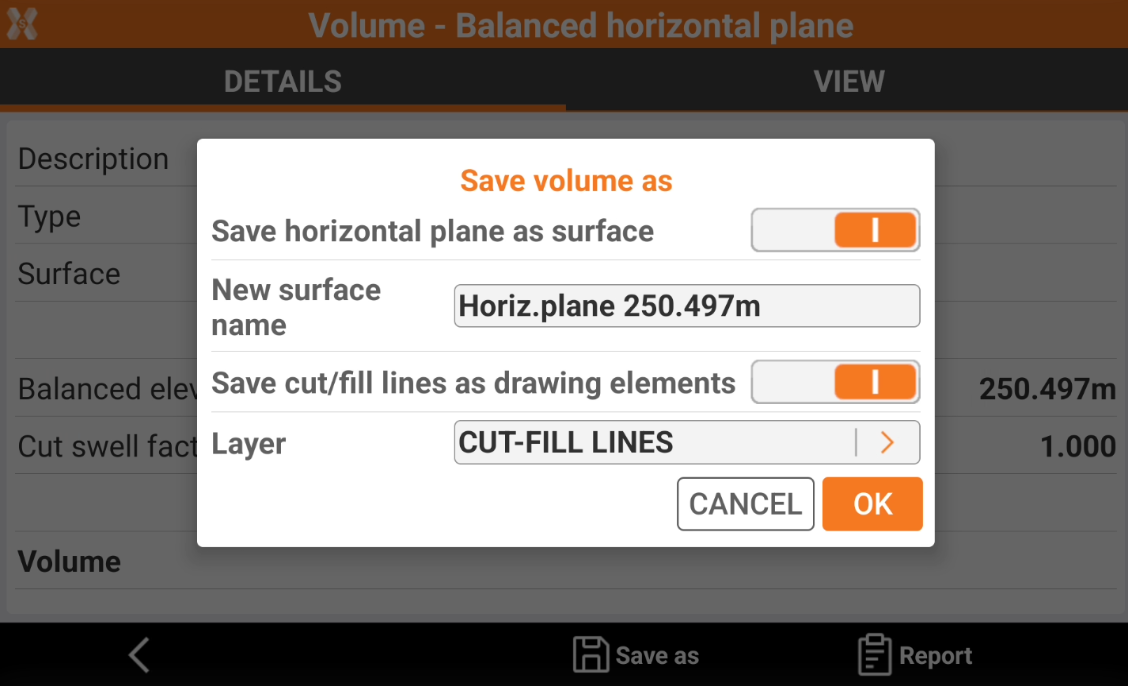
Save horizontal plane as surface: the design surface can be extracted from the volume calculation and used in stakeout. This is particularly important for volume calculation with cut-and-fill balancing. Enter the new surface name in New surface name.
Save cut/fill lines as drawing elements: these lines can be stored as part of the drawing and used in stakeout operations to mark the boundaries of cut and fill areas. Select the layer where to save the lines in Layer.