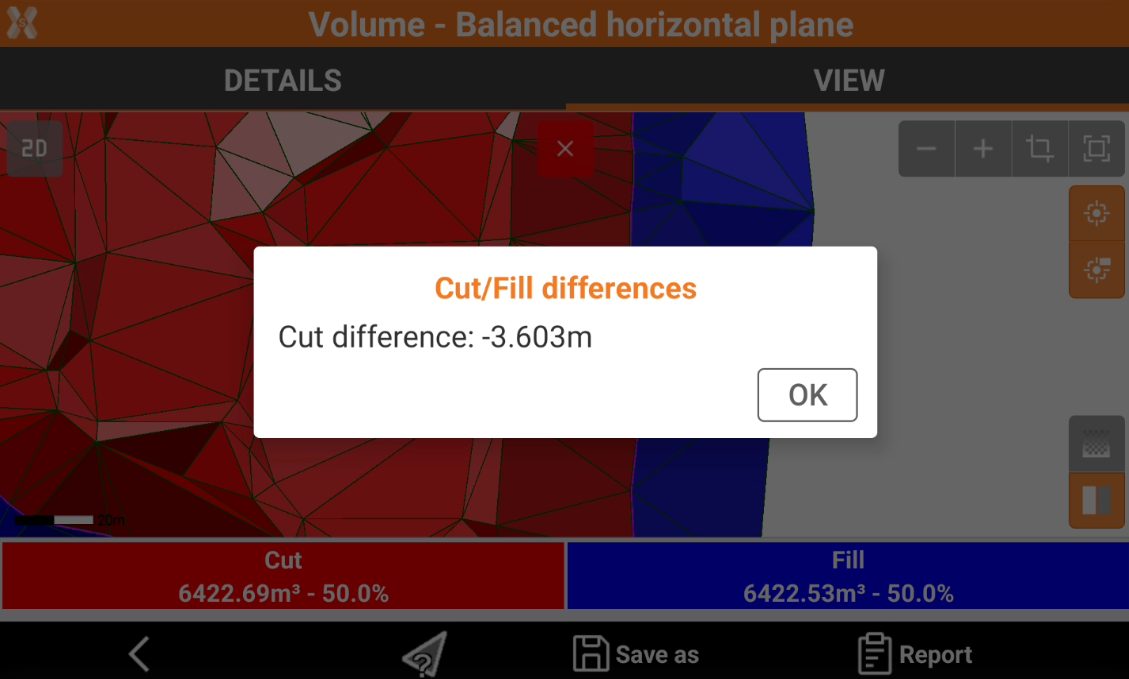
Calculated volume
 + SURFACE&VOLUME |
  + SURFACE&VOLUME |
  + SURFACE&VOLUME
To view the details of a volume calculation, from the Surfaces and Volumes page click Volumes.

The information are also available at the end of volume calculation.
Click a volume calculation and click Details.
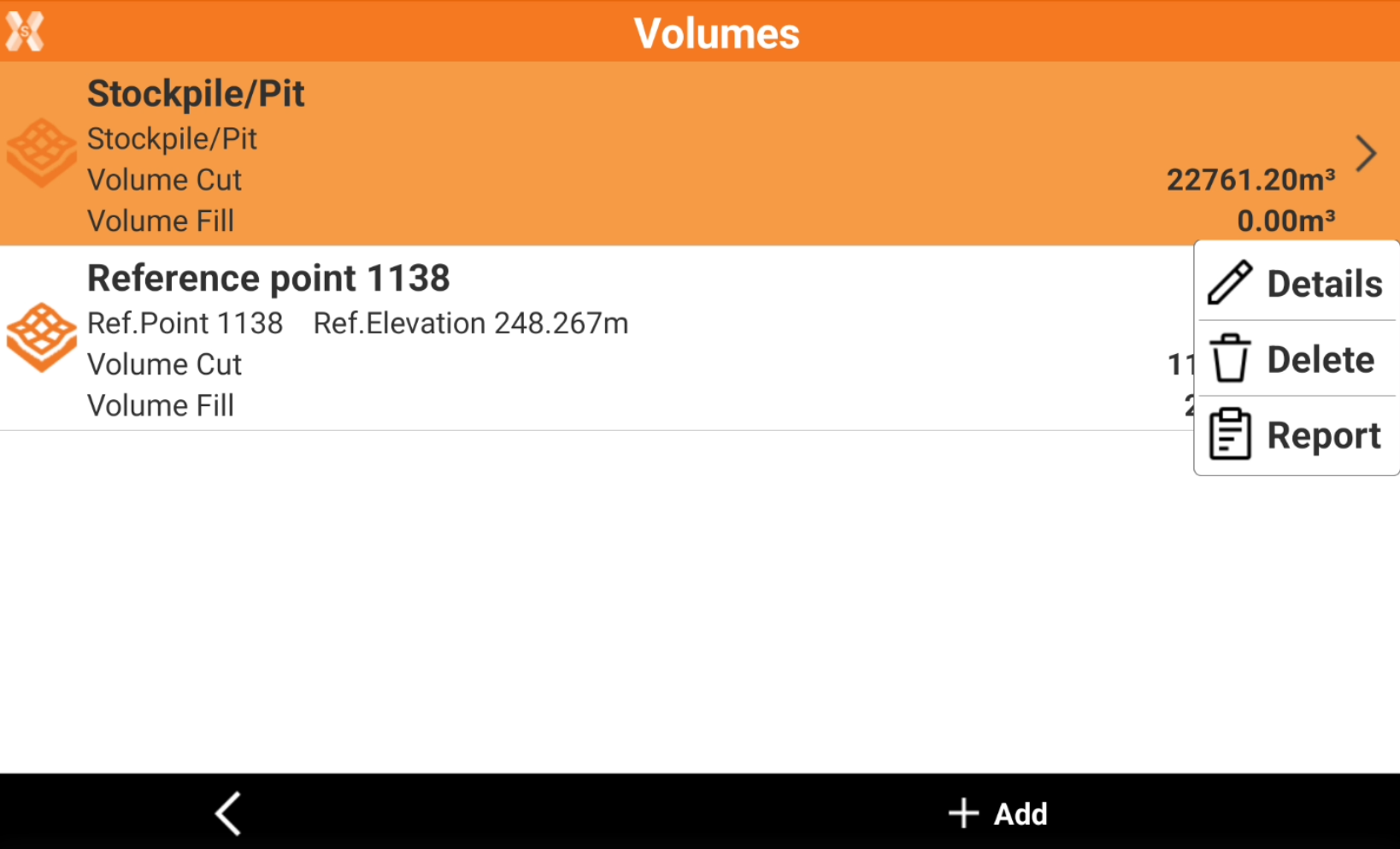
Details page
The Details page list the result of the elaboration.
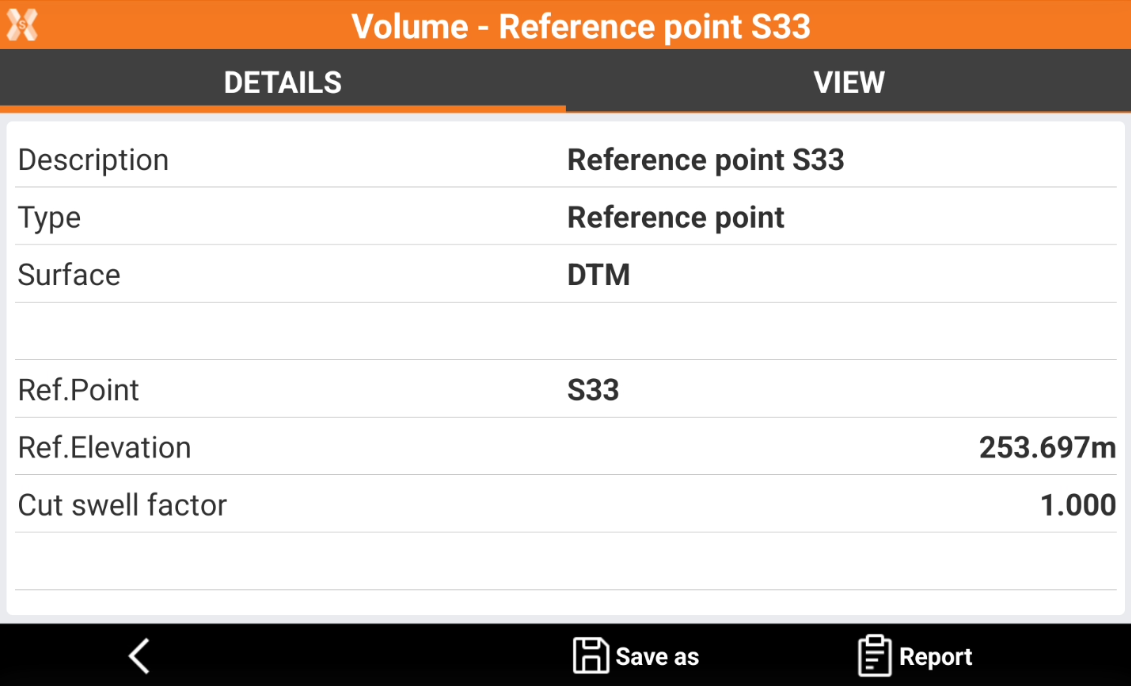
Click Save as to extract data from the volume calculation.
Click Report to generate a volume calculation report.
View page
The View page has a graphic visualization of the elaboration.
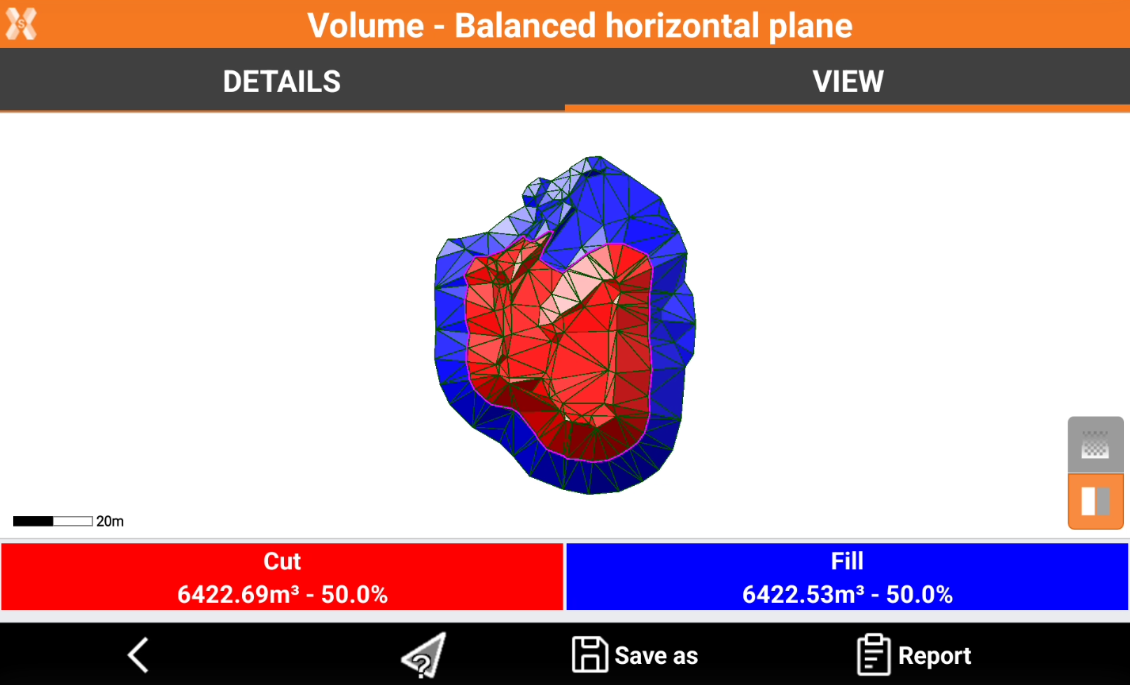
Click the corresponding icons to change color visualization from fixed colors (red and blue) or gradient colors.
 Gradient colors: the color of triangles depends on the elevation difference in cut and fil.
Red: maximum excavation zones.
Green: zones with no excavation or filling.
Blue: zones of maximum filling.
 Fixed colors: the colorization of cut and fill triangles is fixed.
Red: excavation zones.
Blue: filling zones.
Click
 to query the triangles. Click on a triangle to display the cut/fill differences.