
Load an IFC document
 |
| 
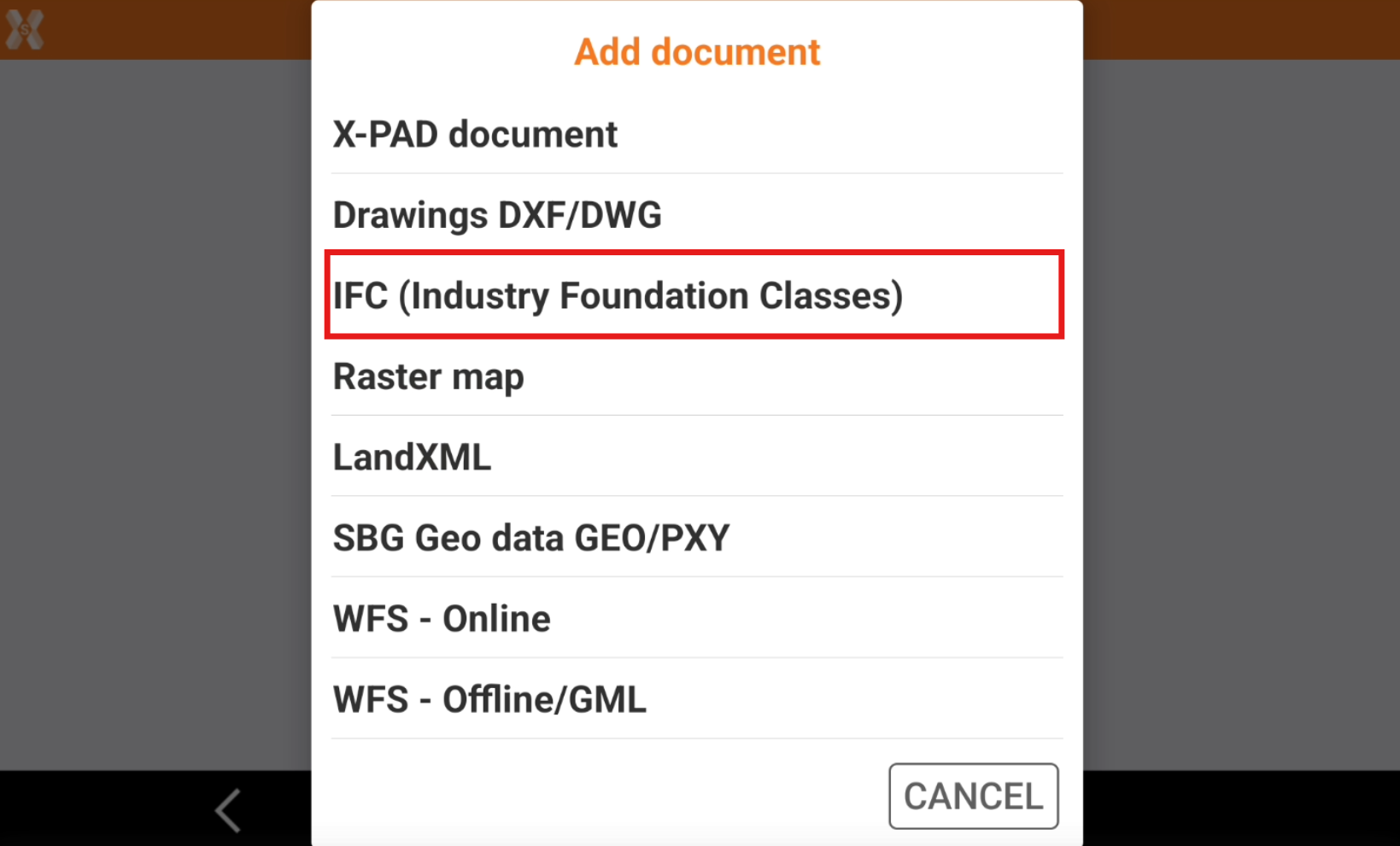
To load a BIM model in IFC format click External references.
Click Add.
Select IFC (Industry Foundation Classes).
Select the file from the internal memory or from the cloud.
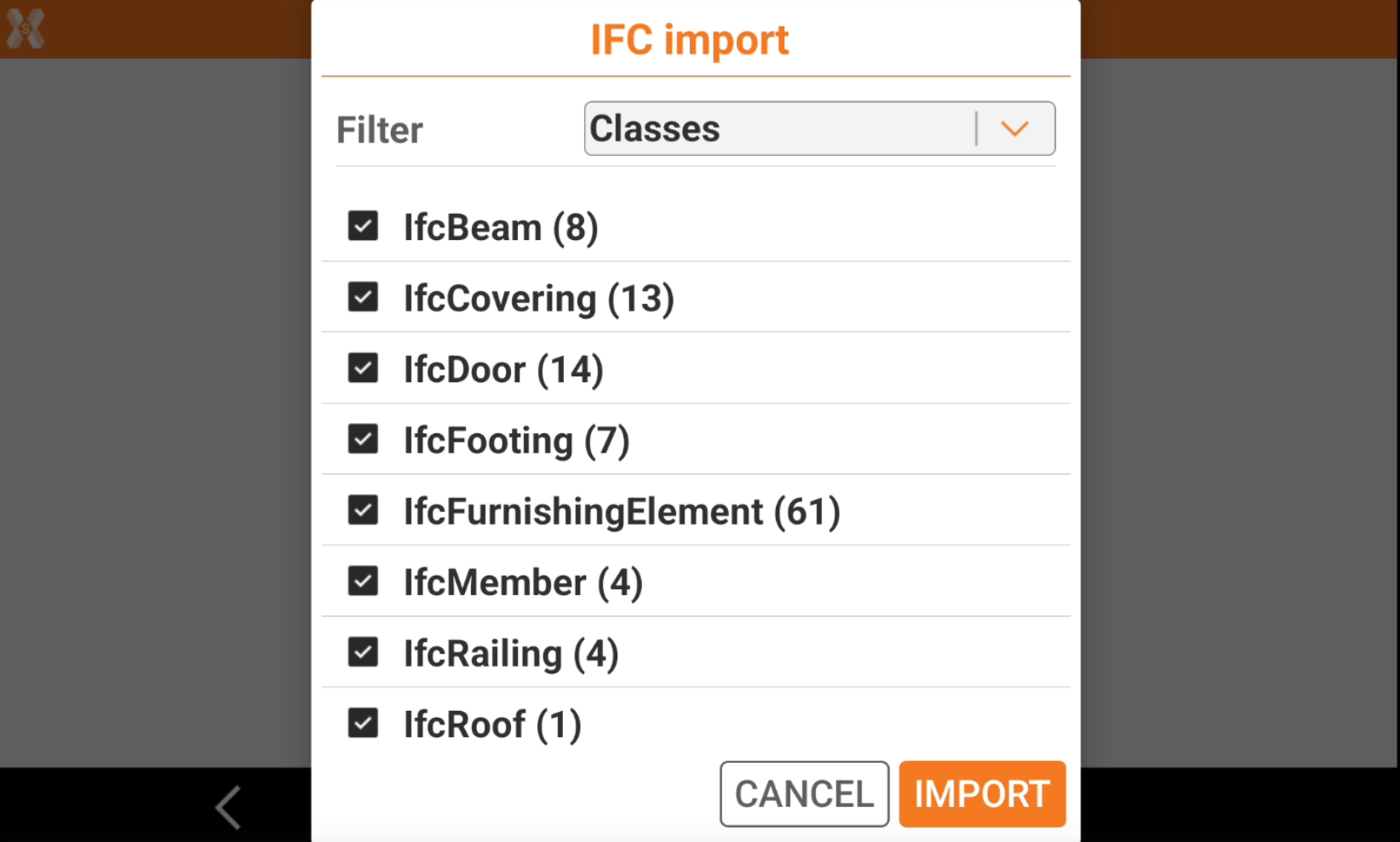
Select the classes to import. By default all classes are active.
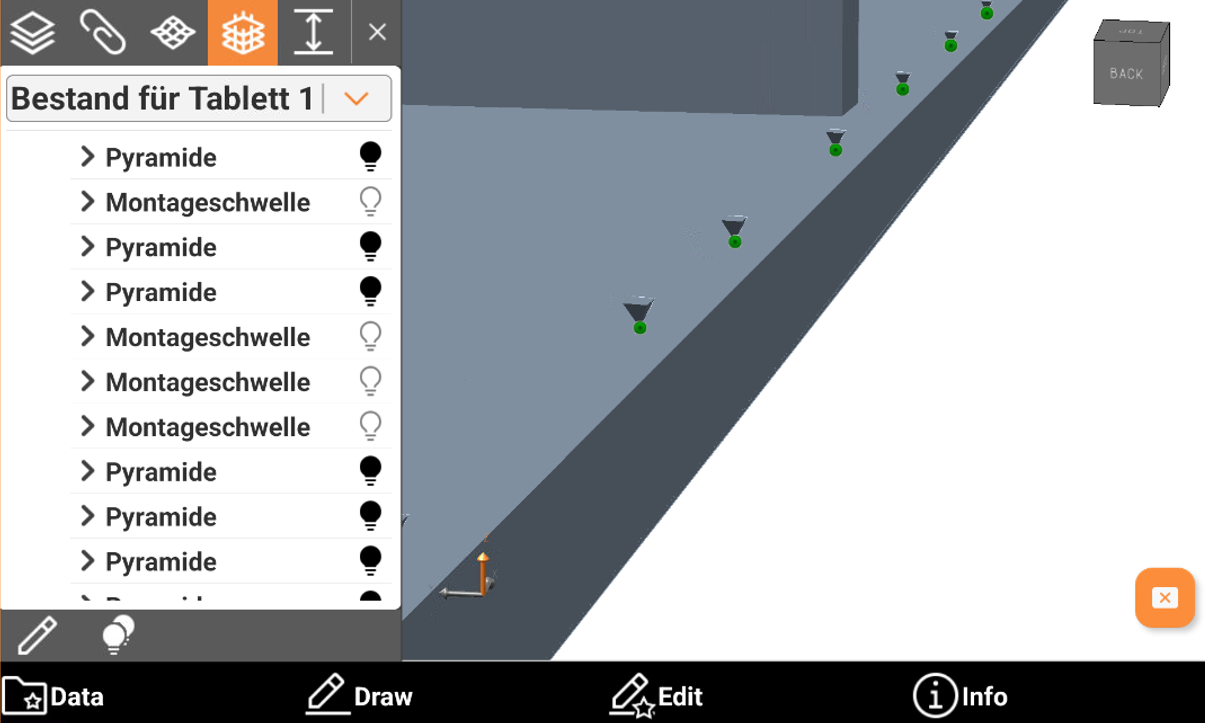
Create points on “PYRAMIDE”: objects called PYRAMIDE stored in the model represent the drill poin. Then is possible to store a topographic point on each of that positions.
Click Import.
The IFC file is loaded.
