
Managing dynamic DNS (DDNS) profiles
 |
|  |
| 
Set a base and rover system in which the base is able to support up to 10 rovers at the same time using GPRS network.

Available for some GNSS receiver models.
The parameters are:
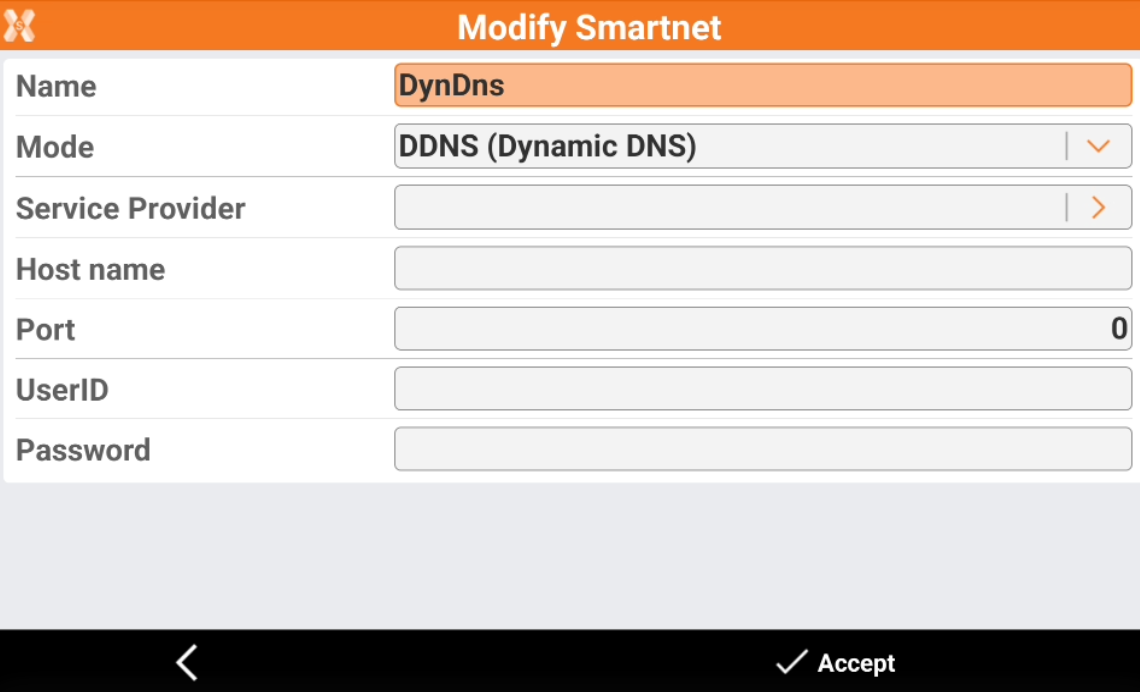
Name: description of the profile.
Mode: select DDNS (Dynamic DNS).
Service Provider: insert the address of the service provider. It is necessary to subscribe service to one of these providers. Some service providers to use are:
DynDNS (default)
easyDNS
No-IP
Two-DNS
Host name: host name assigned by the service provider. Provided when you register yourself to the service.
Port: number of the port used:
UserID: identification of the user registered to the service. Provided when you register yourself to the service.
Password: password assigned to the registered user by the service. Provided when you register yourself to the service.
Click Accept to save the configuration.