
Managing point to point profiles
 |
|  |
| 
Allows to set the IP address and the port number for the connection to receive corrections.
Point to point connection allows to receive RTK corrections directly from an IP address and port, not using the NTRIP protocol.
The parameters are:
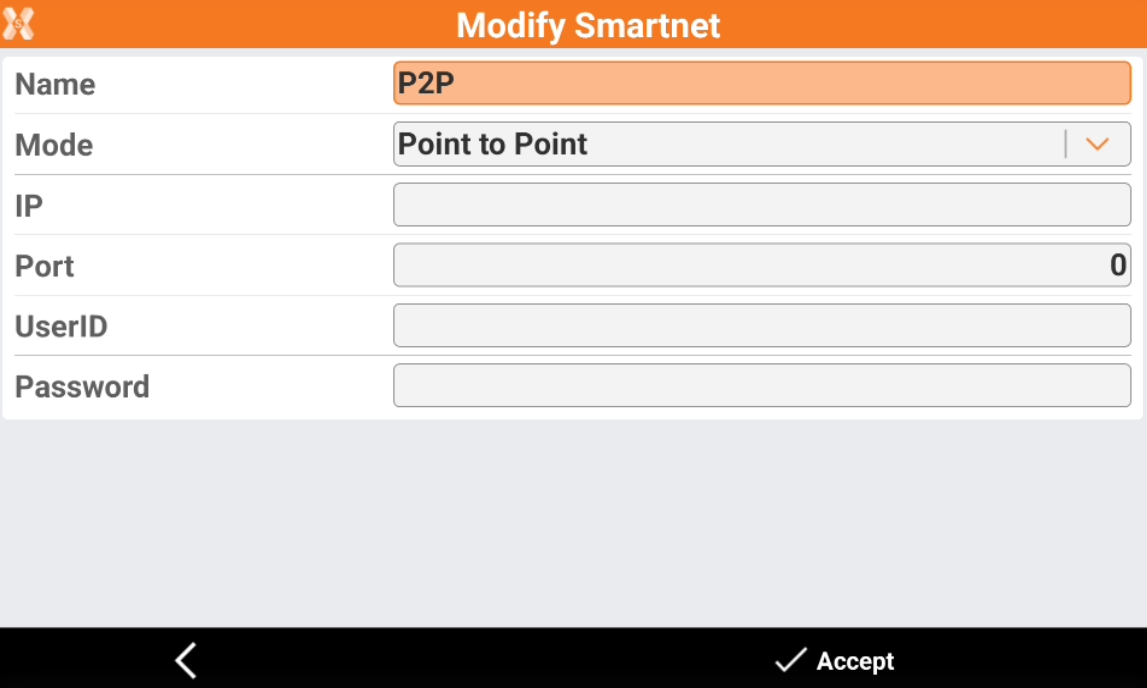
Name: description of the profile.
Mode: select PPP (Point to Point).
IP: IP address to use:
Port: number of the port to use:
UserID: identification of the user registered to the service.
Password: password assigned to the registered user by the service.
Click Accept to save the configuration.