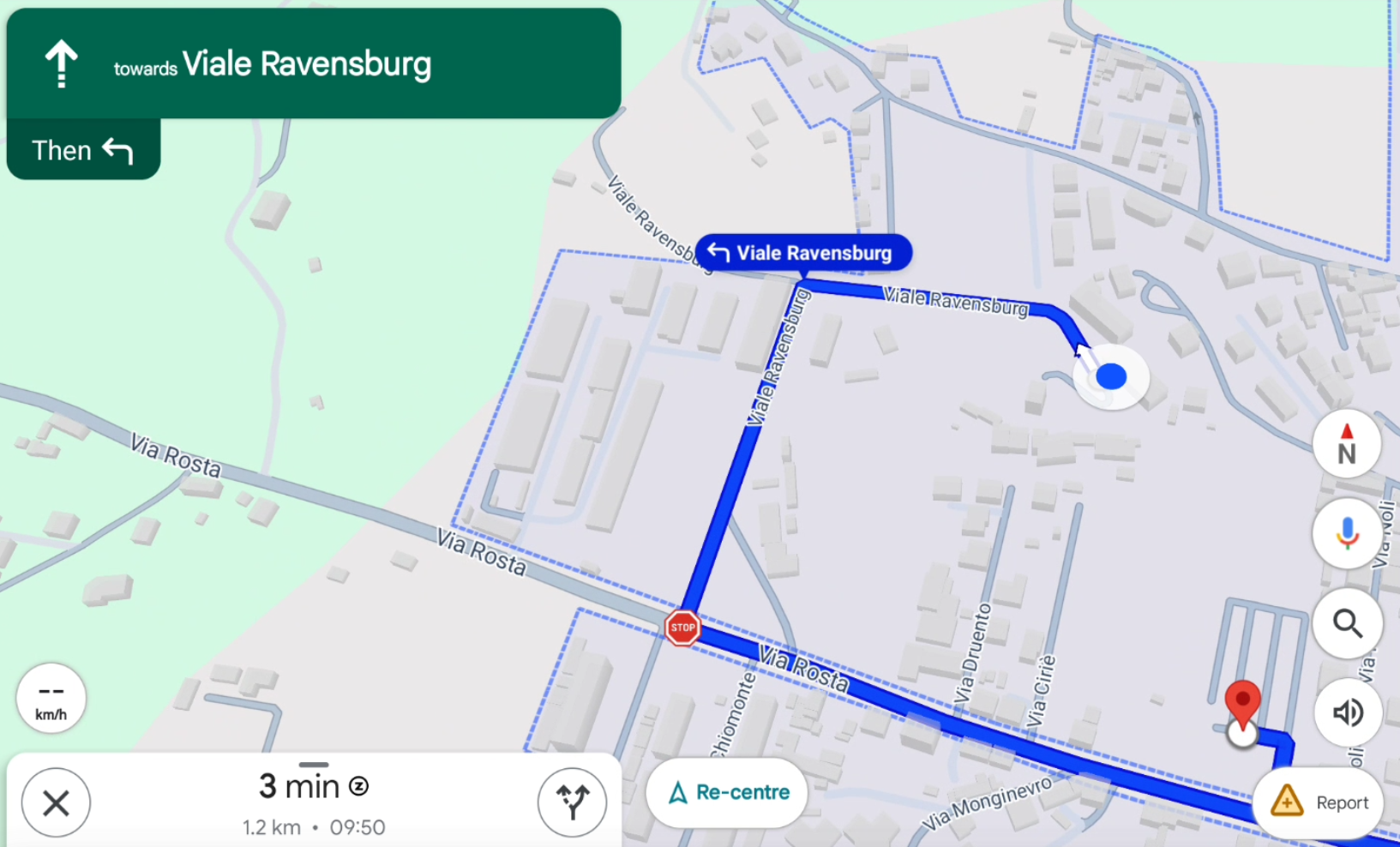
Navigate to point with Google Maps
 |
| 
Every point with a valid GNSS position can be sent to Google Maps and navigation can start.
Click Job.
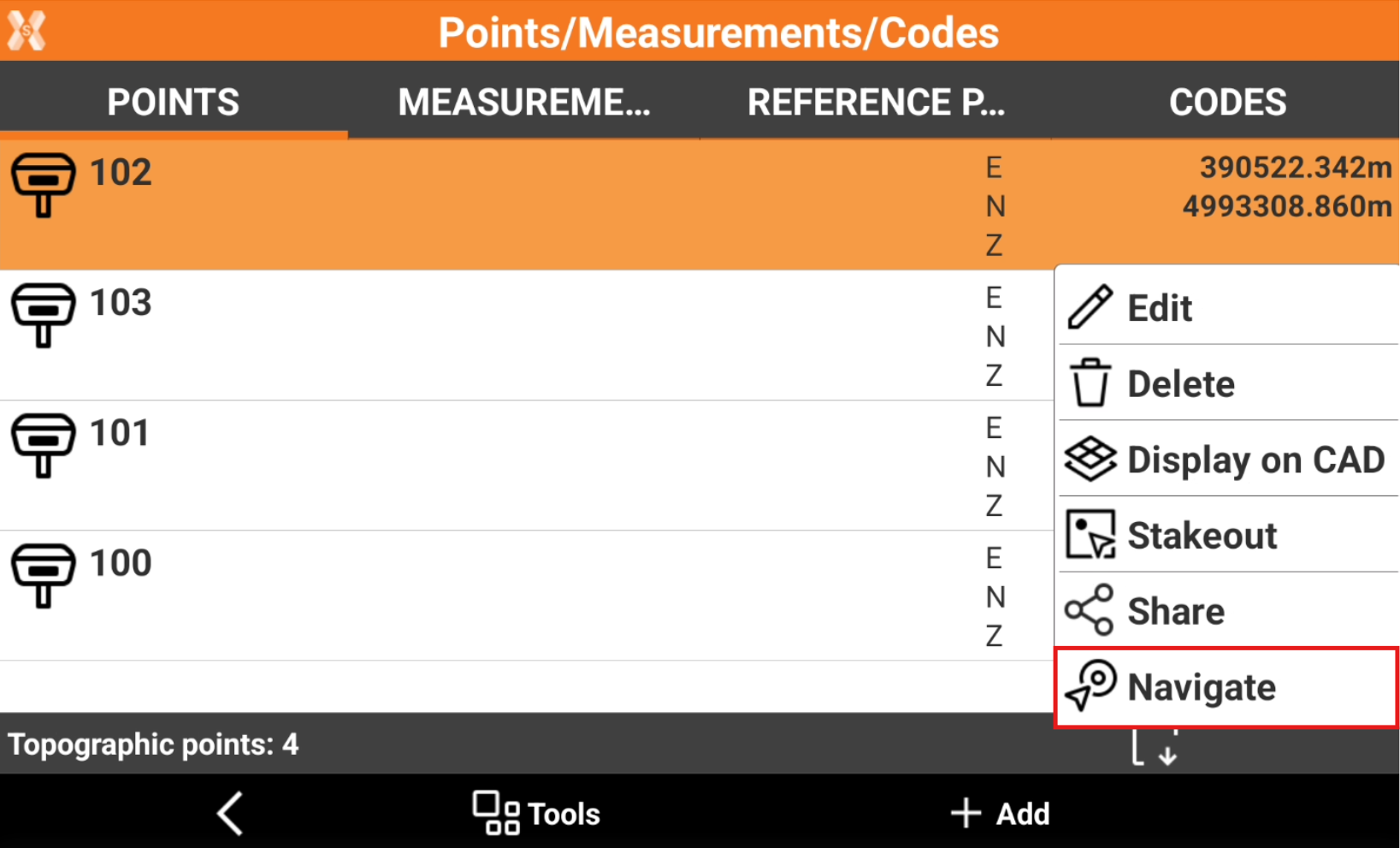
Click Points/Measurements/Codes.
Open the Points tab.
Select a point from the list and click Navigate.
The software opens Google Maps with information on how to navigate to the point.