
Reference axis setup
 + BUILD |
The position and orientation of the station are determined by measuring a reference axis. The two points set the origin and direction of the X axis.
After have measured the origin and direction points, these definition can be paired to points and position in the drawing.
Select NO. Station position has to be calculated.
Select Reference axis.
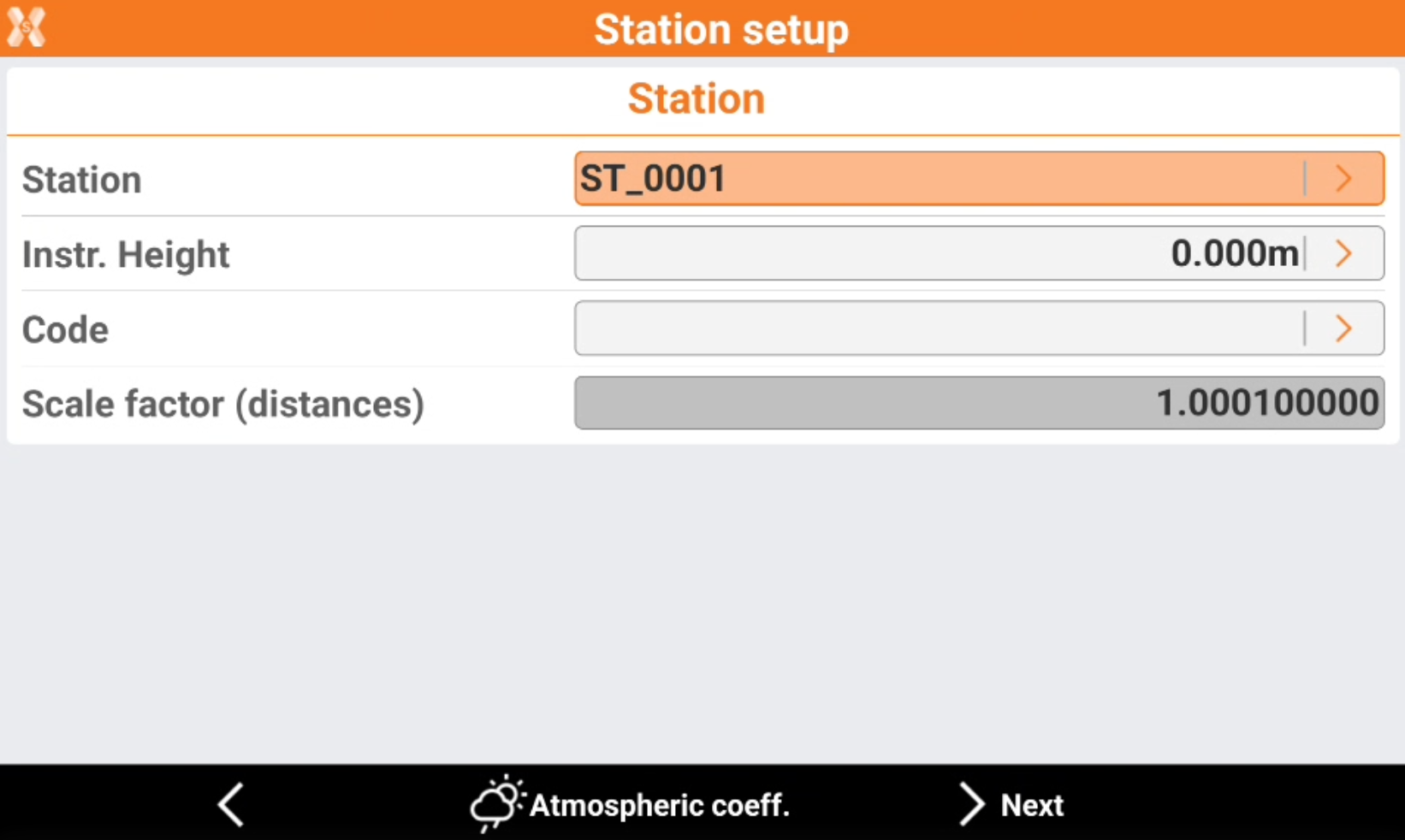
Station: name of the station. Select a point existing in the job.
Instrument height: elevation of the total station from the ground. It is possible to calculate the height of the instrument.
Code: code to assign to the station point in case a new point is created.
Click Atmospheric coeff to change the atmospheric coefficients.
Click Next to proceed to define the reference point.
Measure the origin point of the reference axis.
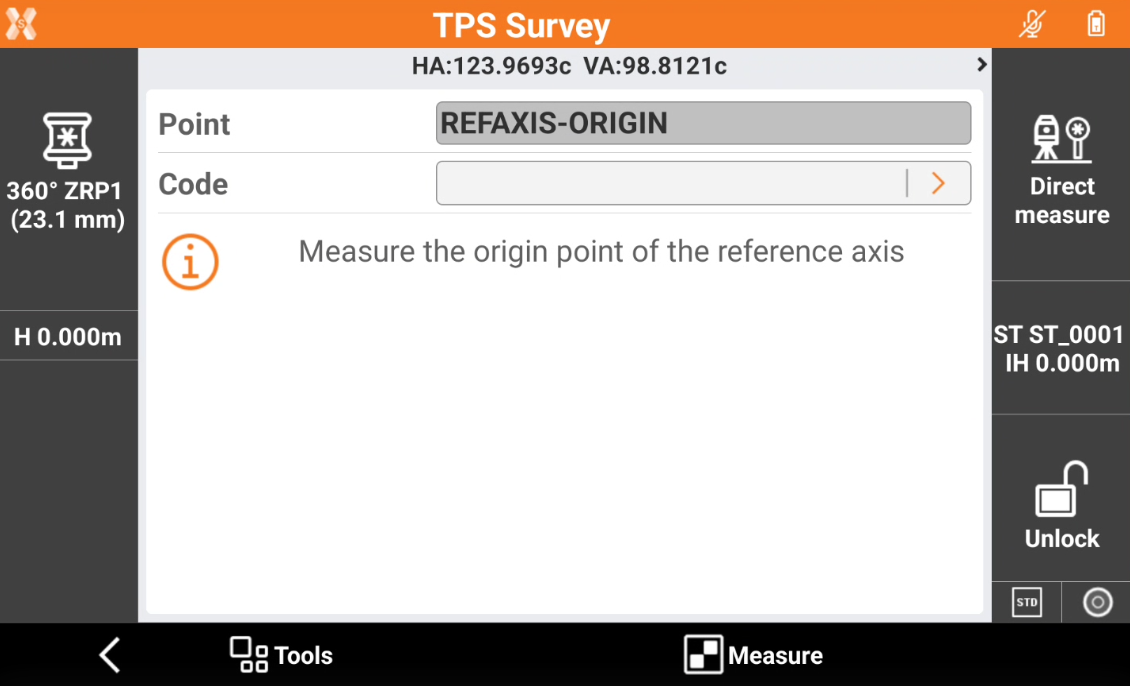
Continue measuring the direction of the reference axis.
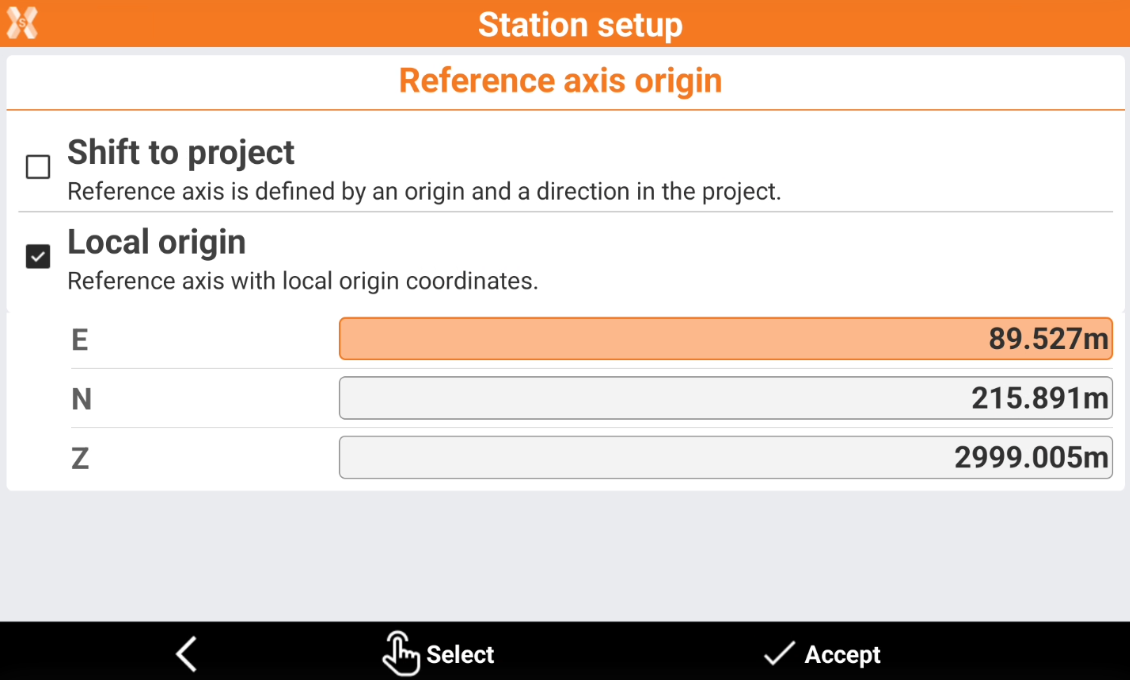
Select how the reference axis is defined.
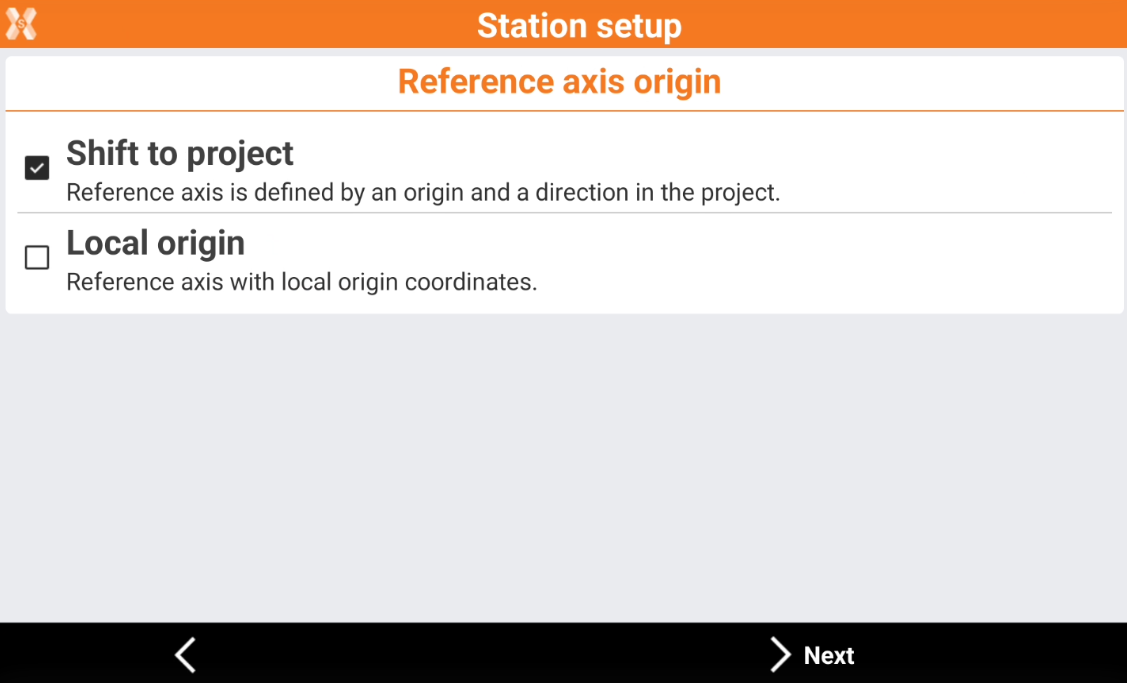
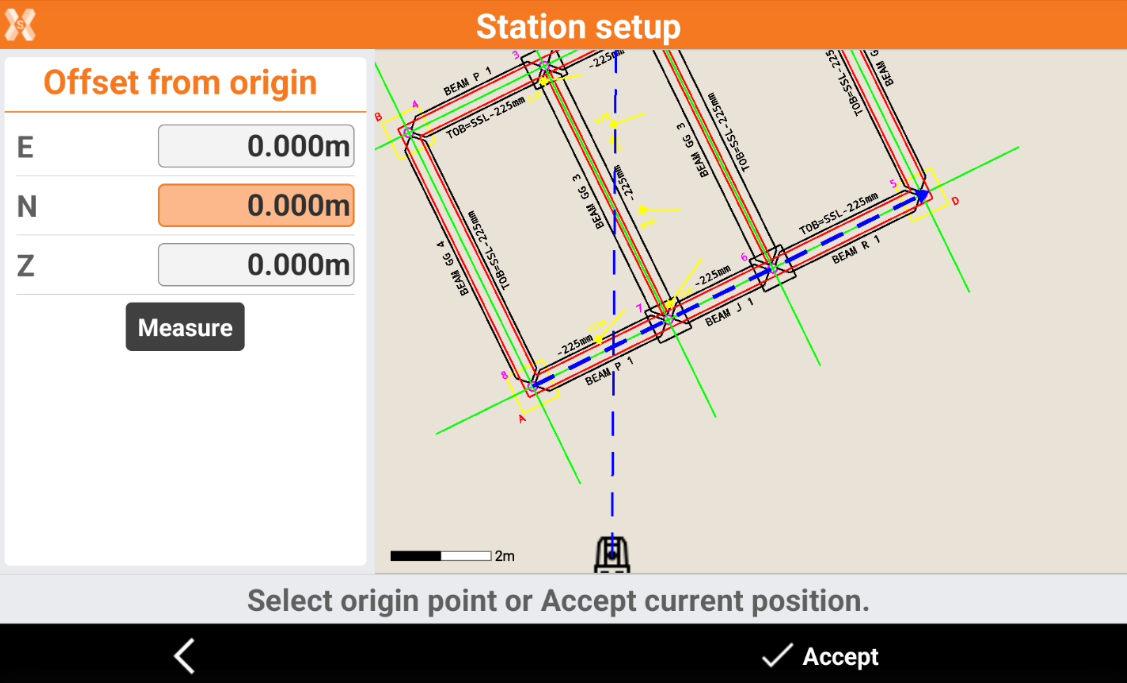
Shift to project: the origin and direction are selected graphically in the drawing. Click in the CAD drawing to select the origin and the direction, represented by a blue arrow. It is also possible to define an offset from the previously measured axis origin.
Local origin: the reference axis is defined with local origin coordinates. Enter the coordinates of the origin of the reference axis, or click Select to select the origin graphically on the drawing. The direction of the reference axis is the drawing X direction.
Click Accept setup to confirm the setup.