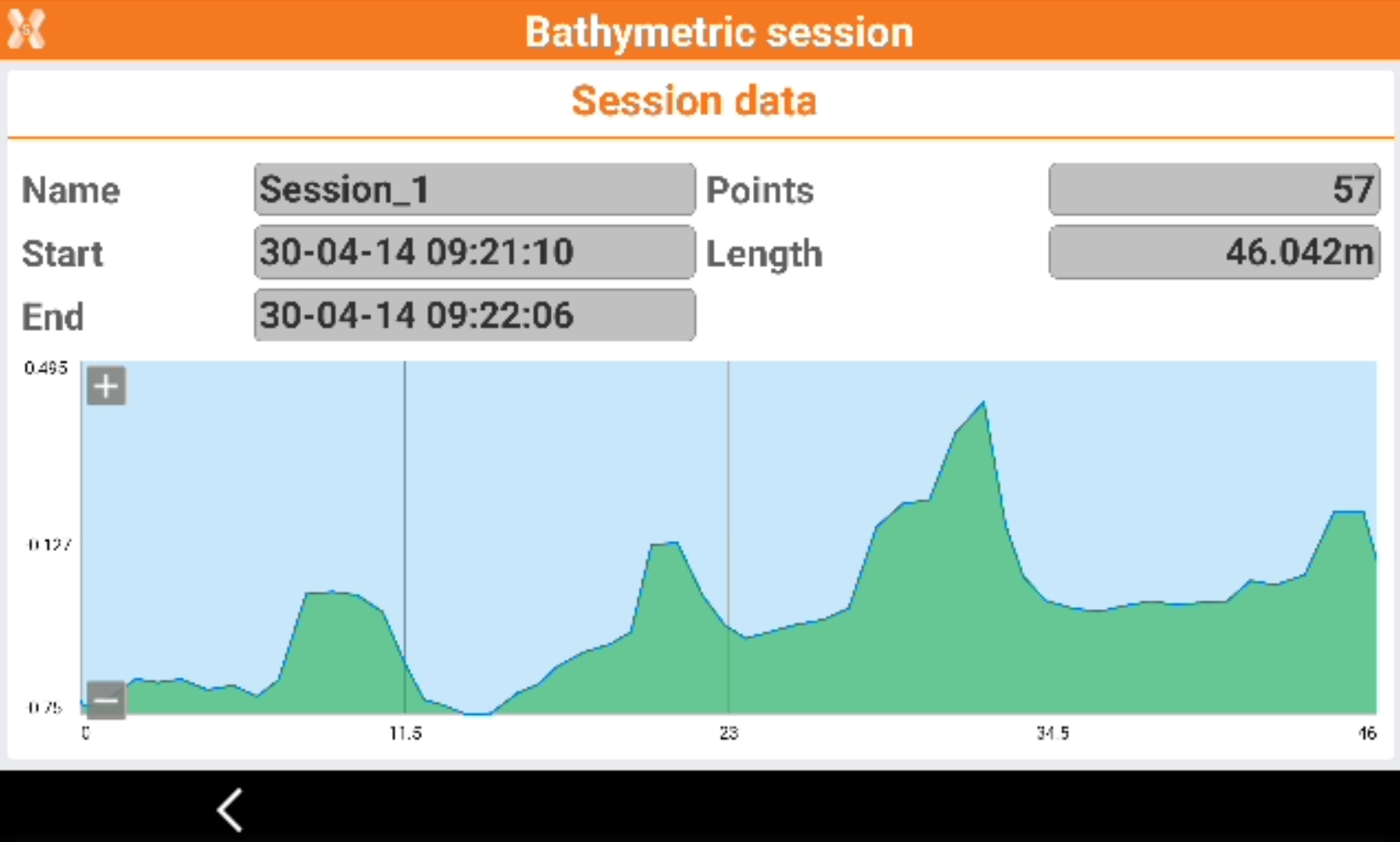
Tools of the bathymetric survey
 + BATHYMETRY
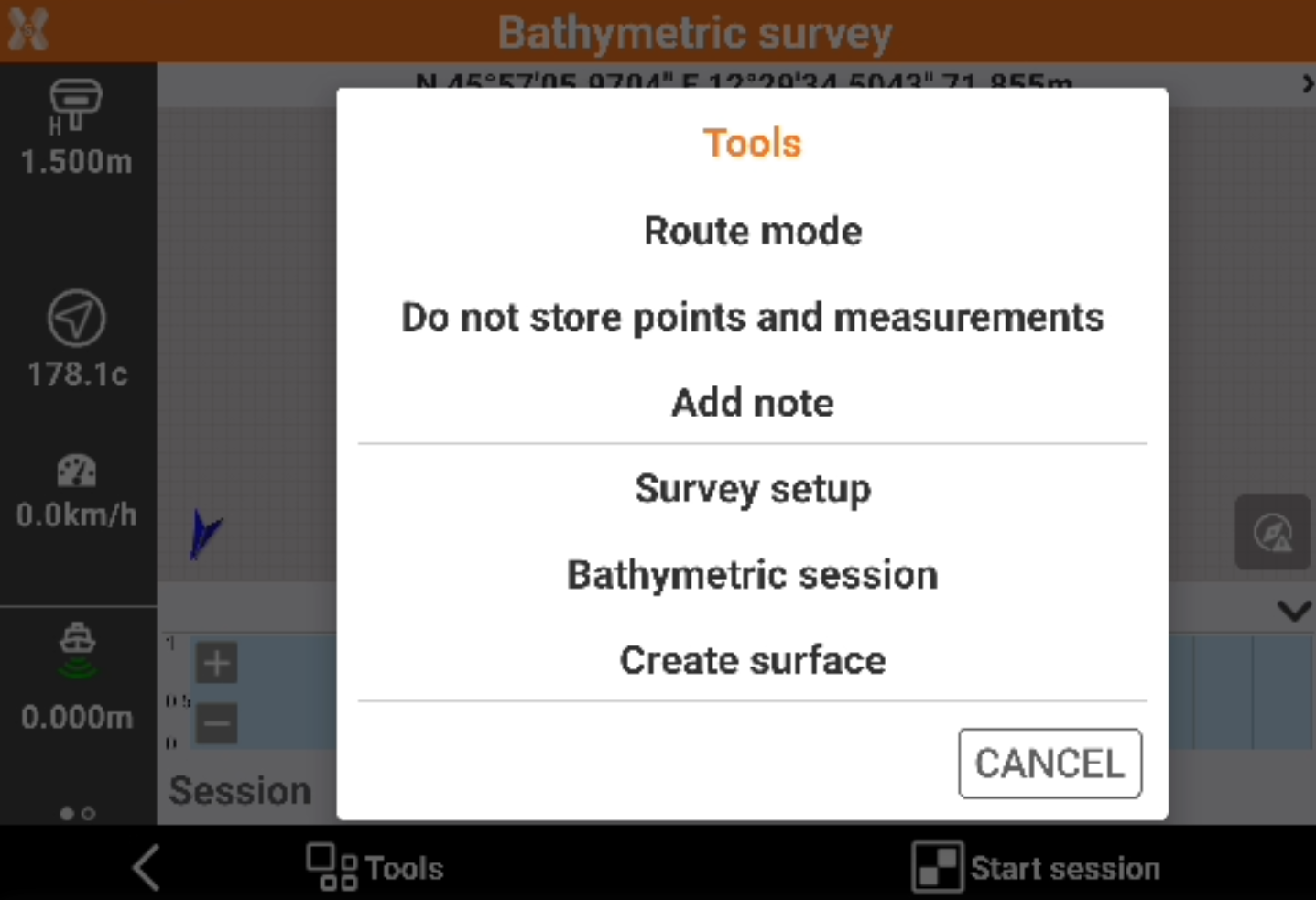
In the Bathymetric survey page click Tools to open the tools.
Setting the fixed route
Set a route direction (azimuth) to follow. During the survey, a panel appears that allows to maintain the predetermined route.
Click Tools.
Click Route mode.
Click Fixed direction.
Setting a route from a drawing element
Select a line or a polyline from the graphic window. The selected item becomes the reference element to follow.
The panel with the indications of the route shows exactly the direction to be maintained in order to remain in the selected route.
Click Tools.
Click Route mode.
Click Select route from CAD.
Select a line or a polyline from the graphic window.
Cancelling a route
Cancels the current route.
Click Tools.
Click Route mode.
Click Cancel route.
Storing points and measurements
Allows to change the setting for storing points and measurements in addition to the bathymetric sessions.
Click Tools.
Click Store points and measurements or Do not store points and measurements.

On big bathymetric survey storing points and measurements can cause some delays on graphic visualization.
Creating a surface
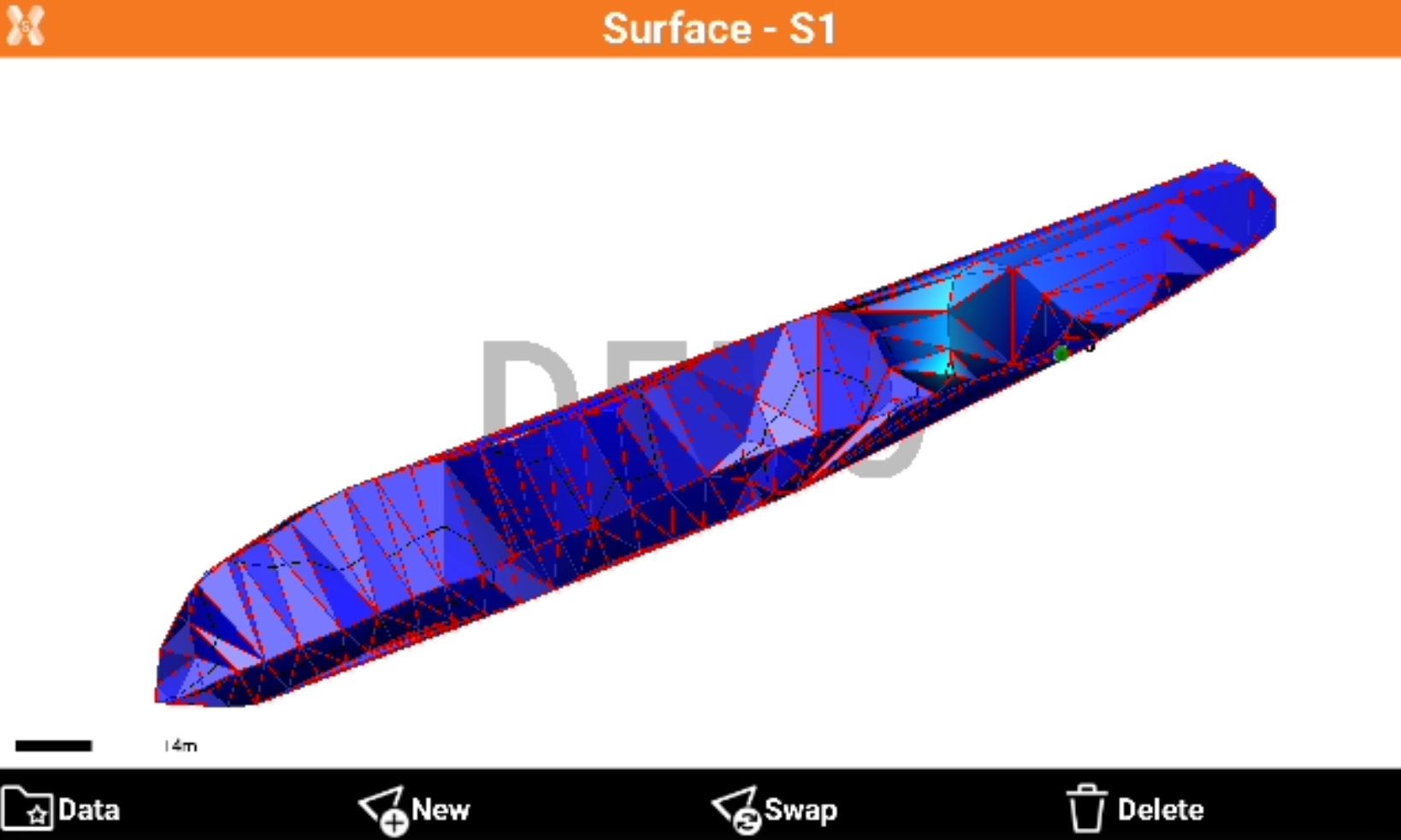
The function allows to create a surface based on measured bathymetric sessions.
Click Tools.
Click Create surface.
Define the surface name and if create contour lines.
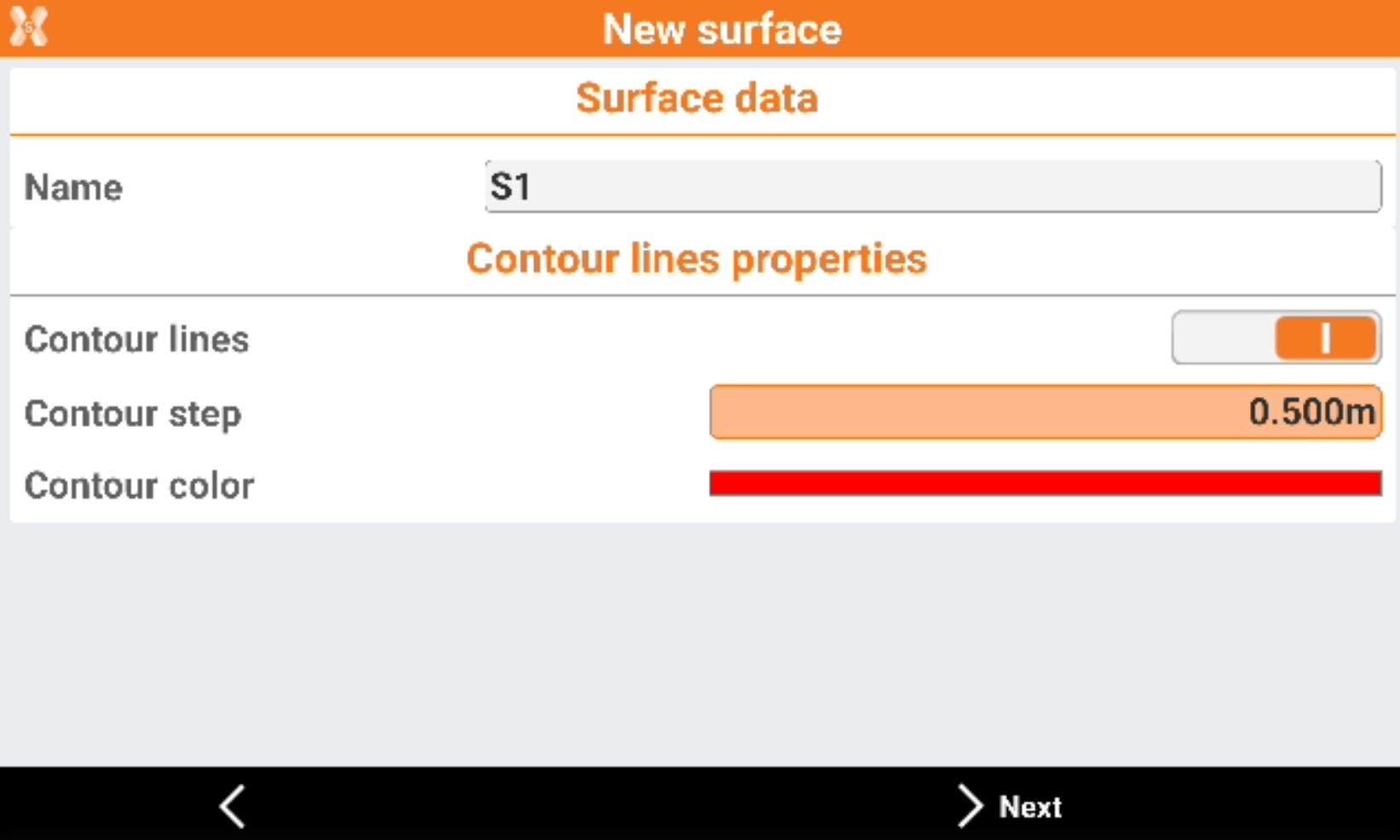
Name: the surface name.
Contour lines: enables the creation of contour lines.
Contour step: the step of the contour lines.
Contour color: the color of the contour lines.
Select the sessions to use.
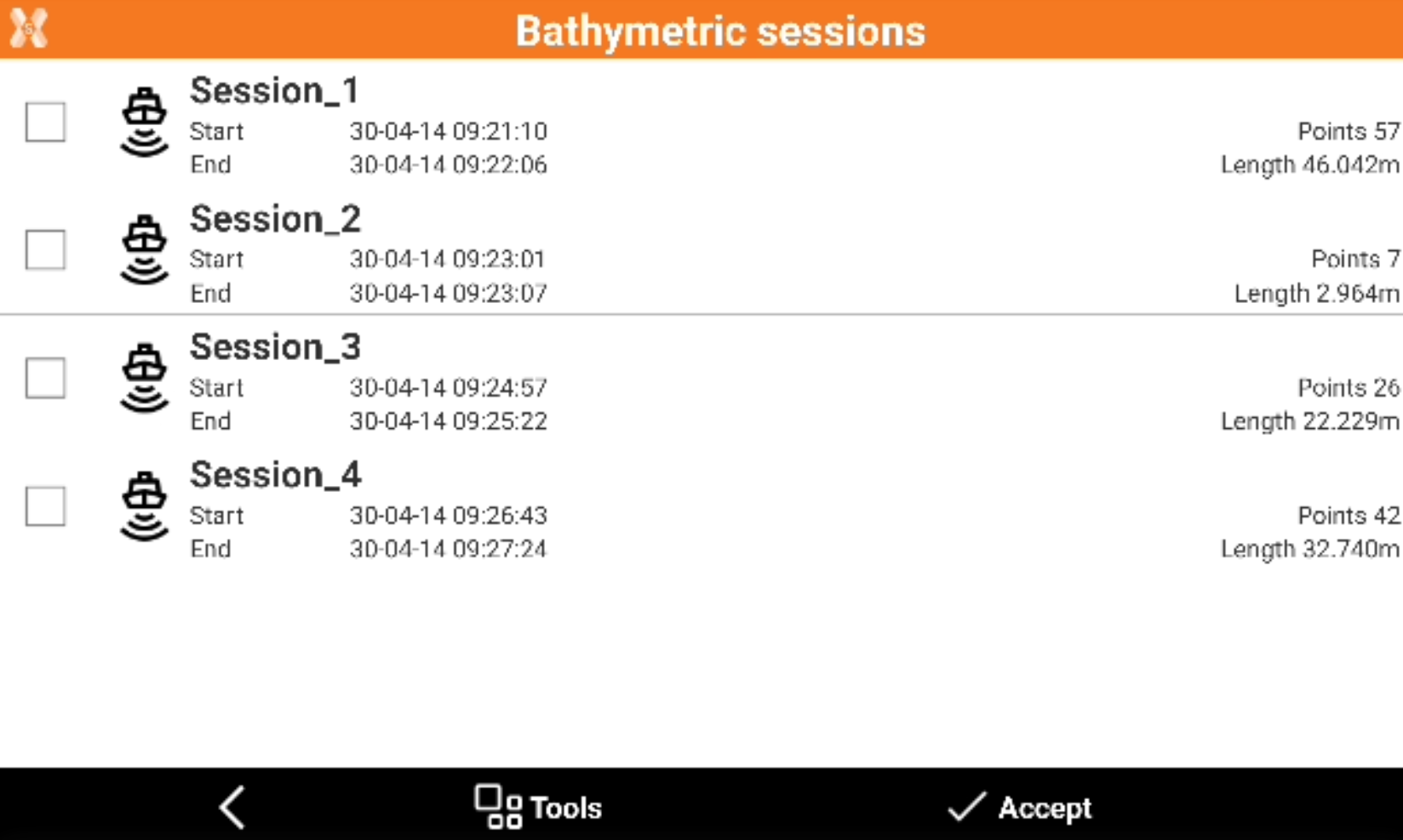
Click Accept to create the surface.
Adding a note
Descriptive notes and sketches that can be a valid reference when processing the stored data in the office can be added during the bathymetric survey operations.
Click Tools.
Click Add note.
Visualizing survey sessions
The command is used to list the bathymetry sessions executed.
Selecting a session to access additional information or to delete a session.
Click Tools.
Click Bathymetric session.
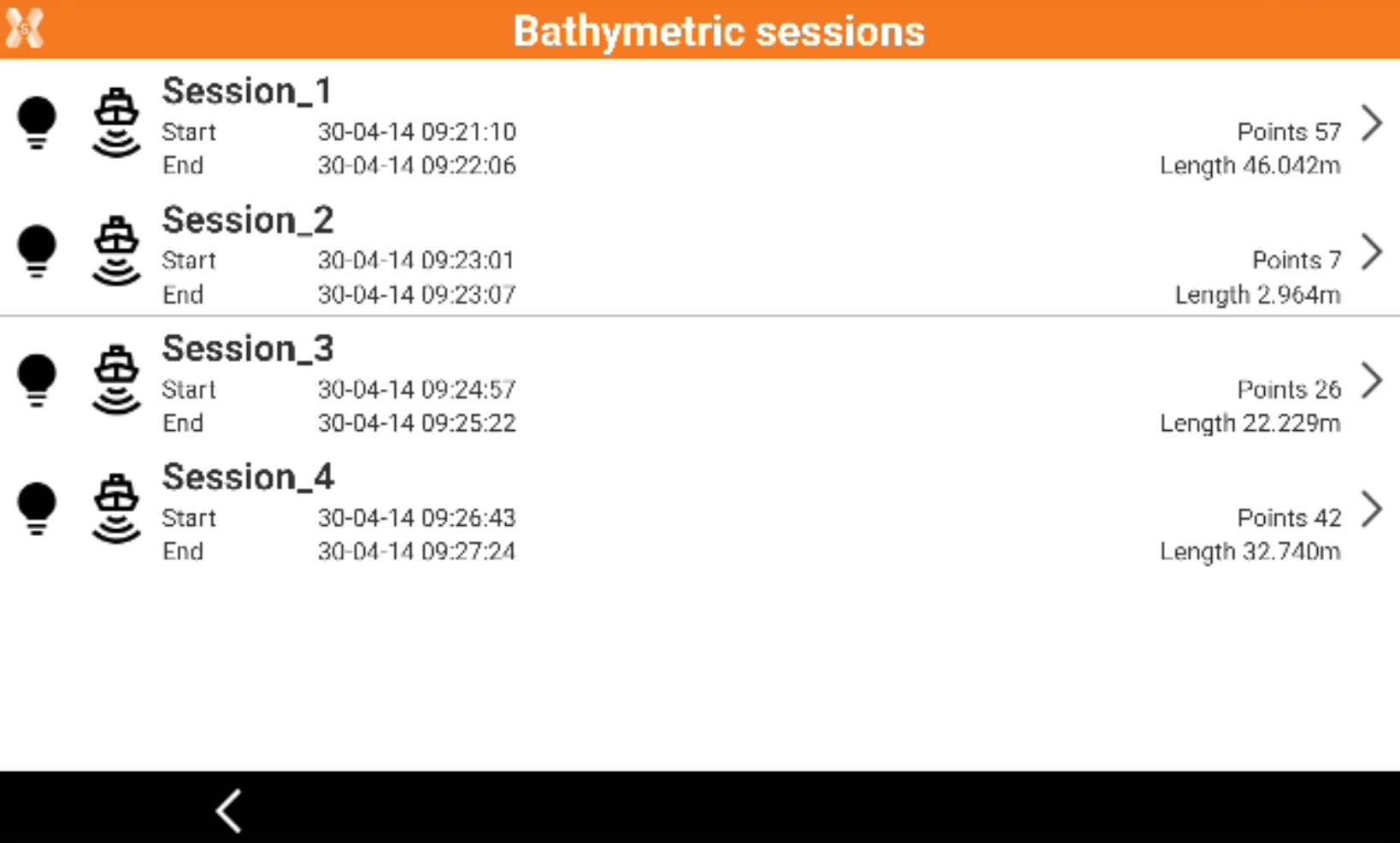
Select a session and click Delete to delete it or View to view the data.