-
X-PAD Fusion allows to import Zoom25/50 data in a specific format. This format has to be first imported in the total station.
-
After Fusion has been installed in the PC, open the folder C:\Program Files\GeoMax\X-PAD Office Fusion\Formats and copy the format file GMX_ZOOM2550.FRT to a USB pen drive within a folder called Formats.
-
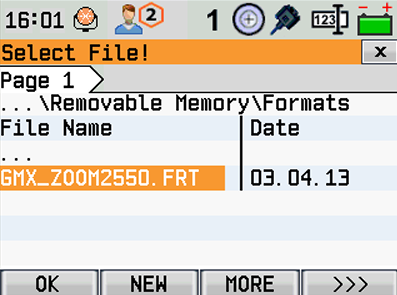
Plug the USB pen drive into the Zoom total station and import the copied format file. To import the file select Transfer and Import and select the file.
-
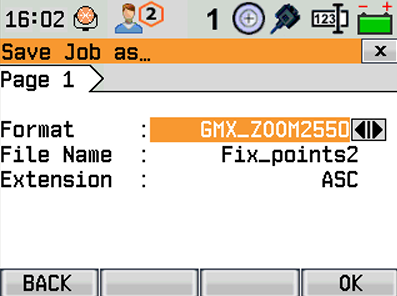
After the file has been imported, we can export using this format file.
-
The file that has been exported using this format, can now be imported directly in X-PAD Office Fusion.
-
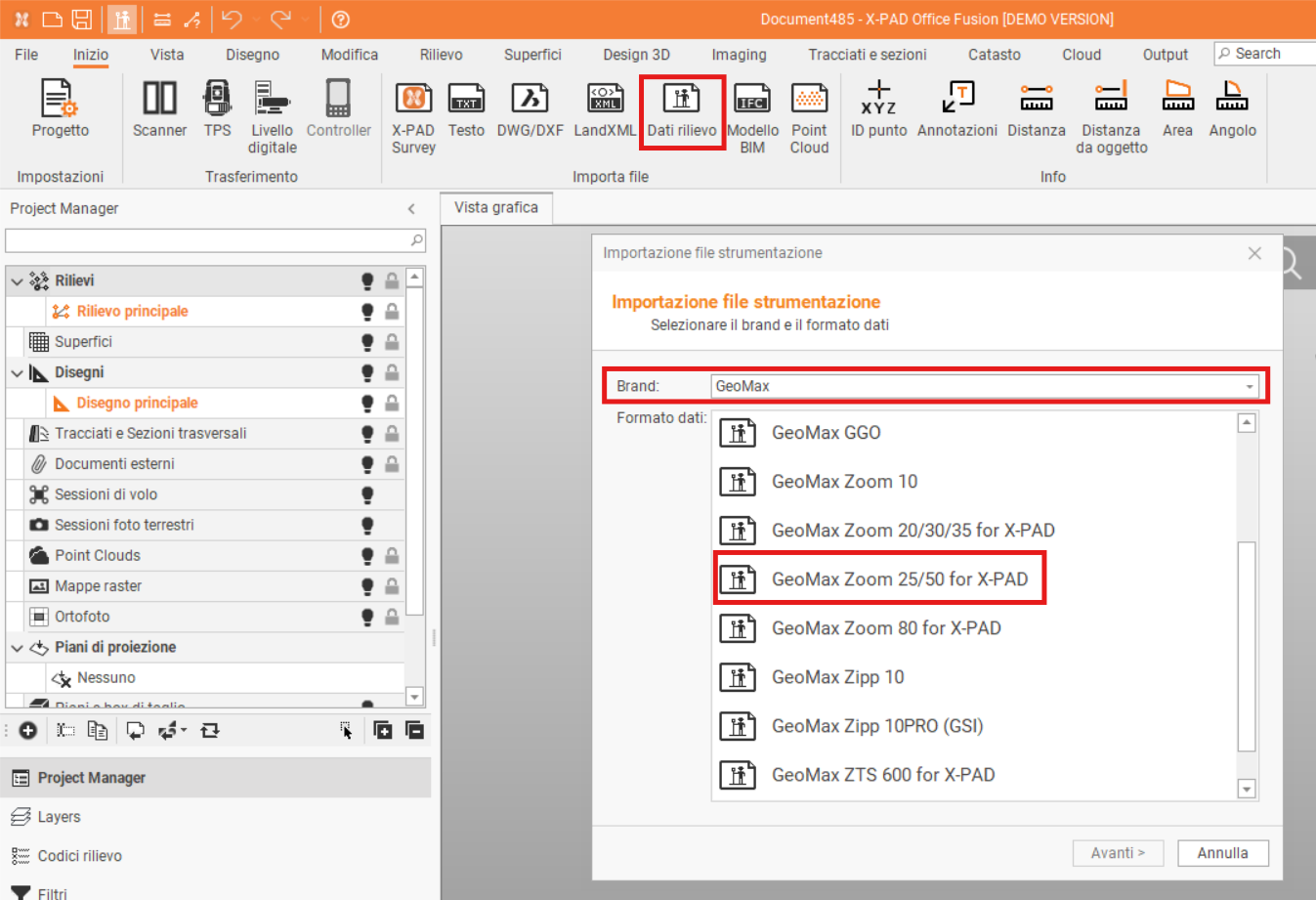
To import the file select Home and Survey data.
-
Then select GeoMax as Brand and GeoMax Zoom25/50 for X-PAD as Data format and import the file exported from total station.