
-
Zoom45 allows to get remote support, mirroring remotely the screen.
-
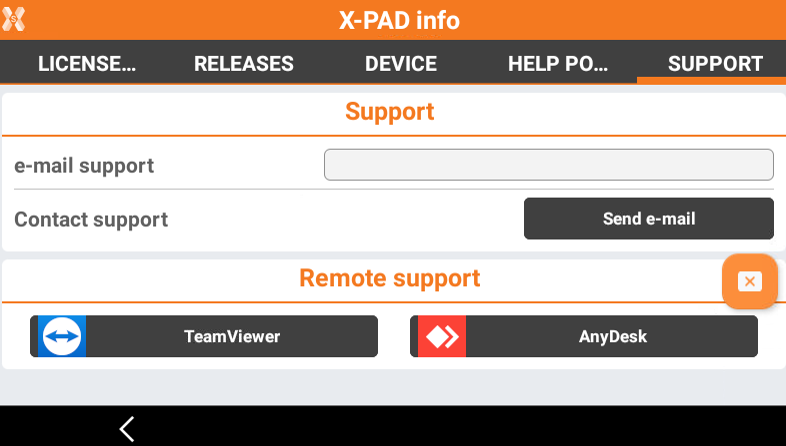
To install a remote support application, like TeamViewer and AnyDesk, open X-PAD software.
-
Click on X-PAD logo on top-left of the screen and open the Support page.
-
Click the application to download.
-
Follow the on-screen instructions to download and install the application.
-
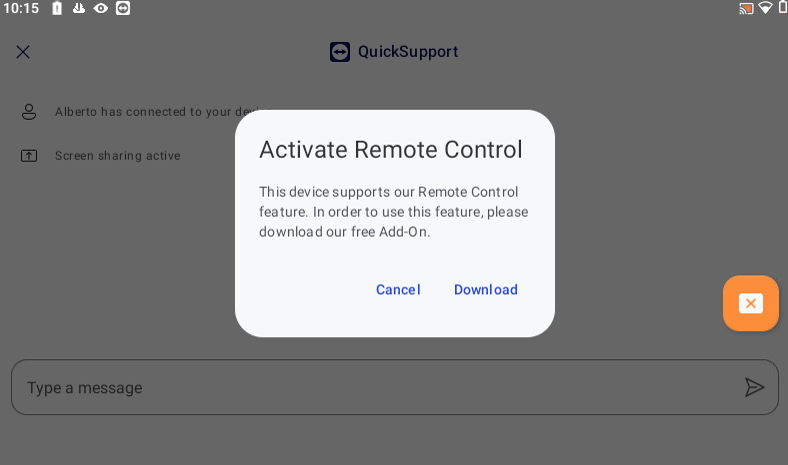
It is possible that to give remote control, an add-on has to be installed. Follow the on-board instructions to install optional add-on.
-
After application is installed, start the application to provide a remote connection to the support team.