
X-PAD365 is available as web-based application and is part of X- PAD Ultimate for the field controller and X-PAD Fusion for office.
Log-in in web application
-
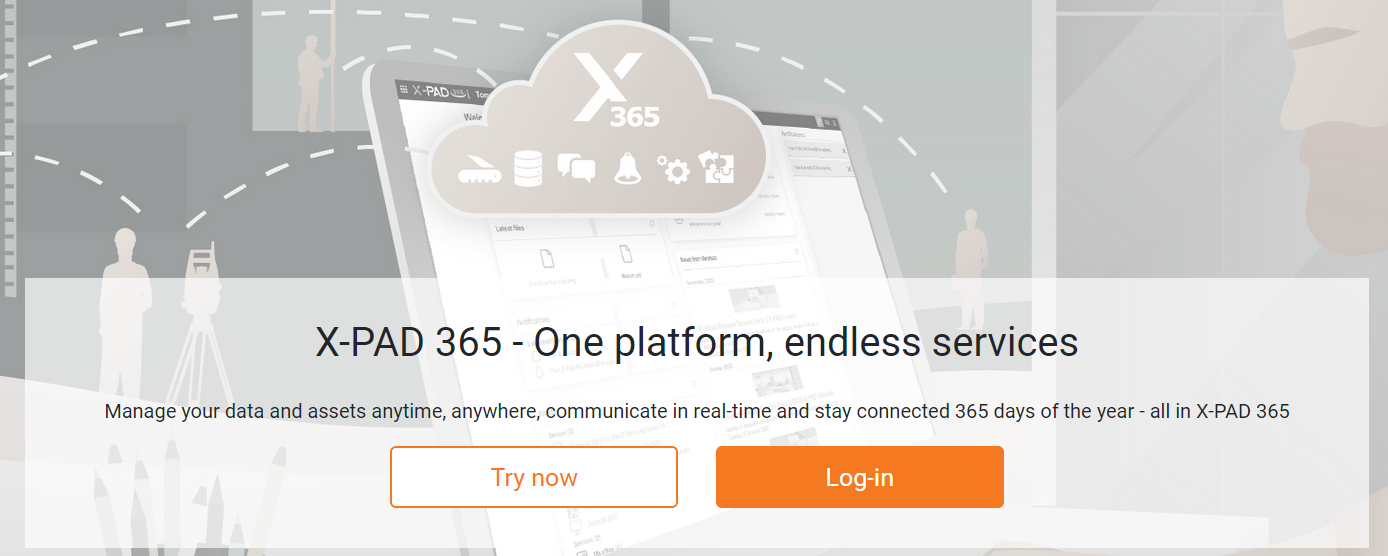
To login to X- PAD365 Web Platform workspace open the login page: https://x-pad365.geomax-positioning.com/
-
Click Log-in.
-
Select the account, enter the password and click Sign in.
-
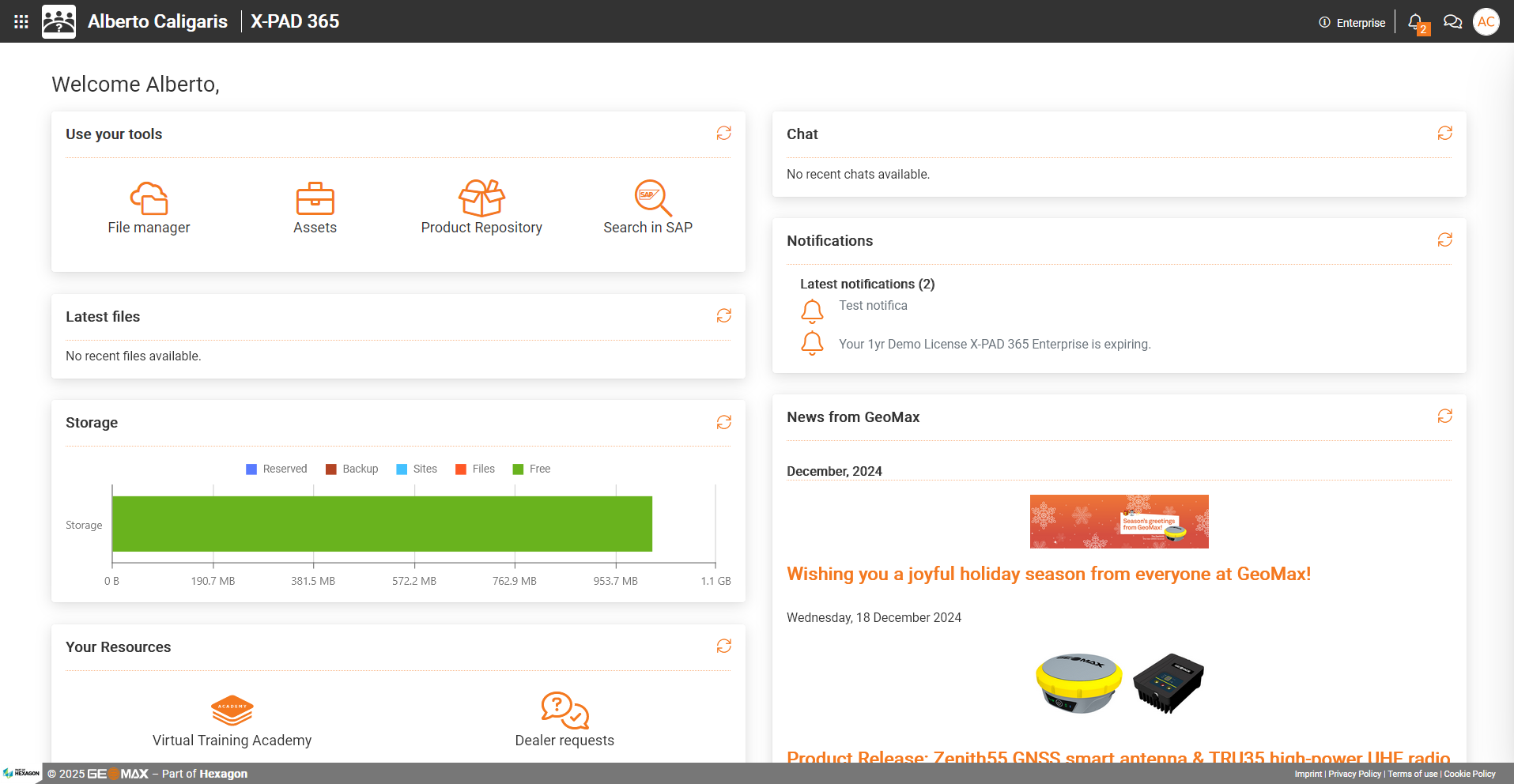
The X-PAD365 web-based workspace is opened.
Log-in in Fusion Office software
-
Start Fusion Office software.
-
Click X-PAD365 icon on the top-right of the screen.

-
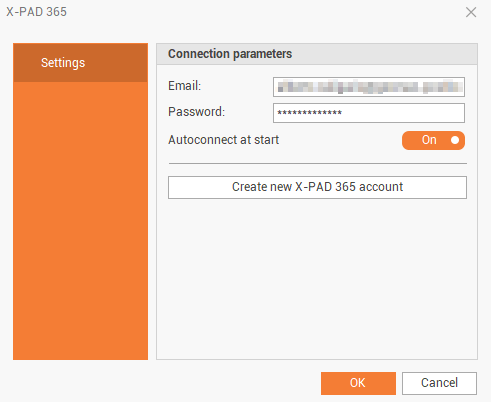
Click Settings.
-
Email: identification of the user registered to the service.
-
Password: password assigned to the registered user by the service.
-
Autoconnect at start: enables/disables the automatic connection when the software is started.
-
-
Click OK to login.
Log-in in X-PAD Ultimate field software
-
Start X-PAD Ultimate software.
-
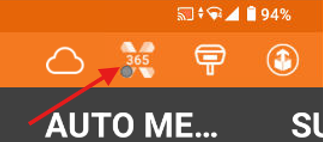
Click on X-PAD365 icon on top-right of the app.
-
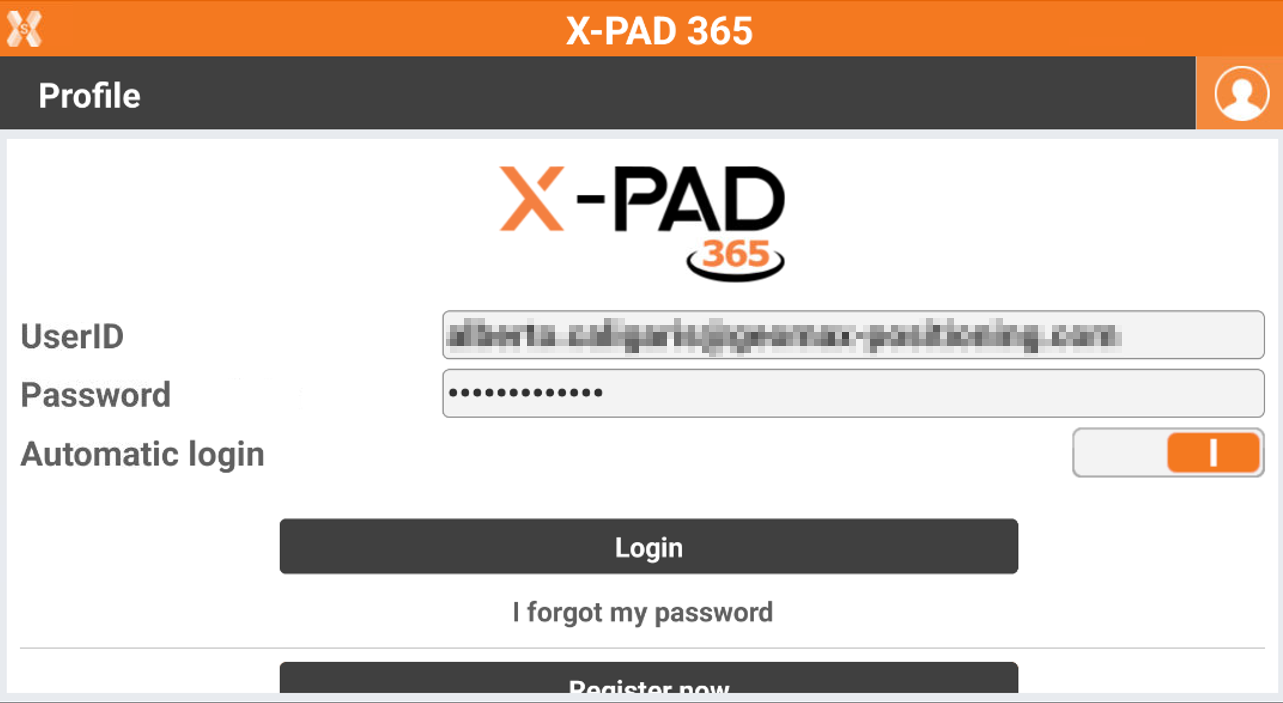
Enter the information to login.
-
UserID: the account user. It is the email used for registration.
-
Password: the account password.
-
Automatic login: enables/disables the automatic login when the software is started.
-
-
Click Login to sign-in in the account.