
The available resources and icons depend on available license.
-
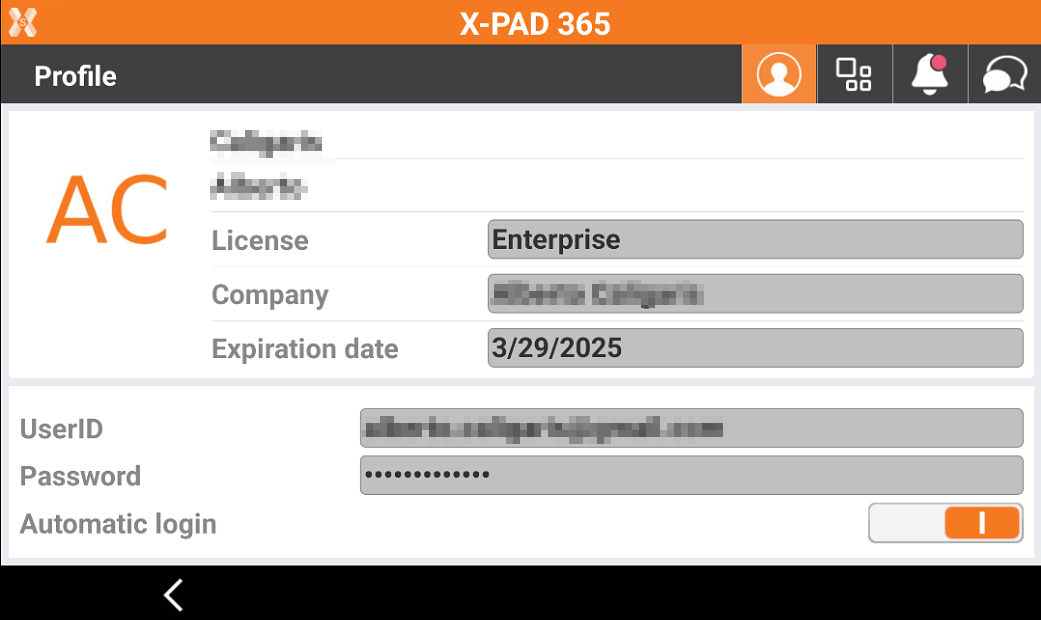
To access the X-PAD 365 workspace in the field app click on the X-PAD 365 icon on top-right angle of the app.
-
The window shows you the information on the license.
-

-

-

-

-
-
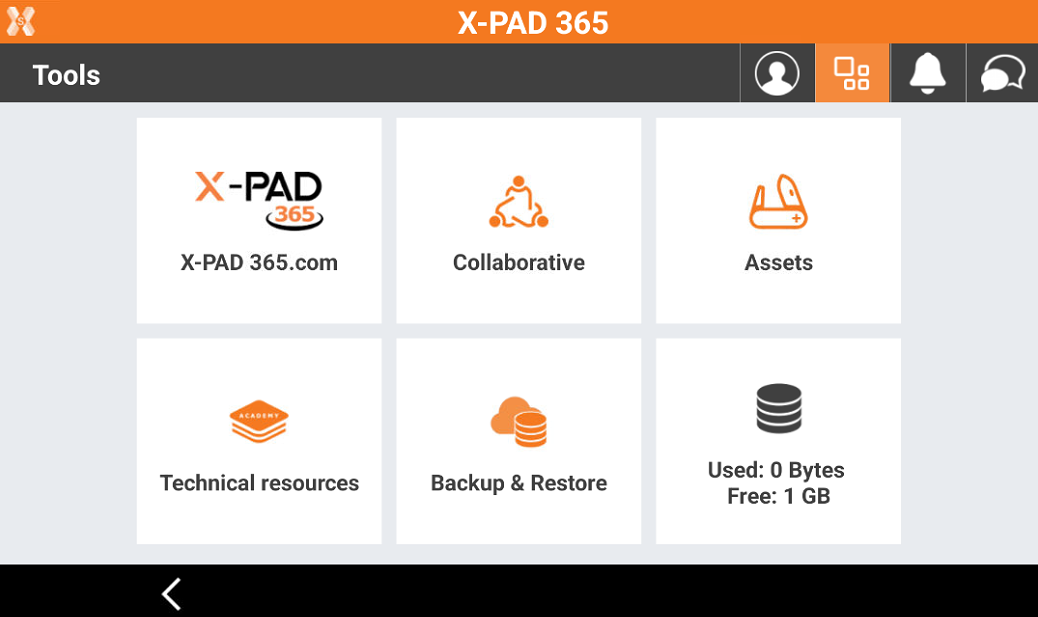
Click on Tools icon to open the Tools page.
-
X-PAD365: opens the web platform.
-
Collaborative: to create or join a collaborative survey session.
-
Assets: opens the list of registered and unregistered asset for the account.
-
Technical resources: opens the video tutorials and technical documentation for the software.
-
Backup & Restore: opens the function dedicated to backup and restore the data on controller.
-
Storage: shows the used and available cloud storage space.