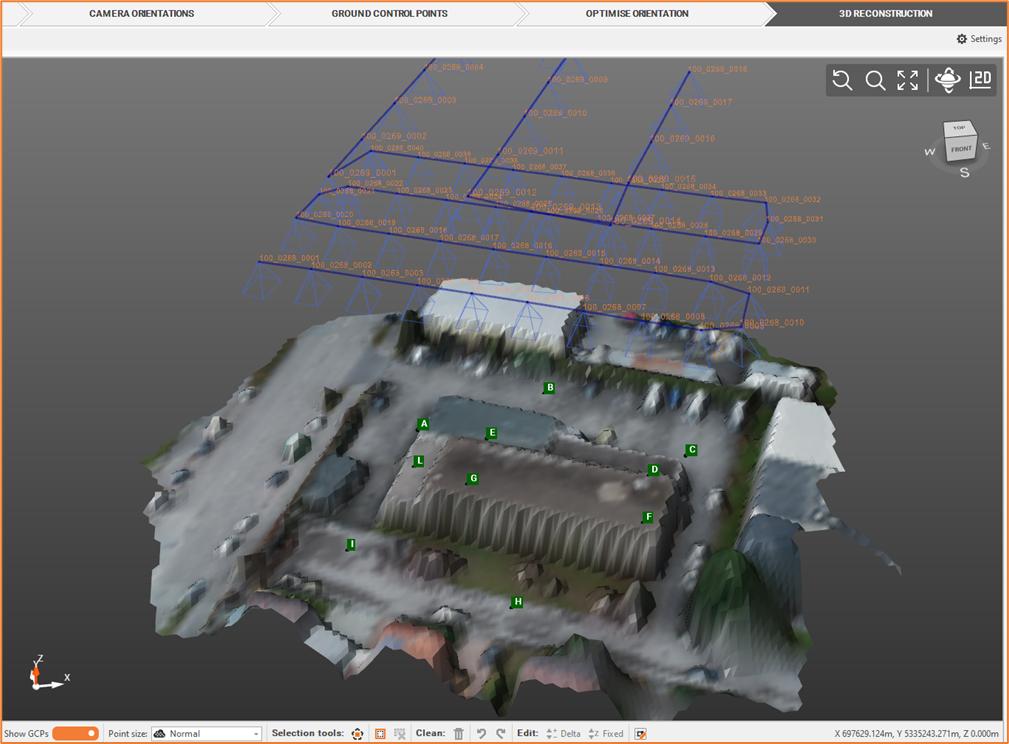
Digital Surface Model (DSM) [Aerial]
We can create, based on dense point cloud, a Digital Surface model (DTM), that is a surface representing the highest elevation of a terrain.
From the Outputs bar, select Elaborate DSM

Define the DSM settings.
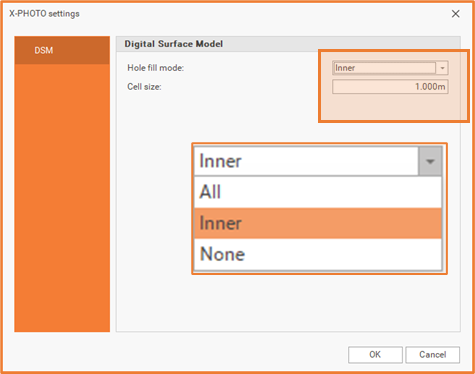
Hole fill: elect one of the available mode to fill the DSM holes.
All: this mode fills all holes.
Inner: in this mode, only the holes within the surface are filled.
None: in this mode, no holes are filled.
Cell size: reduce this value in order to increase the DSM quality.
Click OK for the final output.