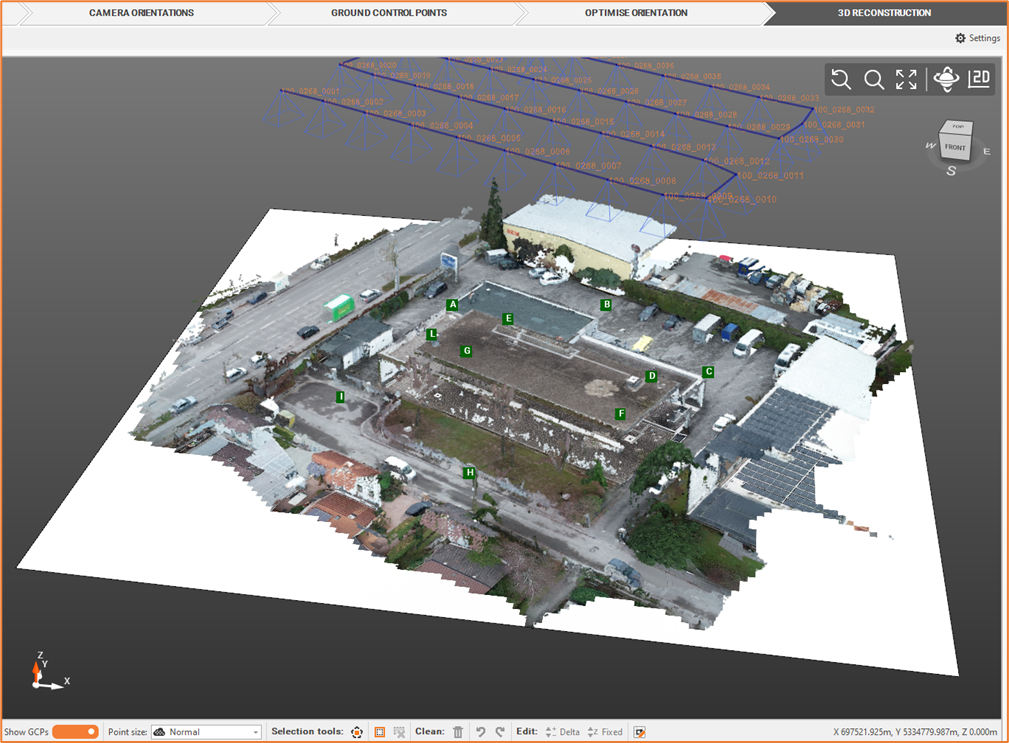
Orthophoto [Aerial]
We can create, based on dense point cloud, an orthophoto, that is an aerial photo, that is geometrically corrected from all distortions.
Select Elaborate Orthophoto

Define the Orthophoto settings.
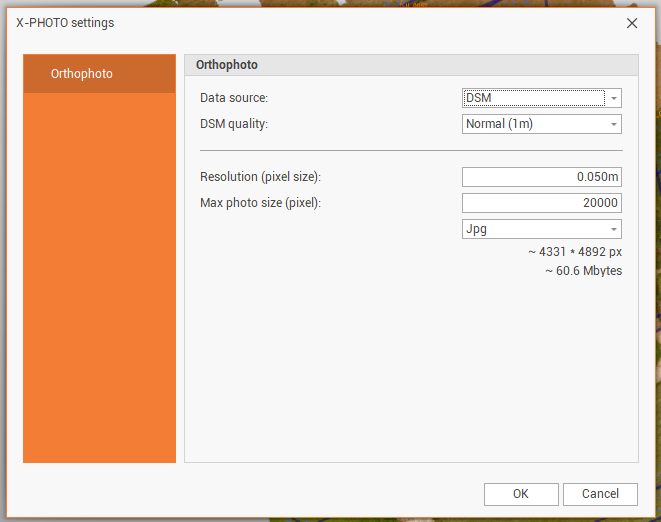
Data source: select from which source the orthophoto is created.
DSM: creates the orthophoto from a DSM. In DSM quality it is possible to select the quality of the DSM.
3D mesh: creates the orthophpoto from an existing 3D mesh.
Resolution: the resolution in pixel size of the image.
Max photo size (pixel): the maximum dimension in pixel of the image.
The orthophoto could be saved in 3different formats: JPG, PNG and GEOTIFF.
Click OK for the final output.