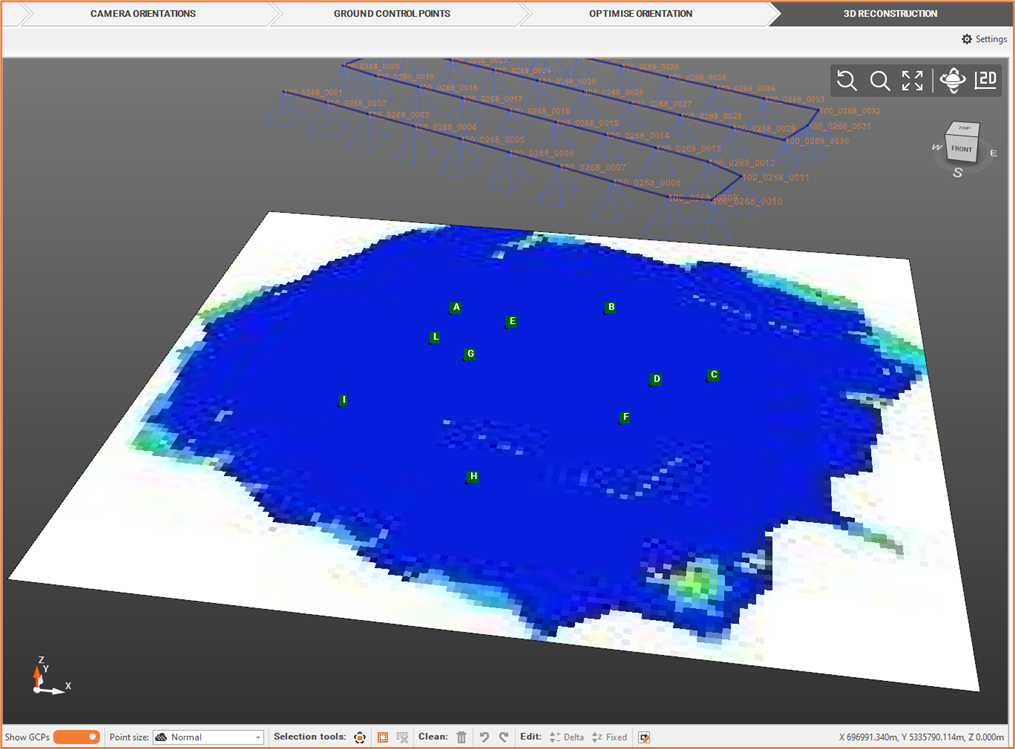
Photo overlap map [Aerial]
A photo overlap map allows to check the overlap between the photos used for the camera orientation.
From the Outputs bar, you can create an overlap map based on Dense Cloud.
Click Elaborate Photo Overlay Map
 ',
',Define the Photo overlay map settings.
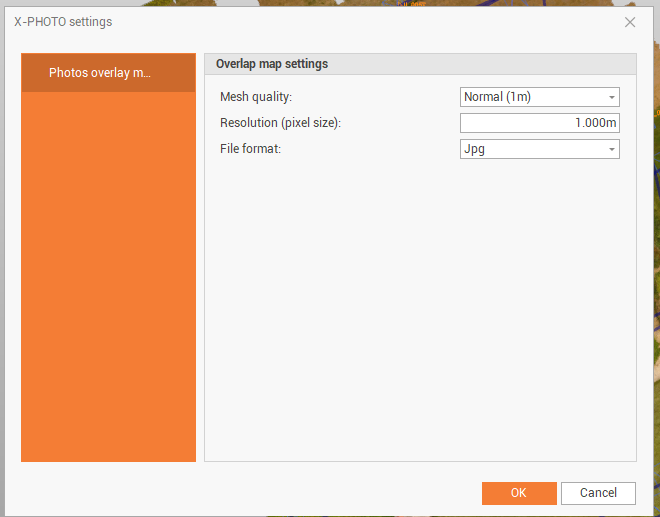
Mesh quality: the quality of the mesh.
Resolution: the resolution in pixel size. It’s possible to reduce the resolution value and increase the image size in order to increase the result.
File format: the output file format (jpg, png, geo tiff).
Click OK for the final output. The output represents the between the photos in the camera orientation.