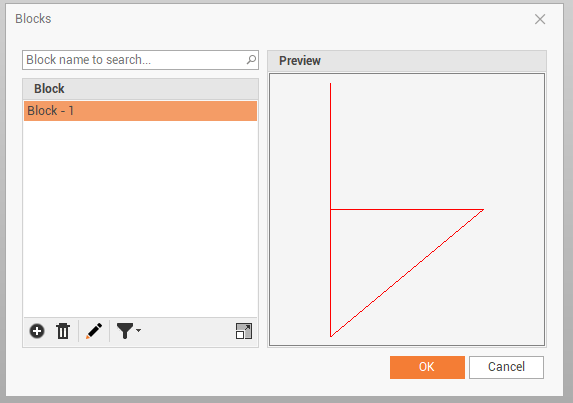
Create function allows to create a block from selected objects.
-
Click Draw.
-
Click Create.

-
The command opens a panel on the right.
-
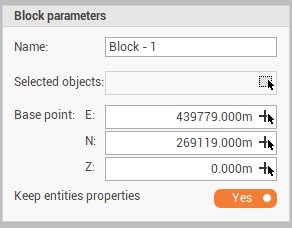
Enter the requested parameters:
-
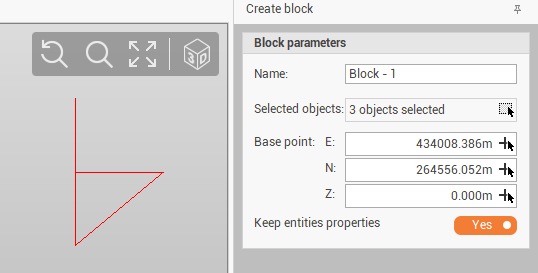
Name: the name of the block.
-
Selected objects: to select from graphic view the object we want to use to create the block.
-
Base point: the coordinates of insertion point of the block. Click on the arrow to define it on graphic view.
-
-
Click Create to create the block.
-
The block is now available in the block manager.