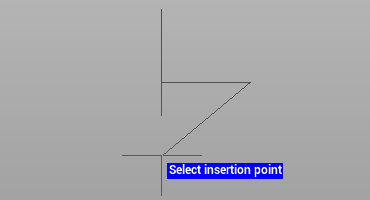
Insert function is used to insert existing block in the current drawing.
-
Click Draw.
-
Click Insert.

-
The command opens a panel on the right.
-
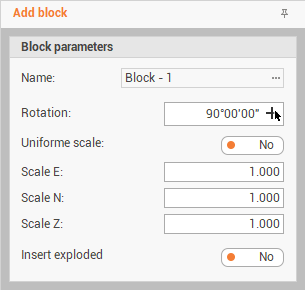
Enter the requested parameters:
-
Name: select an existing block. Here are listed the blocks available in the block manager.
-
Rotation: the angle rotation of the block. Click on the arrow to define the angle graphically in the graphic view.
-
Uniform scale: if enabled, allows to enter a scale factor to scale the block equally on all the axis. If disabled allows to define a scale factor independently for each scale.
-
Insert exploded: if enabled, insert the block exploded.
-
-
Click on the graphic area to define the block insert position.