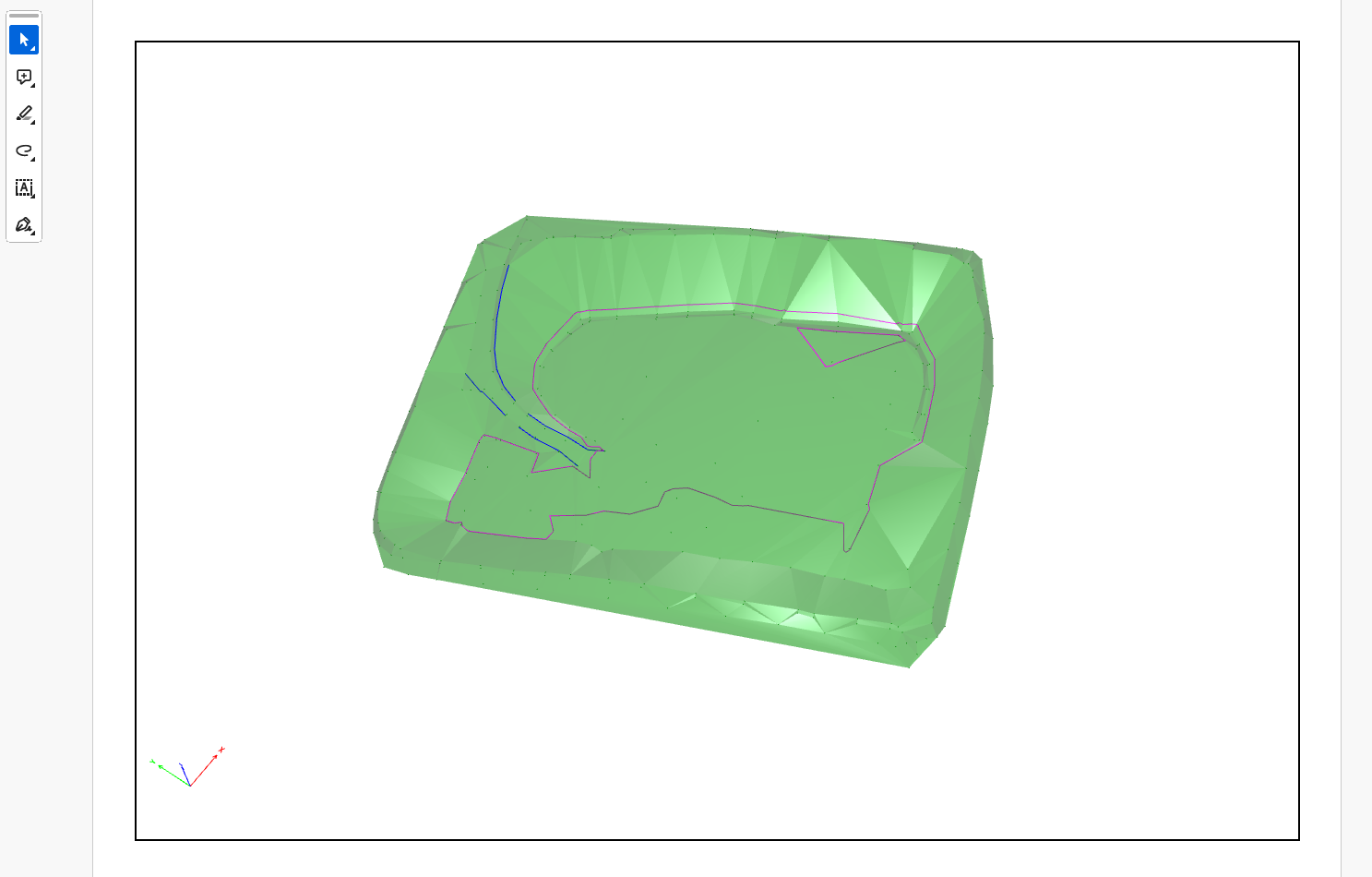
You can export survey, drawing and surfaces in PDFD format for Adobe Reader.
Drawing can be explored in 3D and measured with the tools included in Adobe Reader
-
Click File.
-
Click Create PDF3D.
-
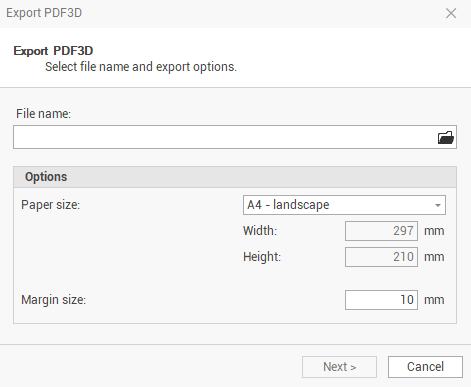
The command opens a window.
-
File name: allows to choose the name and the path where you want to save the file.
-
Paper size: the pdf paper size.
-
Margin size: the pdf paper margin.
-
-
Click Next to export the data.
-
At the end of export process, you can click Open PDF3D to directly open the pfd with Adobe Reader if available on PC.