
X-PAD Office Fusion allows to export the data in LandXML format.
-
Click File.
-
Click Create LandXML file.
-
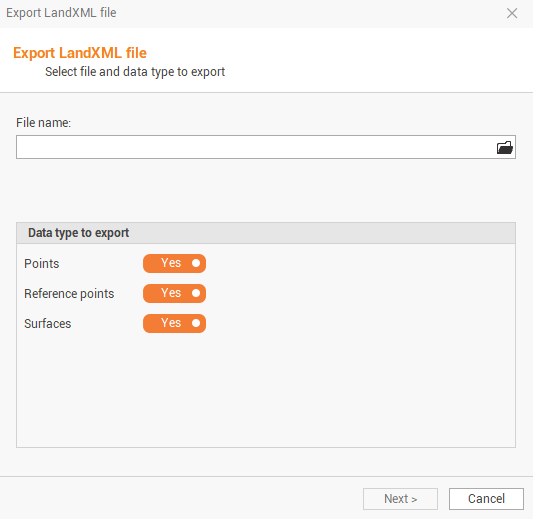
The command opens a window.
-
File name: allows to choose the name and the path where you want to save the file.
-
Points: enables/disables export of survey subproject points.
-
Reference points: enable/disable export of reference points.
-
Surfaces: enables/disables export of surface subproject data compatible with the format LandXML.
-
-
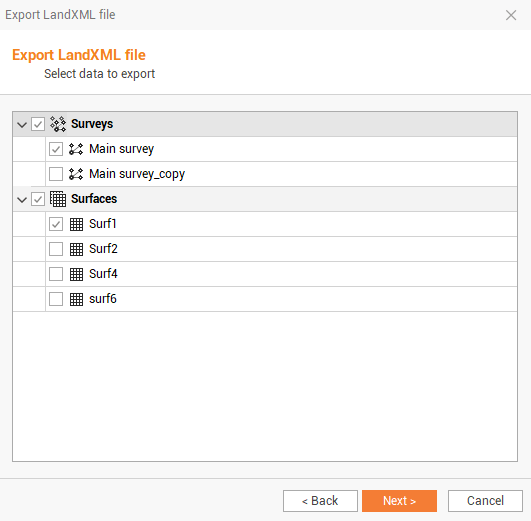
Click Next to select the subproject to export.
-
Click Next to export the data.