
Volume reports allows to generate a report of calculated volumes.
-
Click File.
-
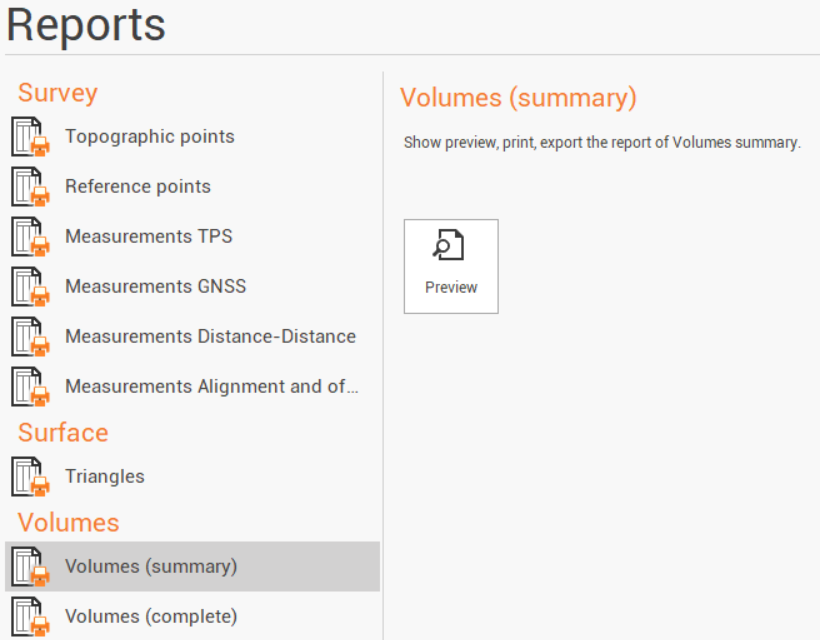
Click Reports.
-
The available reports are:
-
Volumes (summary): a report listing the main information regarding a volume calculation.
-
Volumes (complete): a report listing the main information regarding a volume calculation including the details for the calculation.
-
-
Click Preview.
-
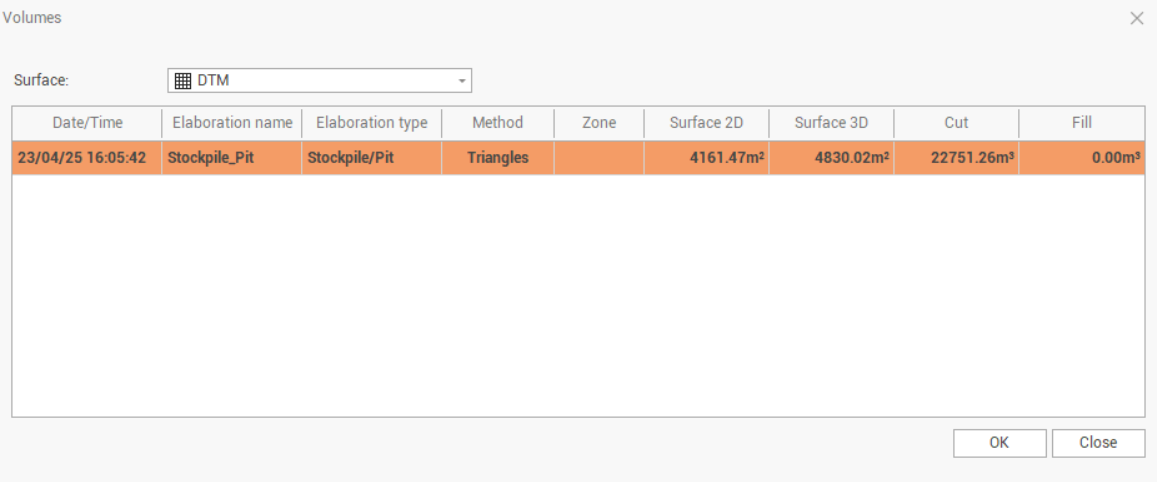
Select the volume calculation for which to generate the report.
-
Click OK to open the Report Manager to customize, save or print the final report.