
Surface reports allows to generate a report of available surfaces.
-
Click File.
-
Click Reports.
-
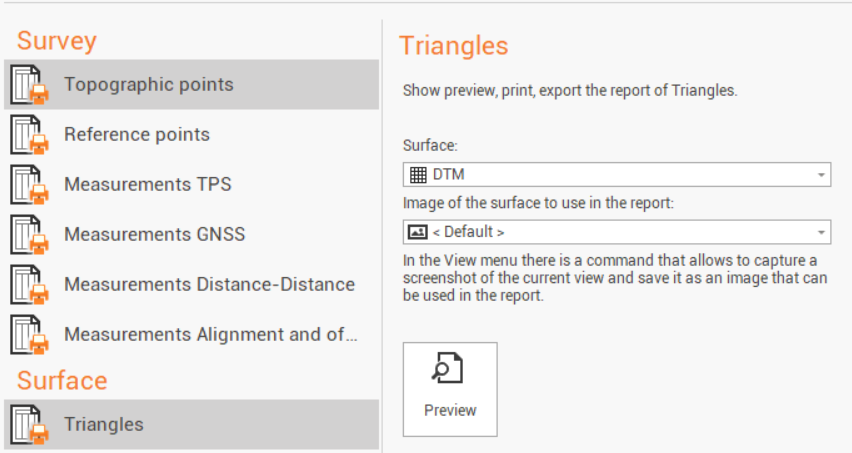
Select Triangles.
-
Select the Surface subproject to generate the report.
-
Select the image to be used in the report. The image can be the default image or it is possible to use a different image. As suggested by the software it is possible to use the function Screenshot to take a CAD screenshot to be used as image in the report.
-
Click Preview to open the Report Manager to customize, save or print the final report.