
X- PAD 365 sends notifications in case of different events:
-
License related information
-
Expiry date
-
Low disk space
-
Revision required for the hardware
-
Manual notifications sent to defined users (distribution partners) with important information related to the hardware or the software
To open the Notification Center:
-
Click X-PAD 365 icon on top-right.
-
Click Notifications.
-
This function opens a new panel on the right.
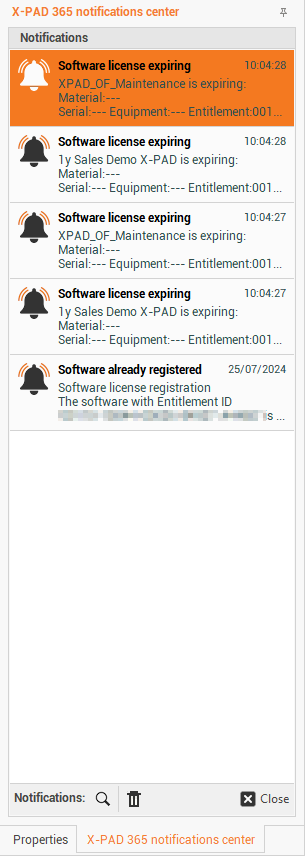
-
Double-click on a notification or click Open to open a notification.
-
Click Clear All to clear all notifications.