
Export the bathymetric sessions
 + BATHYMETRY
Data of the bathymetry sessions can be exported in ASCII format.
Click Job.
Click Export & Share.
Click Text file (ASCII).
Select Bathymetry sessions as Data to export.
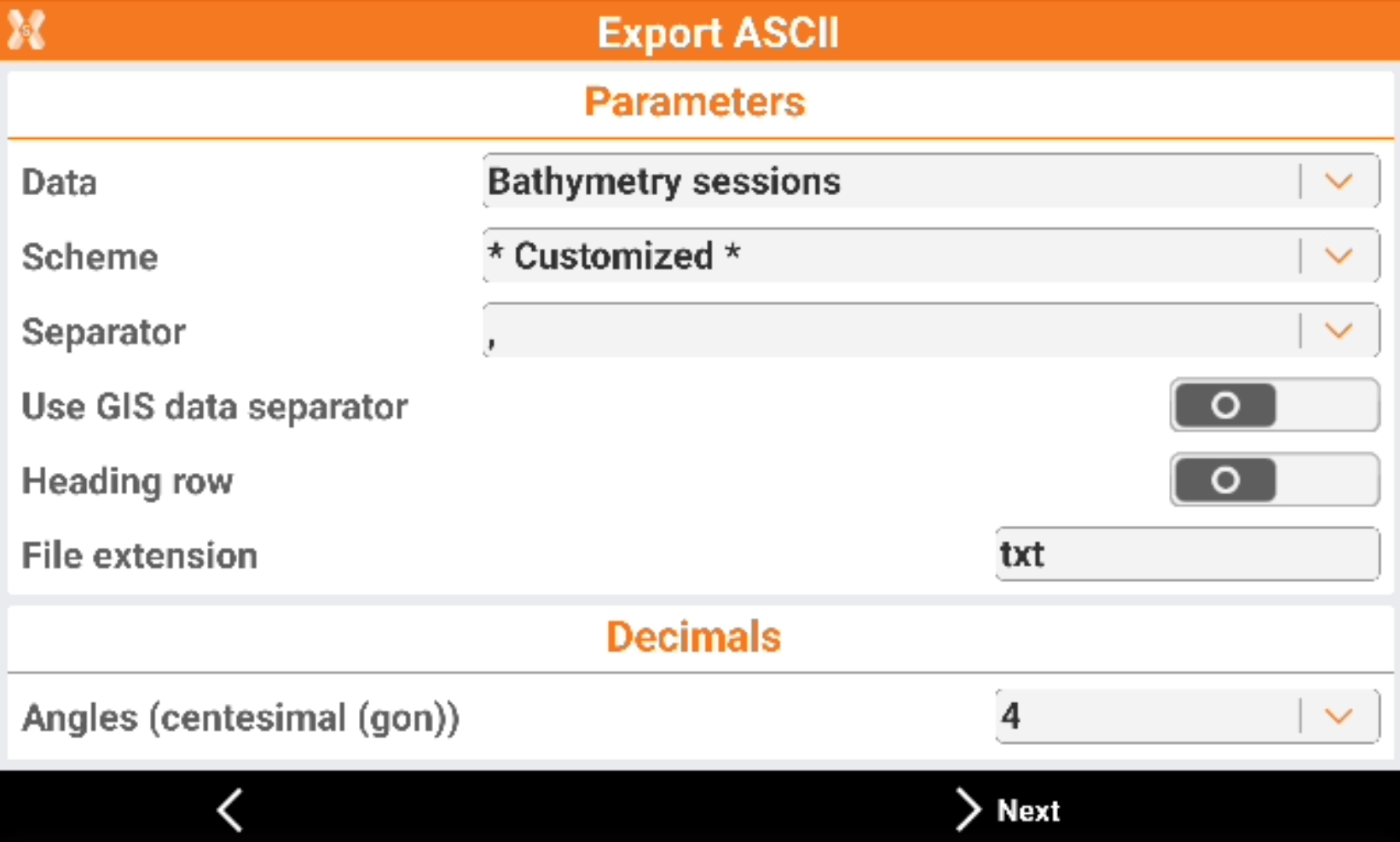
See Export ASCII for more information on ASCII export procedure.