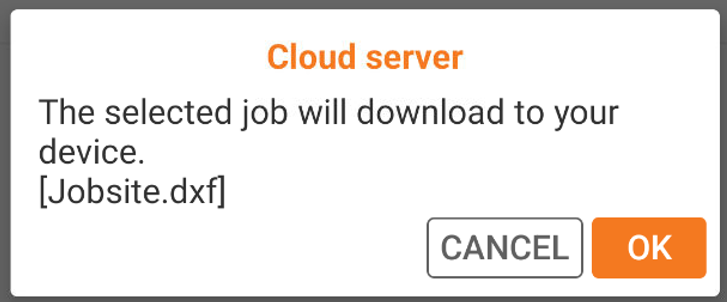
-
When importing or exporting data in Ultimate software, it is possible to select the X-PAD365 cloud storage area.
-
The X-PAD365 cloud storage is integrated in Ultimate for operations of data import and export.
Export data to X-PAD365 cloud storage
-
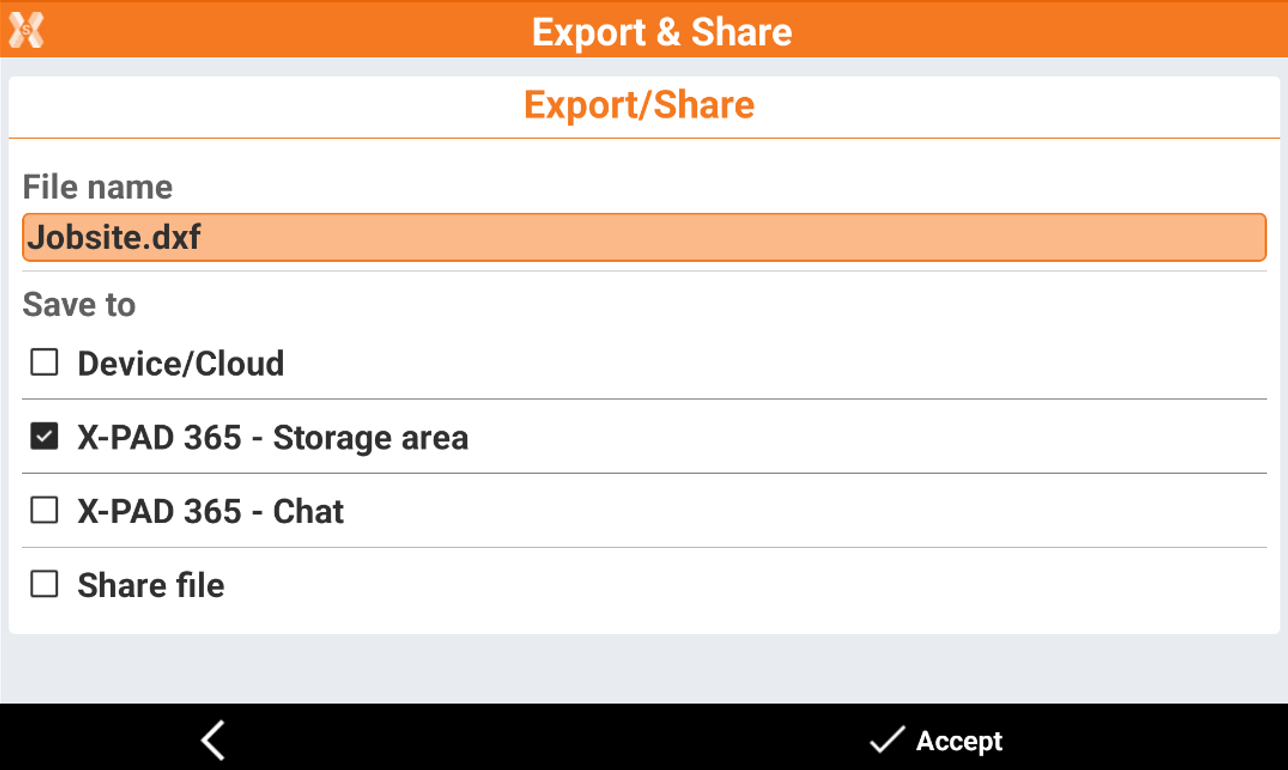
In Ultimate when you select to export a file you see this selection window.
-
Select X-PAD365 - Storage area. Click Accept.
-
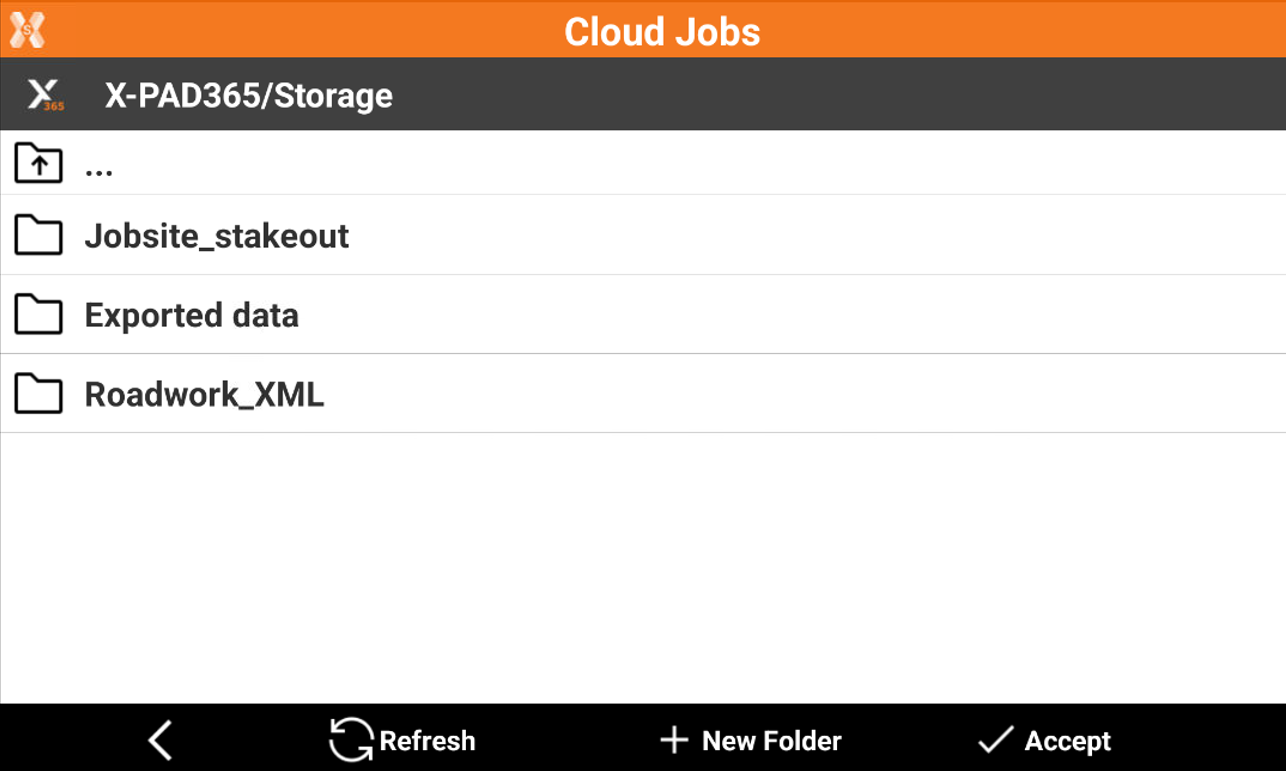
This command opens a new page where it is possible to select the folder on cloud storage where to save the file.
-
Click Accept to save the file.
Import data from X-PAD365 cloud storage
-
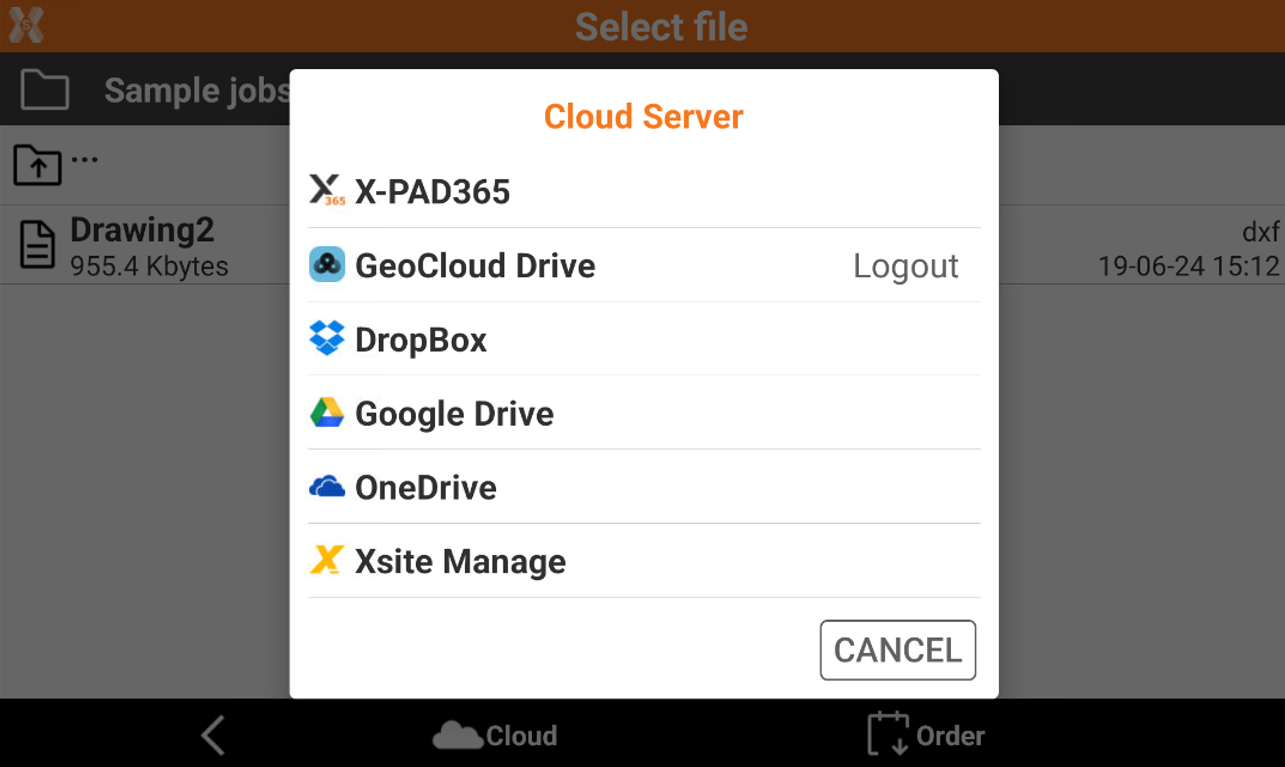
In Ultimate when you select to import a file you can click Cloud icon to open this window.
-
Select X-PAD365 to import the data from X-PAD365 cloud storage.
-
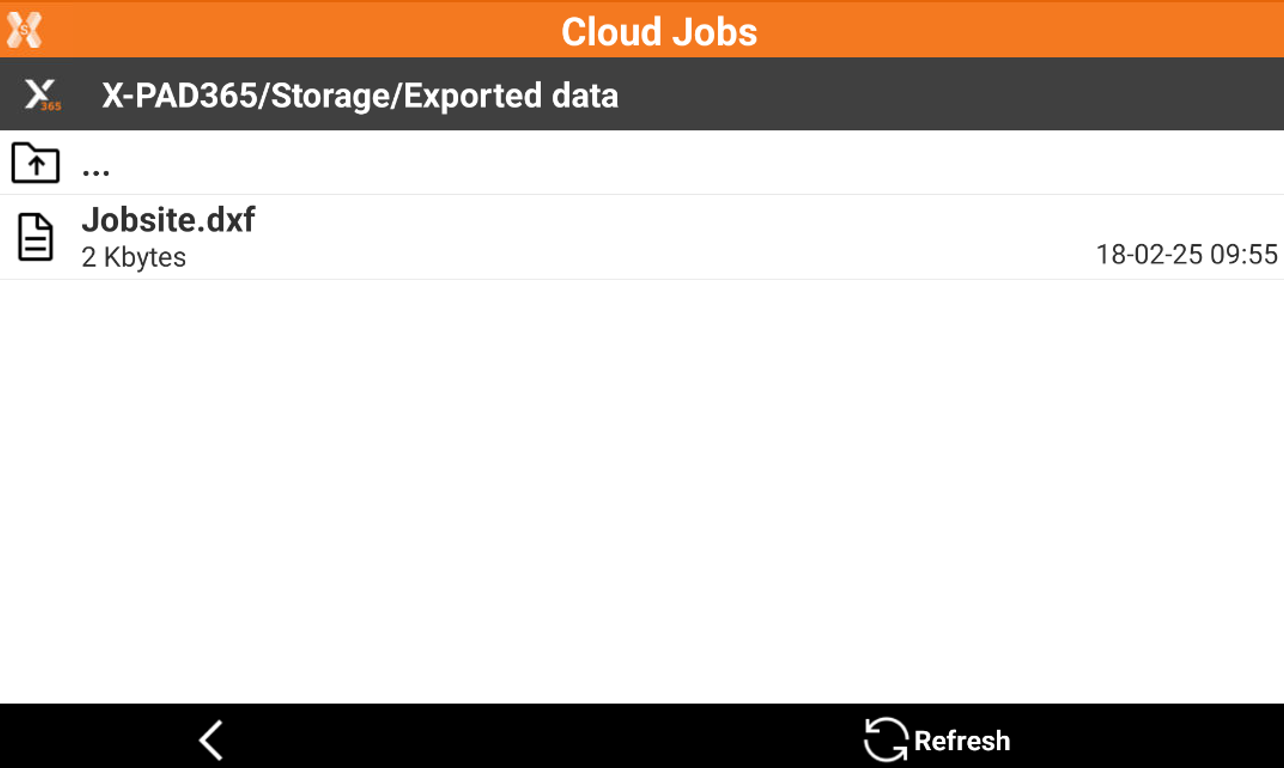
This opens a new window where you can select the file to import in the current job.
-
Select the file to import it.