
-
To load and download data to the cloud storage is possible to use a dedicated Windows application called X-PAD365 File Manager.
X-PAD365 File Manager installation
-
It is possible to download the application in different ways:
-
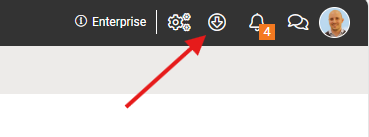
Open the File Manager from the web platform (see File manager from web platform) and download the application from this icon.
-
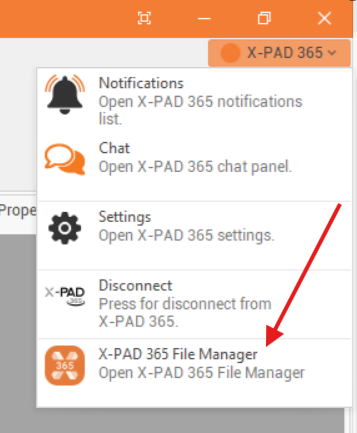
In Fusion open the X PAD365 panel and select to download the application.
X- PAD365 File Manager interface
-
Once the applicaiton is started you can login with your X- PAD365 account.
-
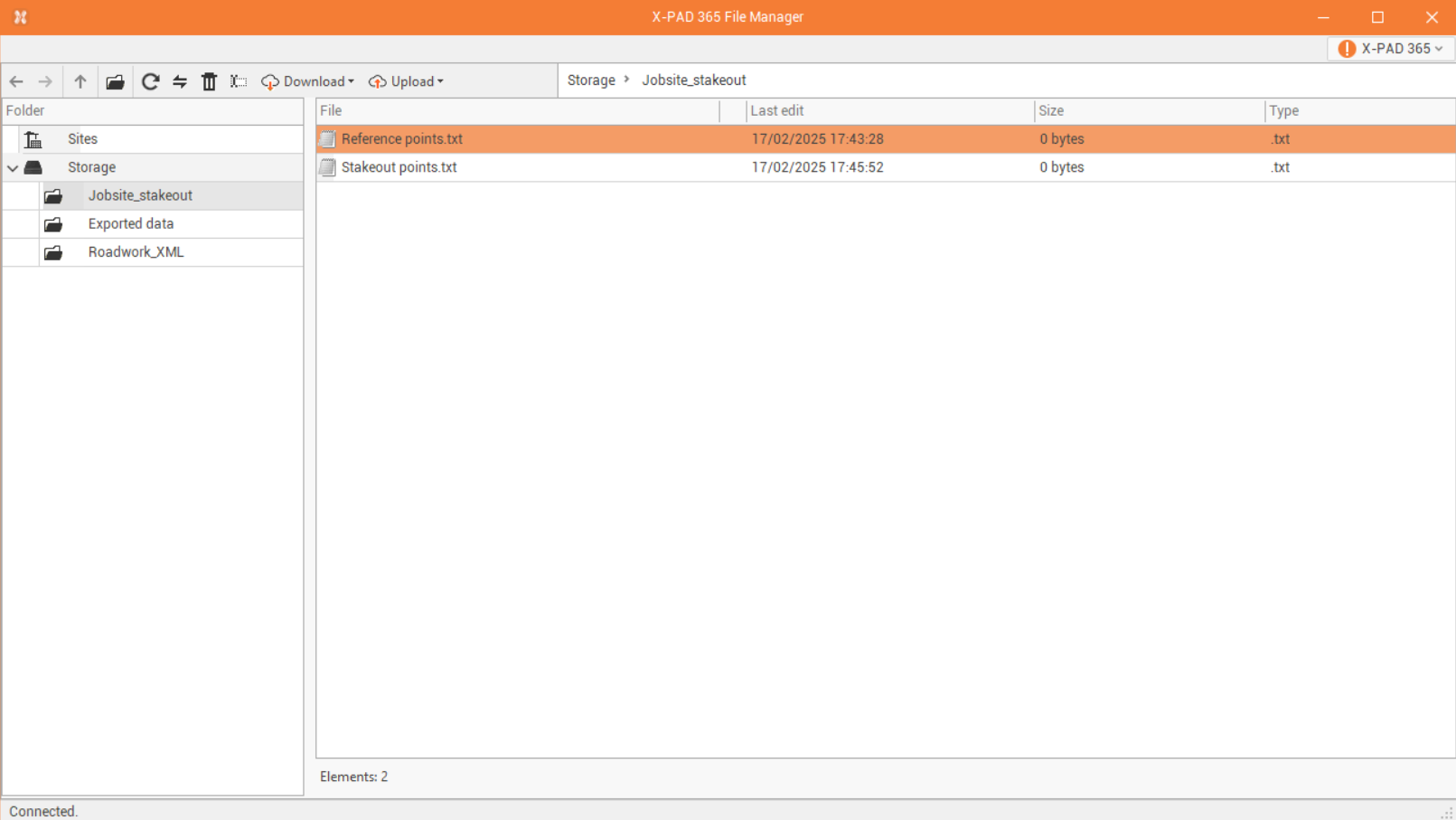
In the left panel it is possible to move between the different folders in the storage.
-
On the top-bar there are some commands to manage folders and files.
-
Previous

-
Next

-
Up

-
New folder

-
Refresh

-
Sync

-
Delete

-
Rename

-
Download

-
Upload

-