-
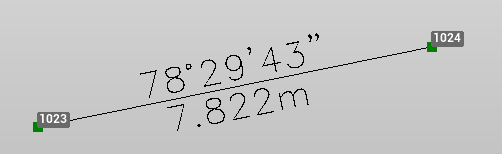
Use the command Objects to create labels on selected objects (lines, segments, arcs) with information according to the selected label style.
-
Click Draw.
-
Click Objects.

-
The command opens a panel on the right.
-
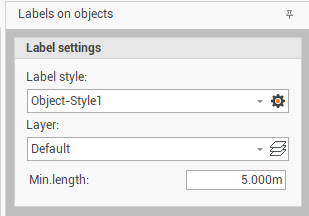
Change the settings in the Label settings panel:
-
Label style: to select the style from the drop-down menu. Click on the gear icon to open the style settings.
-
Layer: to select on which layer create the label.
-
Minimum length: the object minimum length. If the object has a lenght smaller than defined value, the label is not created.
-
-
Click on an object or select multi objects to create the labels.