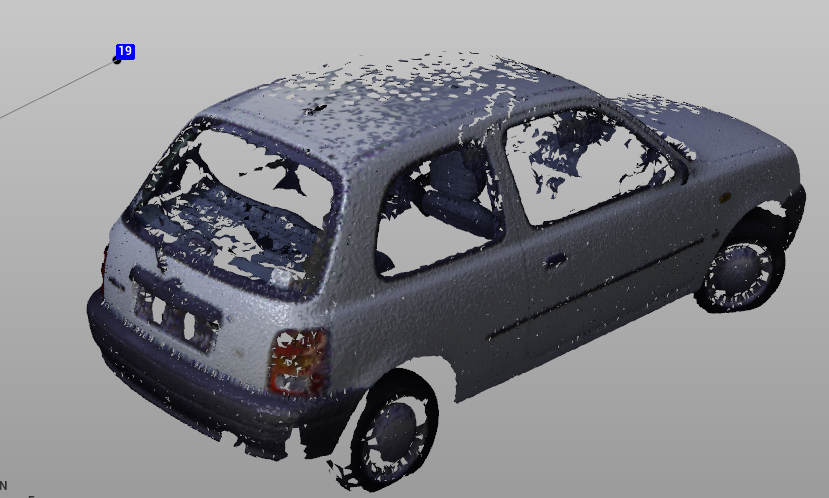
Creates a 3D mesh from points clouds. It can be used on a limited set of points to create a 3D surface of any shape.
The maximum number of points that can be used to generate the surface is 100.000; if the number of selected points overpass the limit they will be decimated.
-
Click Cloud.
-
Use the commands to select the points to be used to generate the mesh.
-
Click 3D mesh.

-
This opens a new panel on the right.
-
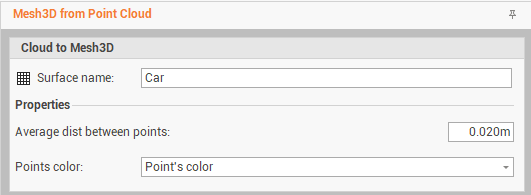
Surface name: the name of the generated mesh.
-
Average dist between points: the average distance between the points to consider to generate the mesh.
-
Points color: how the mesh is colored.
-
-
Confirm to create the 3D mesh.