
-
The Screenshot command is used to save the current view as an image file.
-
Click View.
-
Click Screenshot.

-
Define the screenshot size by entering the image size or the pixel dimensions.
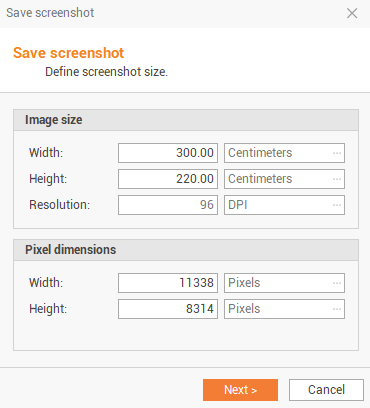
-
Click Next.
-
Select the destination folder where to save the screenshot.
-
The screenshot is stored in the selected folder.